


P: Photoshop stops showing distance on canvas between objects with Adjustment Layers
I'm on macOS 26.1 and Photoshop 27.1, but this bug has been around forever, across multiple macs.
And I have finally had enough of it.
Here's how I can 100% reproduce it on my machine:
1. Create a new document with a solid background
2. Press U and draw a rectangle
Now there are 2 layers
3. Press V to select the move tool
4. Hold down the ⌘ key and hover around that rectangle
Photoshop tells me distances just fine
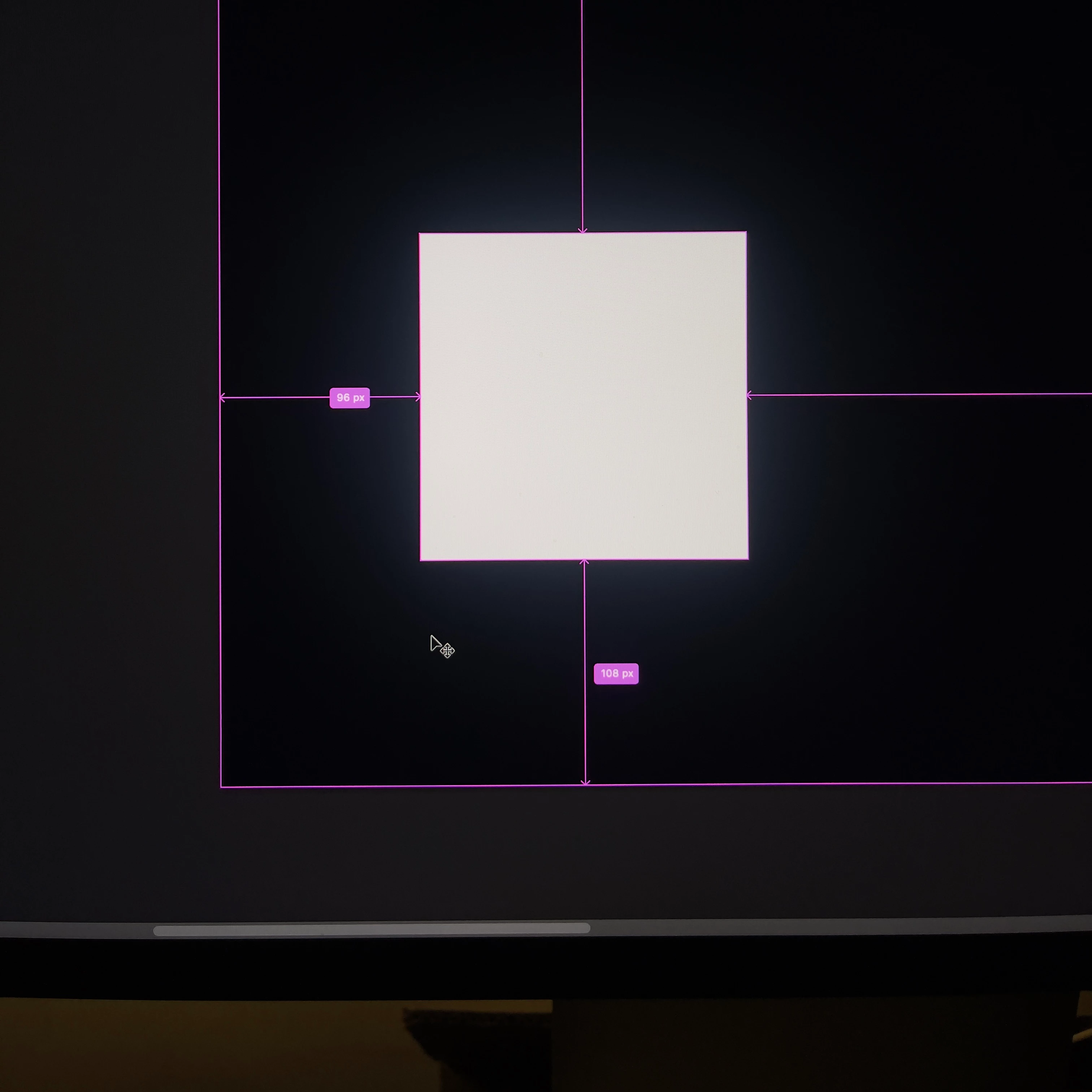
5. Create a solid color adjustment layer, and move it to the middle
6. Hold down the ⌘ key and hover around again
Photoshop does not show distances
7. Hide that solid color layer, and it works
------
Here's a screen recording.
It was impossible to include modifier key strokes in the recording.
But fortunately, with the move tool selected, the 'Auto Select' checkbox in the top left corner responds when you hold down ⌘.
So it serves as an indicator here.
The solid color adjustment layer is not the only trigger.
Sometimes it's a curves adj layer or an HSL.
I run into this bug on projects that don't have any solid color adj layers.
Here's another example, with curves. But I was unable to reproduce it with a curves adjustment layer.
------
Please do not tell me to reset preferences or try with a new user profile. 🙏🙏🙏
 AdChoices