


Participant
November 20, 2022

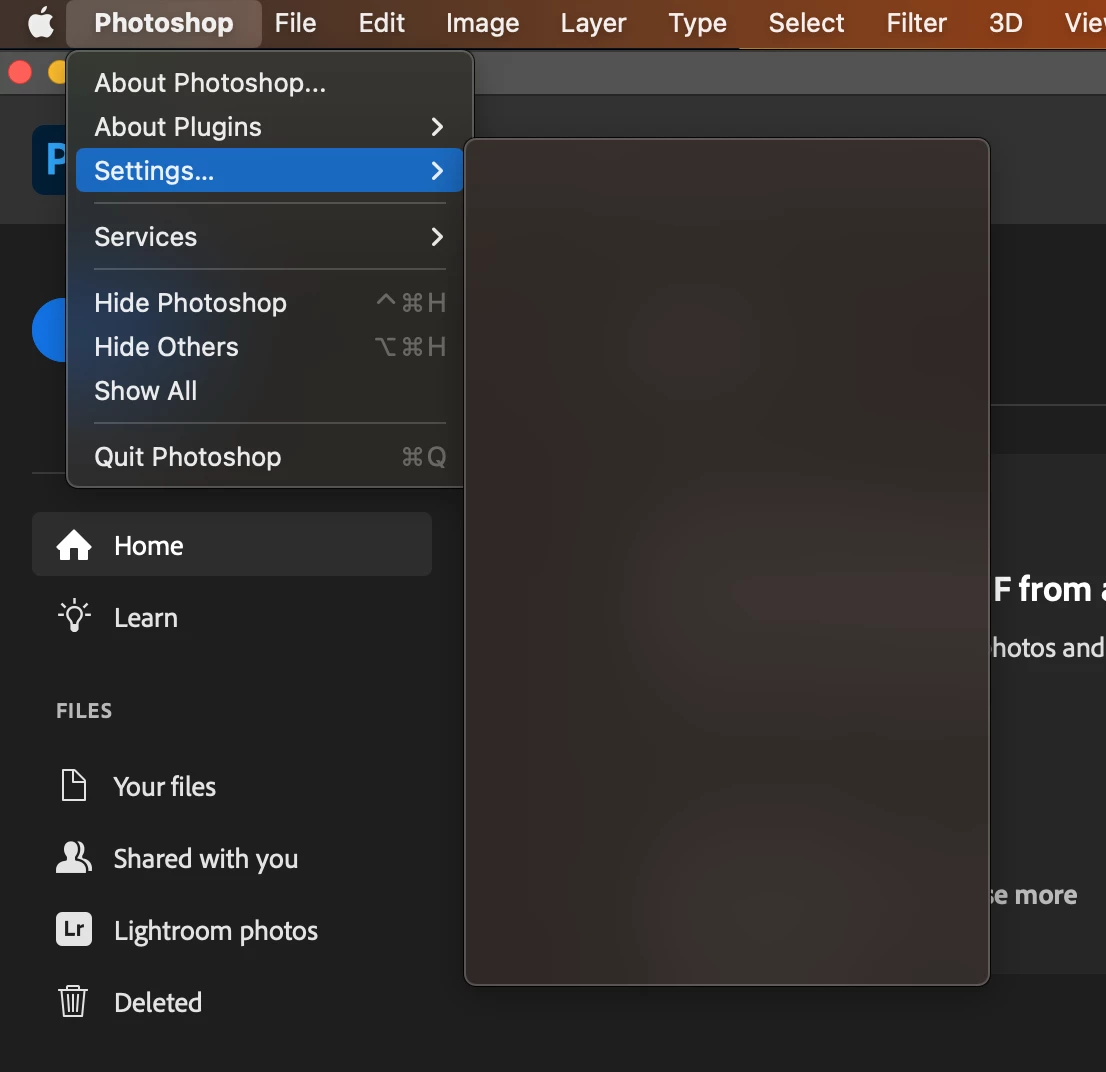
P: Preferences Menu is blank on macOS 13.1 Beta 3

  • November 20, 2022
  • 13 replies
  • 1743 views

Hi, since the last update 4 days ago. When clicking Photoshop->Setting the menu is blank.

I need to change my settings. Anyone else have the same problem?

I have done all the usual rebooting, checking for updates ect.

MacOS, MacBook Pro, 16GB memory ect...


Many thanks in advance.


This topic has been closed for replies.

13 replies

Kevin Stohlmeyer
Community Expert
Community Expert
November 28, 2022

Try resetting your preferences:

Hold Shift+Ctrl+Cmd+Opt when launching PS (hold before launching and until the pop up asking to reset appears)

PECourtejoie
Community Expert
Community Expert
November 28, 2022

Hi, does it work once a file is opened?  It is supposed to be Preferences...

Participating Frequently
November 20, 2022

V24.0.1 Bug on MAC M1 Pro

CMD K loads the preferences dialogue box, BUT the menu item is empty in the main tool bar. See the attached image.

I have reset the preferences by deleting them but the bug is persistent 😞


Any help please?

TheDigitalDog
Inspiring
November 20, 2022

VERY odd; there is no such menu option on my (latest) version of PS, running on Mac. And there shouldn't be. 

Command K opens the actual preferences. 

Try uninstalling then reinstalling Photoshop using Adobe Creative Cloud and when asked, do not keep preferences. Better? 

Author “Color Management for Photographers" & "Photoshop CC Color Management/pluralsight"