


dimitara46971337
Participating Frequently
October 20, 2020

P: Program error while opening or creating new document after update

  • October 20, 2020
  • 37 replies
  • 2148 views
Hi,
 
Photoshop just upgraded to 2021 version. When trying to open an image or close the program, I get the following error:
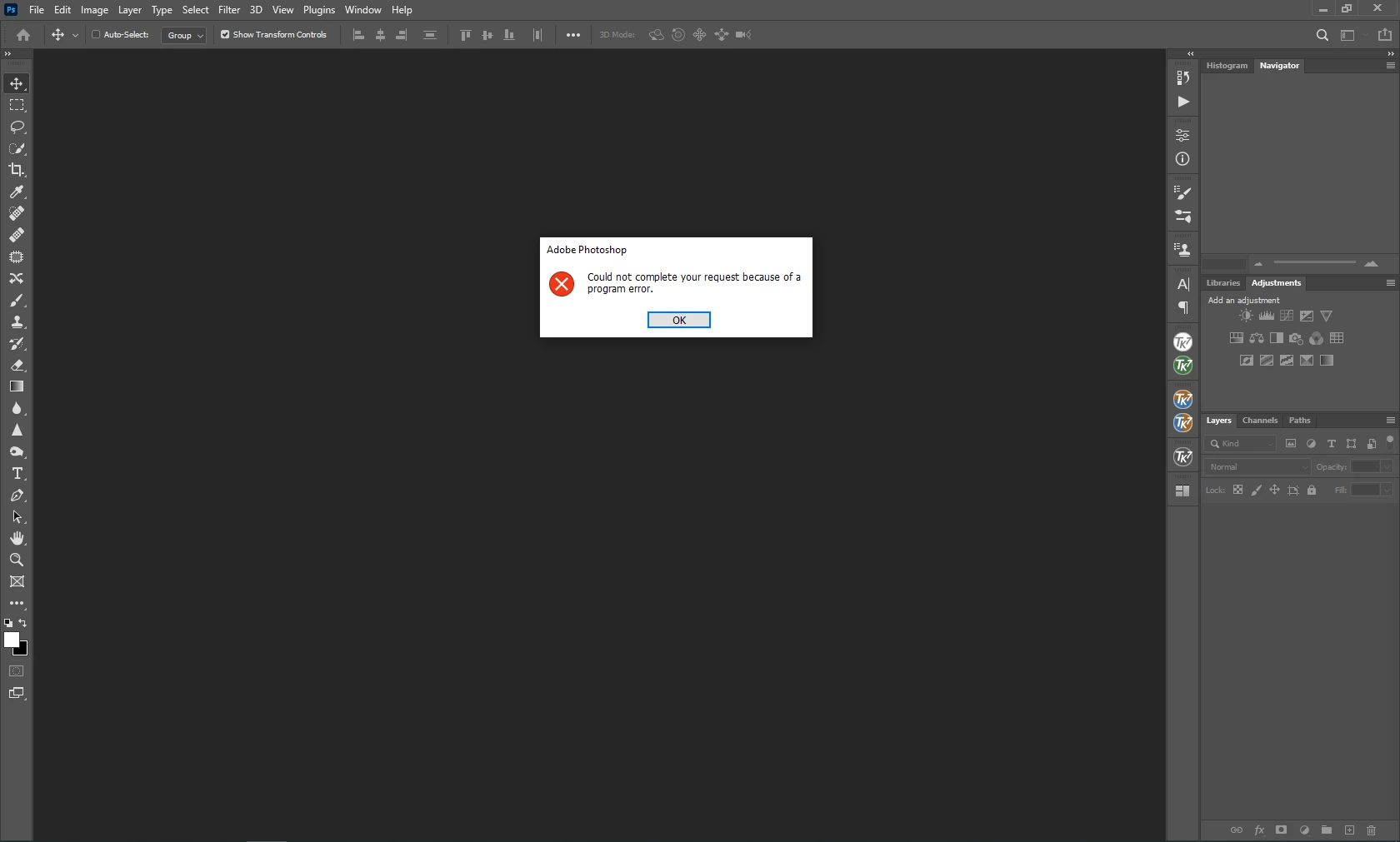
 

The OS is Win 64.


Best regards,

Dimitar


{Moderator Note: Edited the thread title}

This topic has been closed for replies.

37 replies

Participating Frequently
October 23, 2020

Regarding drivers I have downloaded the latest Nvidia driver for enterprises on the K2000D which didn't make a difference. It still causes photoshop to crash. The intel driver for the on board Intel graphics processor I haven't upgraded for some time, but it's not supported anyway. 

Participating Frequently
October 23, 2020

I just got it for almost nothing and previously used the Intel graphics built-in to the processor. 

The Quadro K2000D was fine for my uses, so it would be quite annoying if it wouldn't work. 

Legend
October 23, 2020

Also, the benchmark for the Quadro K2000D is ~700. Your best bet would be to throw a new card in the machine. There are lots of great newer cards that score over well over 2000 and are very affordable. 

Legend
October 23, 2020

@74350_bo You have a few things going on. You have two cards:

nativegpu[0].NativeName="4089:NVIDIA Quadro K2000D"

and 

glgpu[0].GLName="Intel(R) HD Graphics 4000"

And it looks like you're using an old version of the Intel driver for both cards:

glgpu[0].GLDriverDate="20171211000000.000000-000"

See all the steps here including step 7 to deal with system with more than one card: https://helpx.adobe.com/photoshop/kb/troubleshoot-gpu-graphics-card.html#GPUandgraphicsdrivertroubleshootingsteps

Inspiring
October 23, 2020

Have you tried updating your drivers and then following the troubleshooting steps?

From your system info

glgpu[0].GLDriverVersion="10.18.10.4885"

Looked up your GPU. It appears Intel has deprecated this hardware but there are updated drivers. 

https://www.intel.com/content/www/us/en/support/articles/000005733/graphics.html

Troubleshooting steps

https://helpx.adobe.com/photoshop/kb/known-issues.html#ProgramErroropeningfiles

Legend
October 23, 2020

@Lumigraphics looks like your driver is super old.


glgpu[0].GLDriverDate="20150814000000.000000-000"


Have you tried updating that prior to trying all the trouble shooting steps?


https://helpx.adobe.com/photoshop/kb/known-issues.html#ProgramErroropeningfiles


Participating Frequently
October 23, 2020

Inspiring
October 22, 2020

I am having the same problem as stated in the above comments . I turned off the graphics and it works fine. Went into Windows 10 and it said my card was current. Turned it back on on PS and it crashed. How do I revert to a previous edition on CC

Inspiring
October 22, 2020

Yup, I found myself in the same boat. Work computer that upgraded Photoshop and I spent the better part of this morning finding out it no longer supports Adobe upgrades. So, now we spend $50 a month just to keep older versions active without benefit of application upgrades...not without going through hardware expenditures as well.

Nice.

Legend
October 22, 2020

This is a work computer and they aren't likely to buy me anything newer. It would be nice if an update fixed this.

At home I have a 2012 Mac mini with integrated Intel HD4000 and that works fine even with Graphics Acceleration on and set to Advanced, under Mojave.