

Participant
April 3, 2026

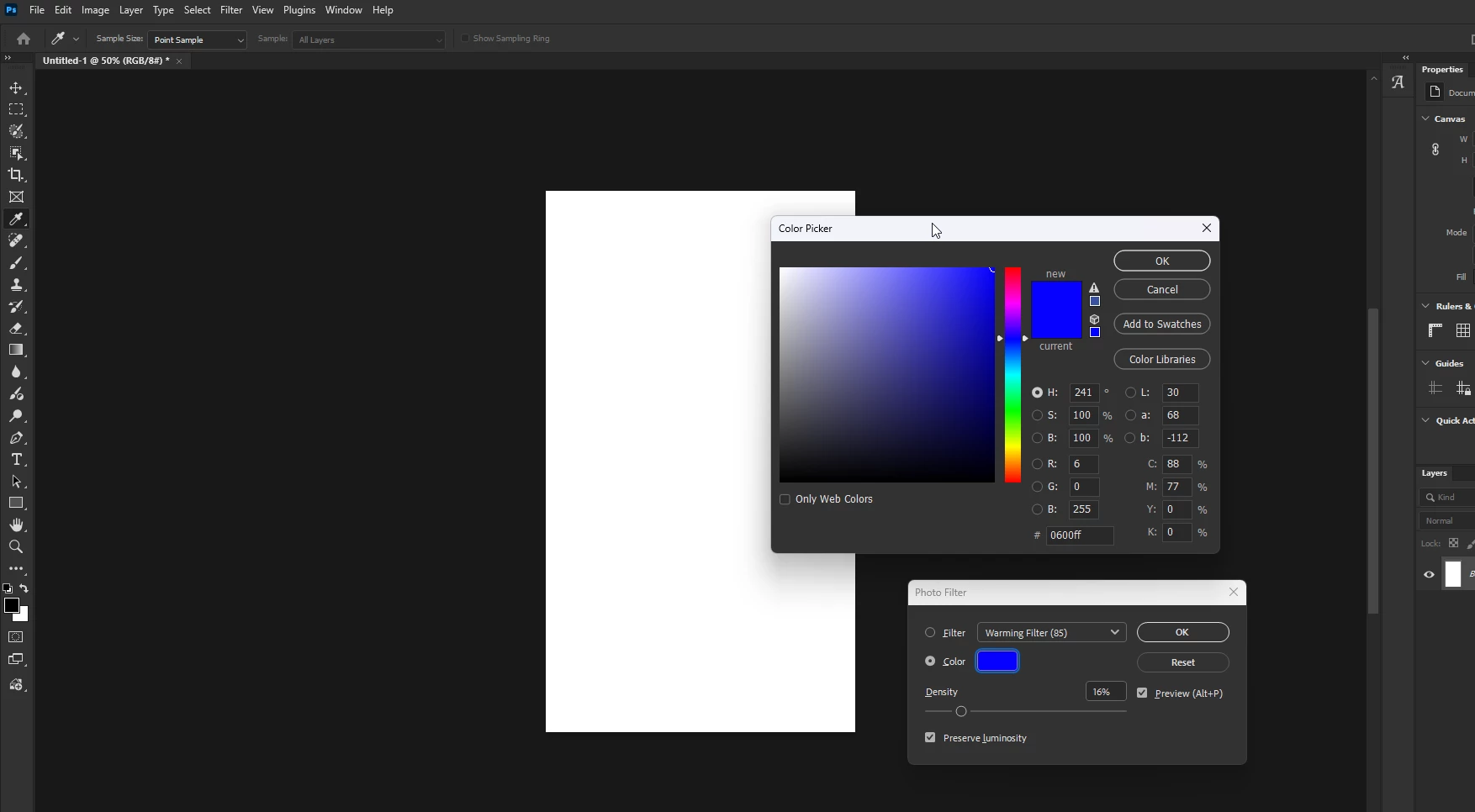
P: PS 27.5/Beta Image > Adjustment > PhotoFilter's Color picker dialog does not close with the Enter key
  • April 3, 2026
  • 3 replies
  • 76 views

In PhotoFilter, the color dialog doesn’t close when hit Enter. Escape works fine.
Photoshop 27.5/Beta 27.6.!--startfragment>

3 replies

v_5741Author
Participant
April 3, 2026

@Sameer K , ​@Ged_Traynor ,thank you for your replies.!--endfragment>!--startfragment>

after unchecking modern [modem or modern] user interface everything works fine!--endfragment>!--startfragment>

-- Pressing Enter does not close the dialog.--
Adjust\Exposure
    * set black point (any other point also)
Adjust\Hue Saturation
    * set sample 
Adjust\PhotoFilter
Adjust\Black& White\ Tint


tnQ

Sameer K
Community Manager
Community Manager
April 3, 2026

Hey, @v_5741. Welcome to the Photoshop Community. Thanks for the feedback and for pointing out the behavior. I see this on macOS, too. I’ve highlighted the issue in the Image > Photo Filter's Color Picker panel for the team's review. 


For now, go to Edit > Preferences > Technology Previews, uncheck Enable Modern User Interface, and restart Photoshop once.


Thanks!
Sameer K
(Type '@' and type my name to mention me when you reply)

Ged_Traynor
Community Expert
Community Expert
April 3, 2026

@Sameer K same thing happens with image > adjustment > black and white, with tint enabled and the color picker opened

Sameer K
Community Manager
Community Manager
April 3, 2026

Thanks for adding this. I’ve added your comment to the ticket. 

Ged_Traynor
Community Expert
Community Expert
April 3, 2026

@v_5741 I can reproduce this on my PC, with Photoshop version 27.5 on Windows 11, it works via the adjustment panel though

As a workaround you can disable this option in the preferences