


Released
P: Refine Edge View hotkey W doesn't work (Mac Yosemite)
Hello, after installing Yosemite on my iMac 27 I faced an issue:
When I use Refine Edge in Photoshop CC 2014, I try to change the view using hotkeys, all keys are working (M, V, B, K, L, R, F) except for W. When I press W error sound sounds and nothing happens. Looks like there is a conflict of this key with the Mac OS X Yosemite.
Do you know this problem?
Do you know how to fix this problem? 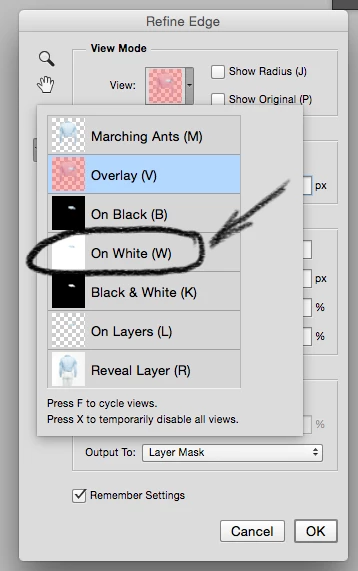
 AdChoices