


Released
P: Resize Image During Place not working anymore
With this new release, this feature is not working anymore.
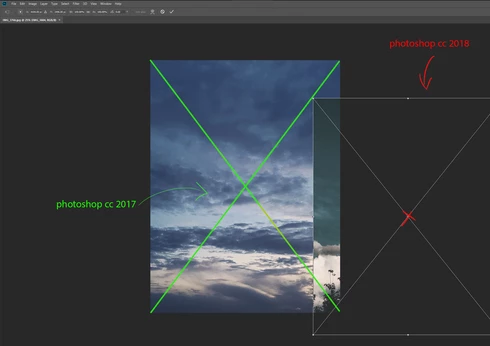
In Photoshop CC 2017 I was able to drag/drop a new image into Photoshop and it was scaled correctly over the same size of the document I was working on.
Now it places it randomly on the screen and I have to manually resize it to fit the respective document.
I've tried enabling/disabling this from the Preferences menu (General), restarting Photoshop, restarting computer, reinstalling Photoshop CC 2018. No luck.
Did anyone else encounter this bug?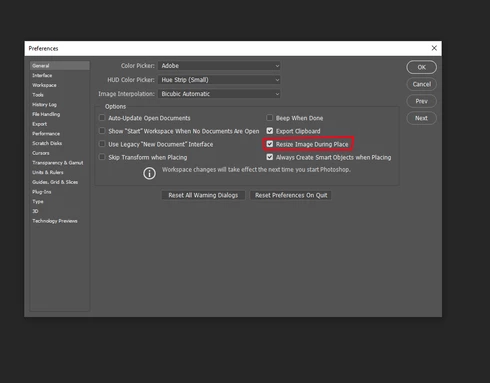
 AdChoices