


Inspiring
March 18, 2020

P: Save for Web - Unknown Operating Error with # in the file name (macOS)

  • March 18, 2020
  • 5 replies
  • 711 views

Hi
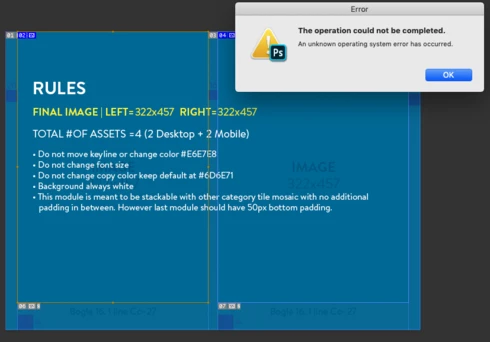
Im having an issue, where in Photoshop 2020 (macOS Mojave 10.14.6) Save For Web is not working for certain files with slices (or nested smart objects).
Ive tried different approaches and somehow couldt find a solution to this, unless have 2 options of Photoshop installed (2019 works fine)
please advise what this could be (my co-workers are having same issue)
This topic has been closed for replies.

5 replies

Legend
December 23, 2020

This should be fixed in 22.1 or later.

Inspiring
May 12, 2020


Photoshop version 21.1.2 on mac mojave 10.14.6

If I open a file which starts with an '#', I can't export it nor save it for web legacy.
Legend
March 19, 2020
Thanks for the file. I've logged an issue for engineering to look into this.
Inspiring
March 18, 2020
Thanks Tom, 
It happens when Im trying to hit Save for Web (as a short key command or from File -> Export -> Save for Web

you can find file here:
https://drive.google.com/file/d/1lKtoRlL3MAtSTeFXwX9oK6l8wKmR9gBV/view?usp=sharing 

I actually might found potential reason - we tend to have templates starting with "#####_" in filename, and sometimes place them as smart-objects in our designs. And while PS 2019 saves for web fine files with that name, but PS 2020 is having issues with it, when I renamed my file and removed "#####" it seemed to help.

But would love to find if you have better insights to this.
Thanks!
tom attix
Adobe Employee
Adobe Employee
March 18, 2020
Nadia-Can you send me a file that shows the bug? I'm not seeing the problem. Also when does the error occur? When you try open Save for Web or when you save files from Save for Web?
-Tom Attix