


Investigating
P: Saving to Cloud Docs Clarity and Dehaze adjustment effects are not reflected
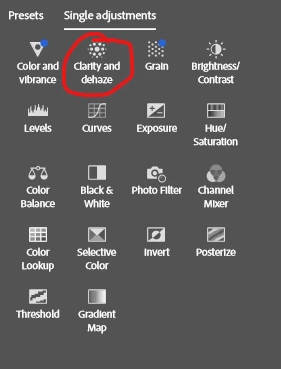
Changes to the Clarity and Dehaze adjustment effects are not reflected on the Photoshop canvas after saving.
Steps:
- Create a document (artboards are not required).
-
Put anything inside it and apply Adjustments → Clarity and Dehaze.
-
Convert everything into a single Smart Object.
-
Save it to Adobe Cloud.
-
Reopen the Smart Object, make any change, save the Smart Object, and return to the original tab.
You will see that the Clarity and Dehaze effect is no longer applied. It’s very easy to reproduce — just check it yourself
 AdChoices