



Open for Voting
P: Select and mask bug
I've seen this bug in several versions of Ps until 24.0.1 which I'm using now.
Steps to reproduce it:
- open an image and do any selection.
- clic Select and mask. change view mode to 'On black' and set a high value but not maximun to see a clear effect, like 60-80%
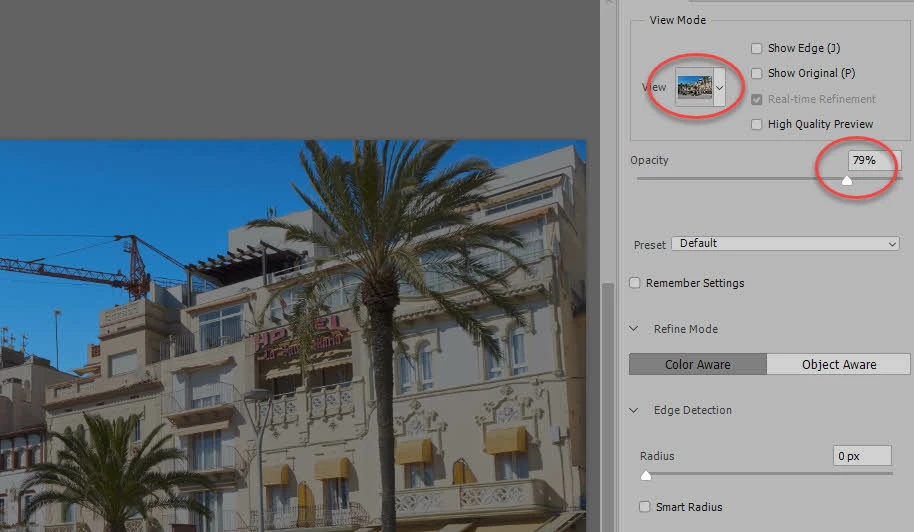
- Hit OK and close it. Close Ps because this bug is only seen the 1st time to deal with On black without touching anything.
- Open Ps, open an image and do a selection.
- Click Select and mask. If you have 'On black' selected as previously indicated, you'll see a much lighter black that you should. that's the bug.
- slightly move the slider of % and it will get the proper shade of black.
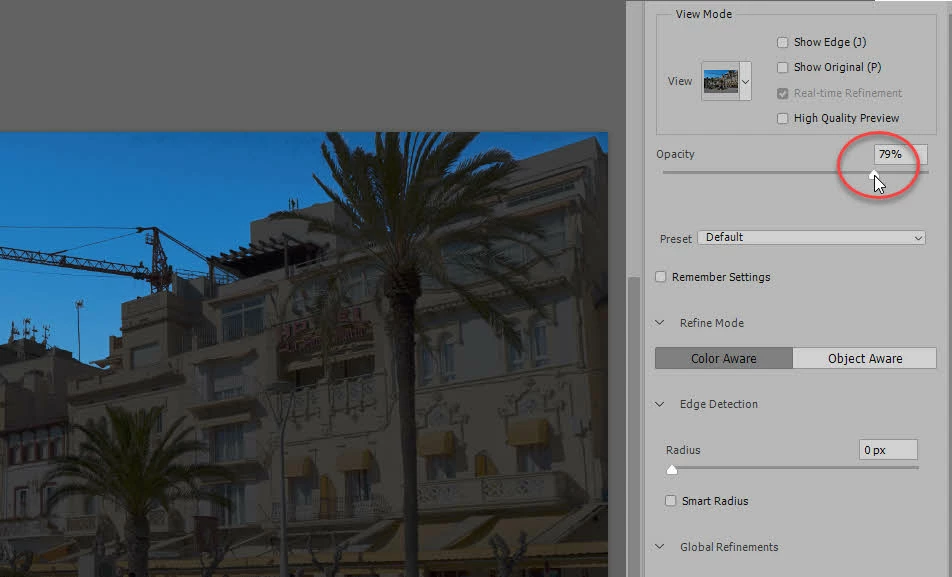
Hope this helps to fix it.
 AdChoices