


JeremiahRagsdale-J6BK8p
Participant
January 14, 2016

P: Squished image height when rescaling Library Linked Vectors

  • January 14, 2016
  • 5 replies
  • 272 views

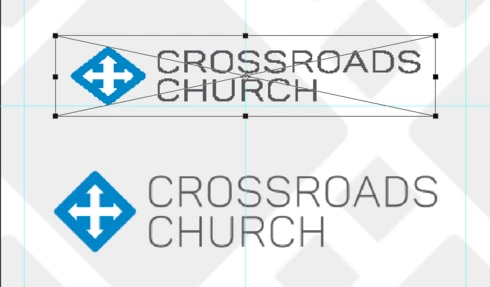
Came across a bug where if I try to rescale a library linked vector smart object, it squishes the image height, even though the bounding box still maintains the original image ratio. To make sure this is clear, the original scale when first positioning the image is fine. Only after I try to Free Transform when making further adjustments.

If I actually place the image from the library, it scales fine.

Thanks!
This topic has been closed for replies.

5 replies

Legend
June 21, 2016
JeremiahRagsdale-J6BK8p
Participant
January 14, 2016
Awesome. Thanks!
Legend
January 14, 2016
Thanks. If I place the file from disk, I see the odd behavior you describe. If I cut and paste from AI as Smart Object, then it behaves as expected. I'll log something with the team.
JeremiahRagsdale-J6BK8p
Participant
January 14, 2016
Hi Jeffrey,

Here's the public link to the .ai file: http://adobe.ly/1RQqa3k

I've narrowed it down to it occurring in any PSD, and when the AI file is added from Illustrator. If I re-add the same file through Photoshop that was originally placed from Library, the rescaling result is normal when I drag it in as a link.
Legend
January 14, 2016
Hi Jeremiah, would be able to supply a parent PSD along with the file you placed so we can try and repro? (via Creative Cloud or Dropbox?)