


P: Starting in v 23.1.1 - keeps nagging me to save to Creative Cloud
I've been paying for / using Photoshop for many years (since way back to version 3 in 1996).
I don't use the Creative Cloud for saving files, and don't want to.
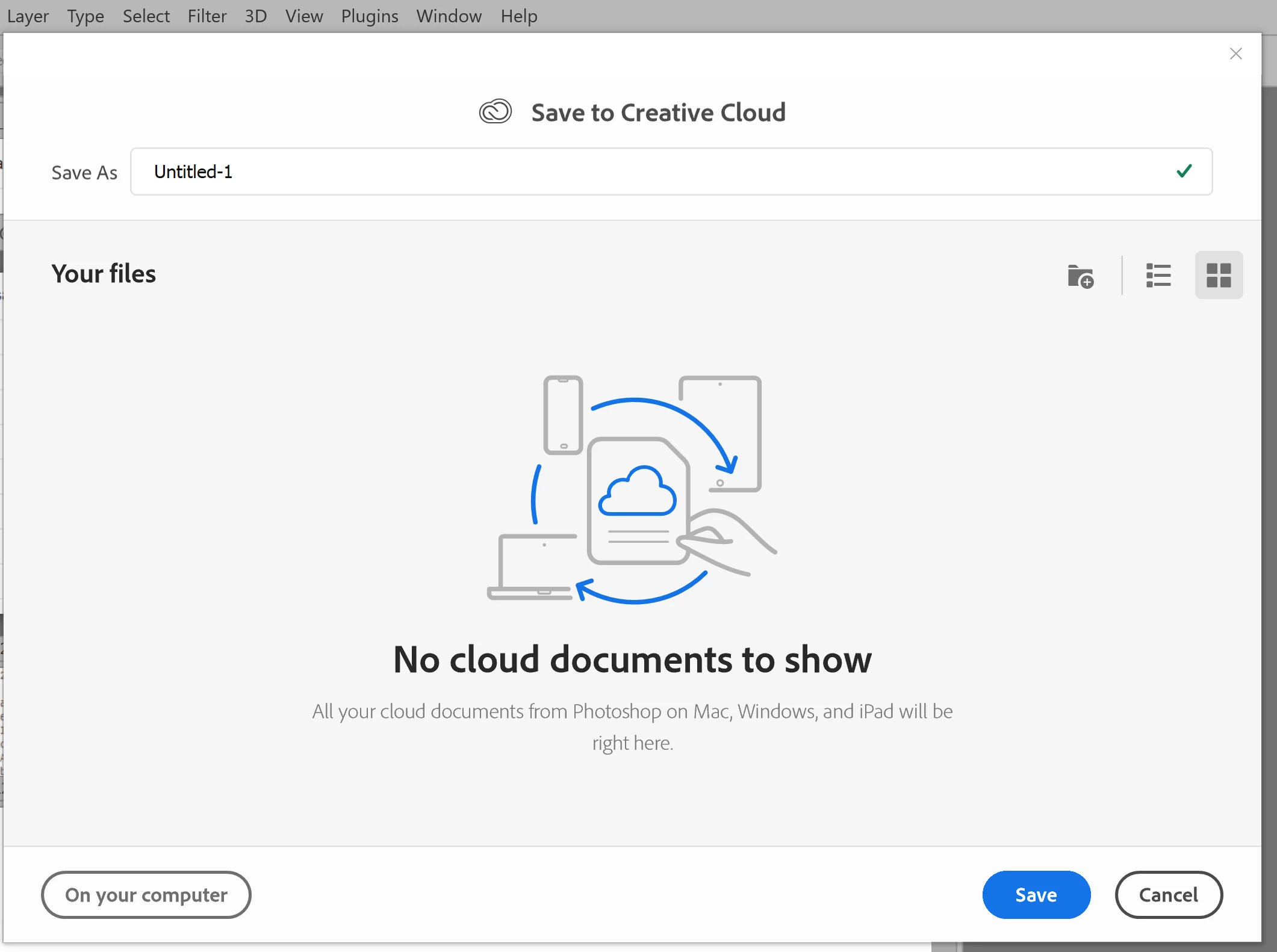
However, starting with version 23.1.1 whenever I create new file from an image I've copied to the PC's clipboard and then paste it into the blank PSD and Save, it now prompts me to save the file to the Creative Cloud.
The first time it popped-up (today) I made sure to put a check mark in the "Dont Show Again" box and chose "Save to your computer".
Yet it's still popping-up the "Save to Creative Cloud" prompt every time and still forcing me to make the extra step of choosing "On your computer" , every time. (Screenshot attached).
This is insanely annoying.
At first I thought hmmm... OK maybe just a glitch, so I shut down PhotoShop and restarted my PC. Problem still happens. I can't seem to find any way to change it in the settings.
Has anyone else encountering this bug? Know of a solution?
Many thanks for any input!
 AdChoices