Jqqerry
Inspiring
June 14, 2022

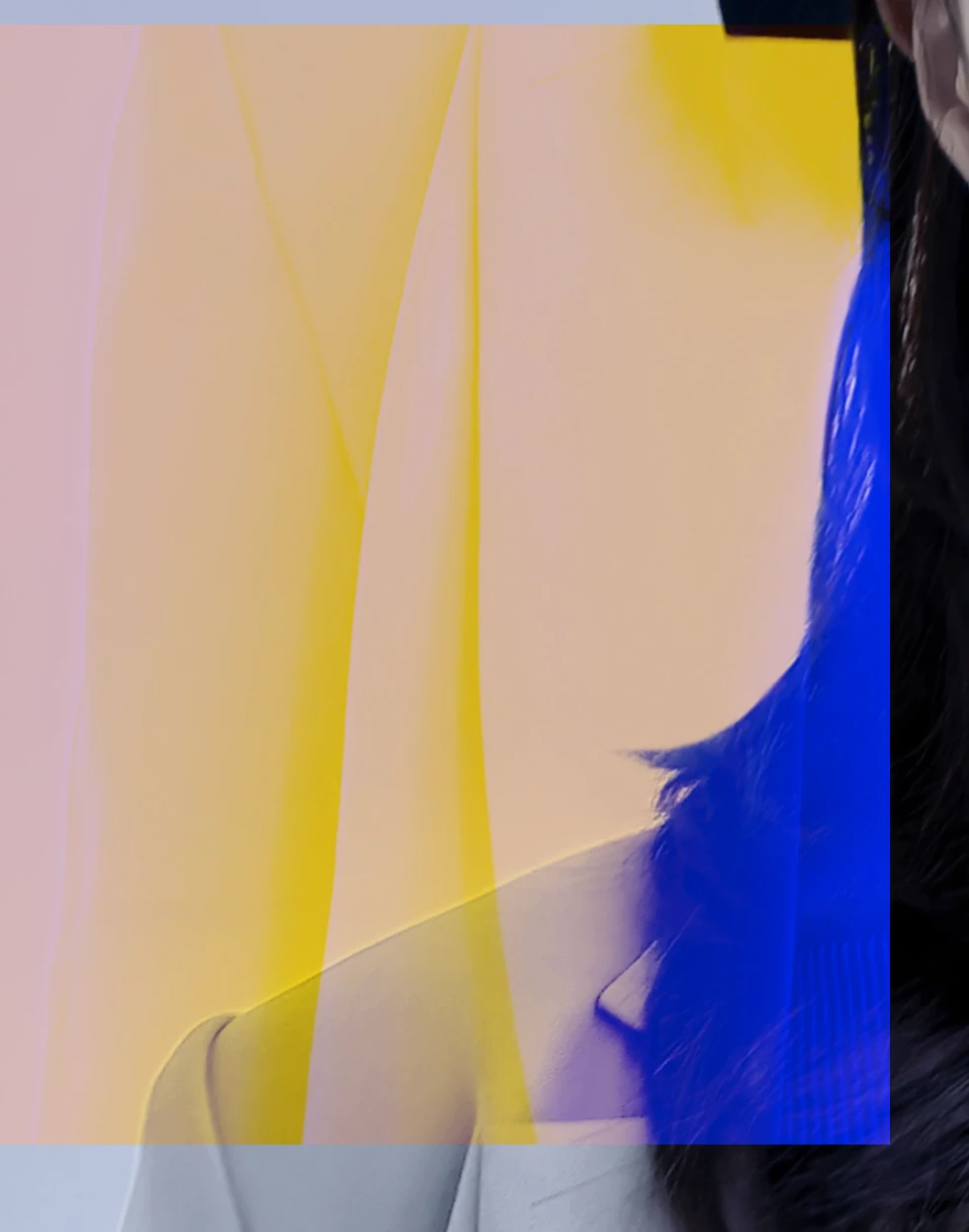
P: Strange color box with data loss

  • June 14, 2022
  • 74 replies
  • 25109 views


test pc is window10. Photoshop version 23.4

GPU comp off / on , Multithread of / off , Native canvas on /of

I reset it, but the result is the same.

It doesn't matter if it just looks like that and it doesn't affect the actual output. But that's how it's reflected in the actual output. So I can't proceed with the work right now.

That bug occurs randomly when zooming in and out. Even if i use clone stamp, patch tools, or healing brushes, bugs occur randomly. Emergency patch is required.

This topic has been closed for replies.

74 replies

Participant
June 14, 2022

Why did I update it today? I resent myself. The project I made for four hours was ruined by my wrong choice. What should I do? Am I an idiot?

I really don't know what to do right now. It's so shocking right now.........................What should I do with my project?.......

Participant
June 14, 2022

I'm saved with that damaged image now. It's a PSD file, but there's even a color box on the face, so I have to start anew. What's going on right now? Holy..................................

Jqqerry
JqqerryAuthor
Inspiring
June 14, 2022

Once I stopped working and rolled back to 23.3, the bug disappeared. An emergency update to 23.4 is required. In addition, I put the same image on my laptop and tried the 23.4 version, and the same bug occurred. I think it's broken inside the program. The graphics card driver is up to date with the Studio driver.

Jqqerry
JqqerryAuthor
Inspiring
June 14, 2022

As I wrote in the text, it's not just "visible" like that.

It transforms the real image like that. (like a color box or a black box)

Fortunately, the PSD is preserved because I save it from time to time, but it could have been a disaster now.