


Participant
February 17, 2023

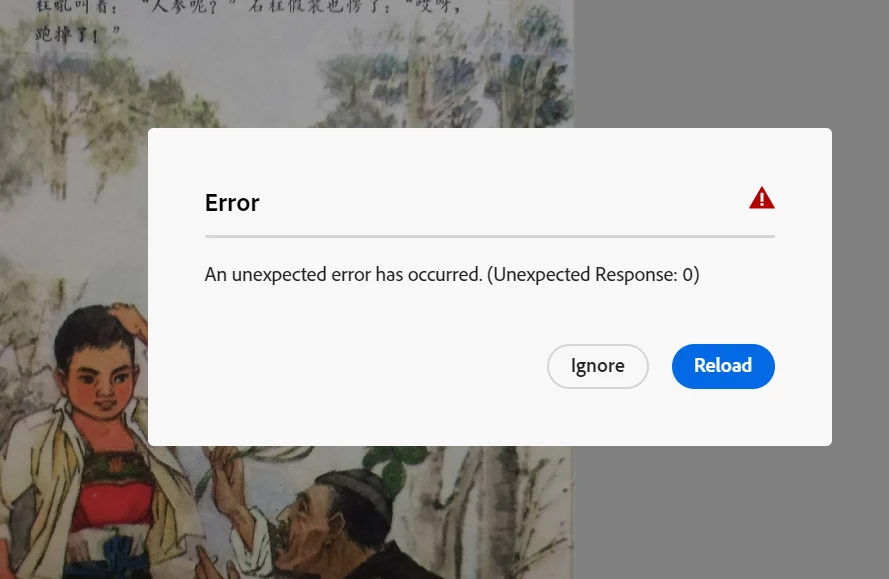
P: Unexpected error on Photoshop beta for web
  • February 17, 2023
  • 16 replies
  • 905 views

Hi, I keep seeing this error in Photoshop for Web (beta). I don't think it's a memory issue because I have gotten the same message on different desktops and laptops as well as different browsers.


It's not letting me save my work at all, so this is very annoying.


Please help resolve the bug asap. Thank you!

This topic has been closed for replies.

16 replies

CShubert
Community Manager
Community Manager
February 21, 2023

Thank you both for your updates. Curious if you have tried Edge to see if this issue persists?


Thank you,

Cory

SQZ00Author
Participant
February 21, 2023

@CShubert, my problem sounds just like the one that @Caleb28504444ruhg is experiencing--except the issue started after February 4. That was the last day that I saw an auto-save timestamp for my work in the cloud. 


This is the info that I've pulled from my version of Chrome: 110.0.5481.104 (Official Build) (64-bit) (cohort: Stable) 

Participating Frequently
February 21, 2023

This started occuring around 3-4 weeks ago at the start of our school year. Basically the process is every time a photoshop tab is loaded or reloaded, the original message, which is shown in the first picture by the person who started the thread, is shown. If you click ignore, no further problem persists until after you finish editing the photo, I usually upload my photo from google drive. When this happens 80% of the time the photo gets stuck saving, it does not move pass this stage and the bar does not seem to be loading. Occasionally the photo does save but I am not sure what causes this random fix. I am using Google Chrome Version 110.0.5481.112 (Official Build) (64-bit) (Copied from the help page). 

CShubert
Community Manager
Community Manager
February 20, 2023

@Caleb28504444ruhg could we ask the same questions, when did this start, what browser/version are you using. How far do you get into Ps on web before the error, what file are you working on, from the desktop or cloud?


Any screenshots or video of what you are seeing will be very helpful.


Thank you,

Cory

Participating Frequently
February 20, 2023

I am having the exact same problem if there is a fix please let me know, I will try and check here a couple times a day. If you need I can give some information to help solve the problems.

CShubert
Community Manager
Community Manager
February 20, 2023

Hi @SQZ00 sorry to hear this. Could you share some more info, what OS are you on, what browser and version?  What were the steps you  were doing up till the time you wanted to sync to the cloud?  Did you open a file from desktop then work on it or was it created entirely on Ps for web?


Thank you,

Cory