To check your Photoshop version and make sure you are up to date, please go to Help > System Info. In the top line you should see "20.0.1," which is the current version of Photoshop.
Please confirm that you have Photoshop 20.0.x and not 19.x. I ask because there was trouble for some users getting 20.0 to download (such as for Johan a month ago).
If you indeed have 20.0, we'd like to arrange a screen share session to see what is happening.
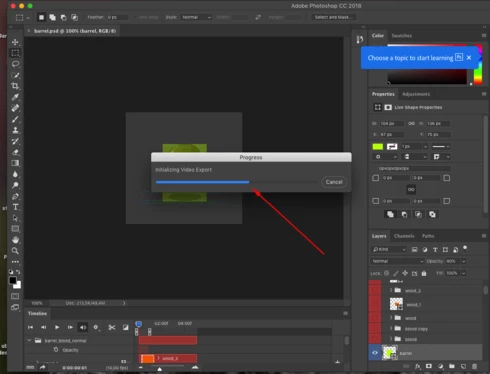
Like Shane says, it's still the same. Only last week I tried exporting a video on a friend's CC (newest version) and it's exactly the same. Export stops about half way through and stays there until you cancel.
It may be the permission issue or
memory issue. You can read this blog to clear your doubt, How to Unblock Adobe Flash Player,
they have given solutions for every issue related to Adobe. So, I am
sure you'll get what you want.
Just updated Photoshop CC through creative cloud. It's only version 19.1.6 and the video render problem persists. I've never made it past about 60%. Very frustrating, I'm doing stop motion and actually really need that function to work now.

 AdChoices