sacb0y
Known Participant
October 20, 2022

P: Windows HDR Calibration breaks Phoshop Ui and color selection

  • October 20, 2022
  • 21 replies
  • 8269 views

Photoshop 24.0.0

Windows 11 Pro 22H2 build 22621.675


After running Windows HDR Calibration which is reccomended in the display settings


It will save a profile and use it, for some peers it helped their displays greatly.


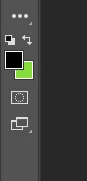
Photoshop is now displaying UI colors incorrectly. 
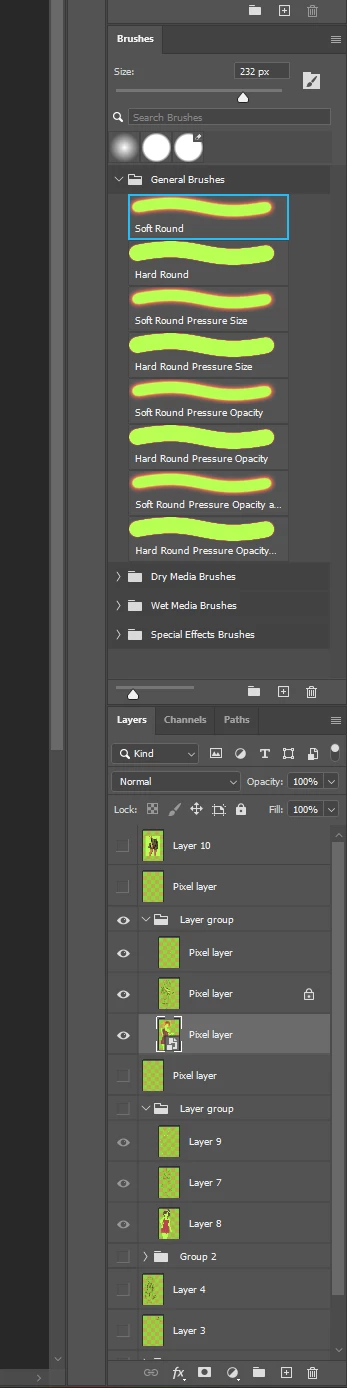


The color white appears green in most cases, amoung other colors. 


The actual image displays correctly after the profile is set. But the rest is broken. these are my settings.
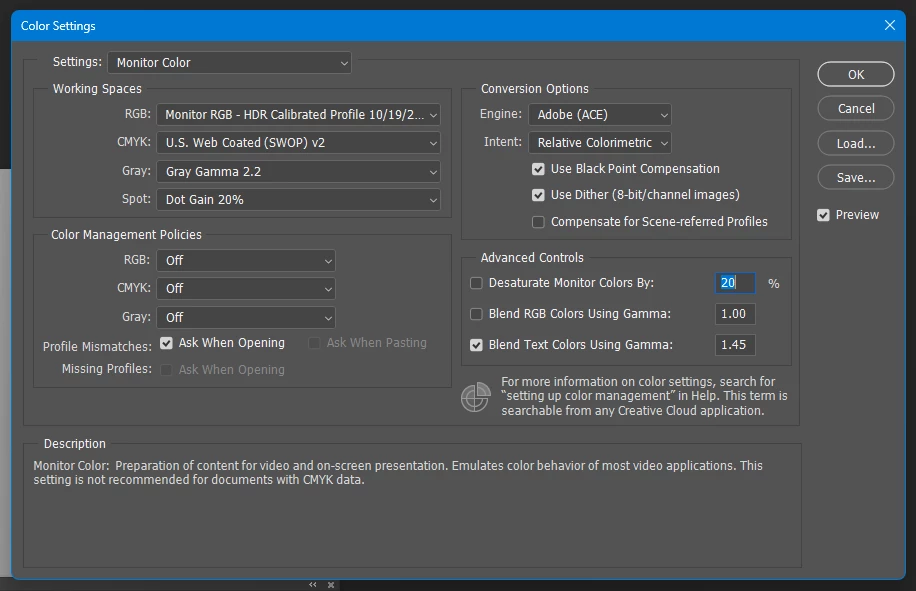
 

If turning off HDR, and rebooting photoshop with the same settings fixes it. But for my own ease of use I keep HDR "on" on my PC for various reasons. Considering this is native functionality with windows at this point, it really needs to be fixed. 


21 replies

ericg89525649
Participating Frequently
November 7, 2022

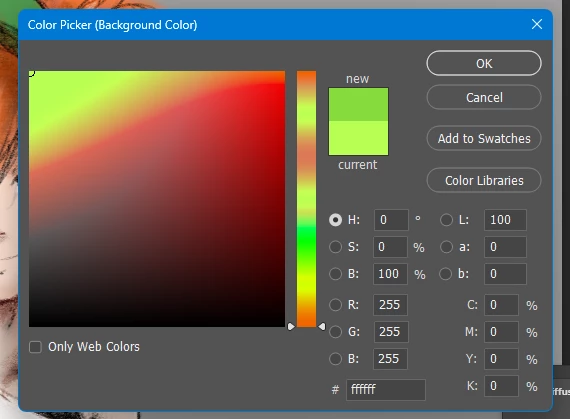
Just updated to Photoshop 24. After opening everything on my project has a green tint. Even within color picker, white is green. Everything else in the window is normal but green has taken control. 

ericg89525649
Participating Frequently
November 7, 2022

This is what a blank background looks like... all green. 

Participant
November 4, 2022

I found it, and this worked for me too. To anyone that can't find the MyColorManagedApp.exe, just right-click on the application (Photoshop, Illustrator, etc.) and click on the Open file location option from the context menu. From there, right-click on the shortcut for that program and select properties. Click on the Compatibility tab and select the "use legacy display ICC color management" checkbox.

Participant
November 3, 2022

I'm having the same issue. Where do you pull up MyColorManagedApp.exe? Thanks!

Participant
October 29, 2022

Dude, this is awesome and fixed my issue.


If possible could this be made easier to find, perhaps in a known issues list for Lightroom Classic (didn't try the other) and PS?

Legend
October 24, 2022

Engineering says "Microsoft needs to bump a version number in their OS to treat PS as icc color managed.  For now ask them get the properties of Photoshop, and set the checkbox below to true" They're going to discuss and loop in Microsoft this week.


sacb0y
sacb0yAuthor
Known Participant
October 23, 2022

Awesome! Maybe proper display HDR support will come soon XD

Legend
October 23, 2022

I've asked engineering to take a look.

CoastMedia
Participant
October 22, 2022

Same here.  In previous versions of Photoshop I did notice some UI distortion, but that was workable.  Now everything is green tinted, even grayscale color pallettes! Turning off HDR for now (which immediately fixes it).  Also used Windows HDR calibration tool which created a Color Profile it generated for my monitor after my calibration.

sacb0y
sacb0yAuthor
Known Participant
October 20, 2022

It is worth noting I cannot reproduce this issue in other software I use so far, Unity, Blender, are all I've tested for now as far as work programs go but I will check others like the substance programs later.

sacb0y
sacb0yAuthor
Known Participant
October 20, 2022

Oh, I only now noticed it breaks when moving photoshop to my non-HDR monitor from my HDR monitor.