


Photoshop 27.10 Bug: Remove Tool generates severely distorted and corrupted images in filled areas
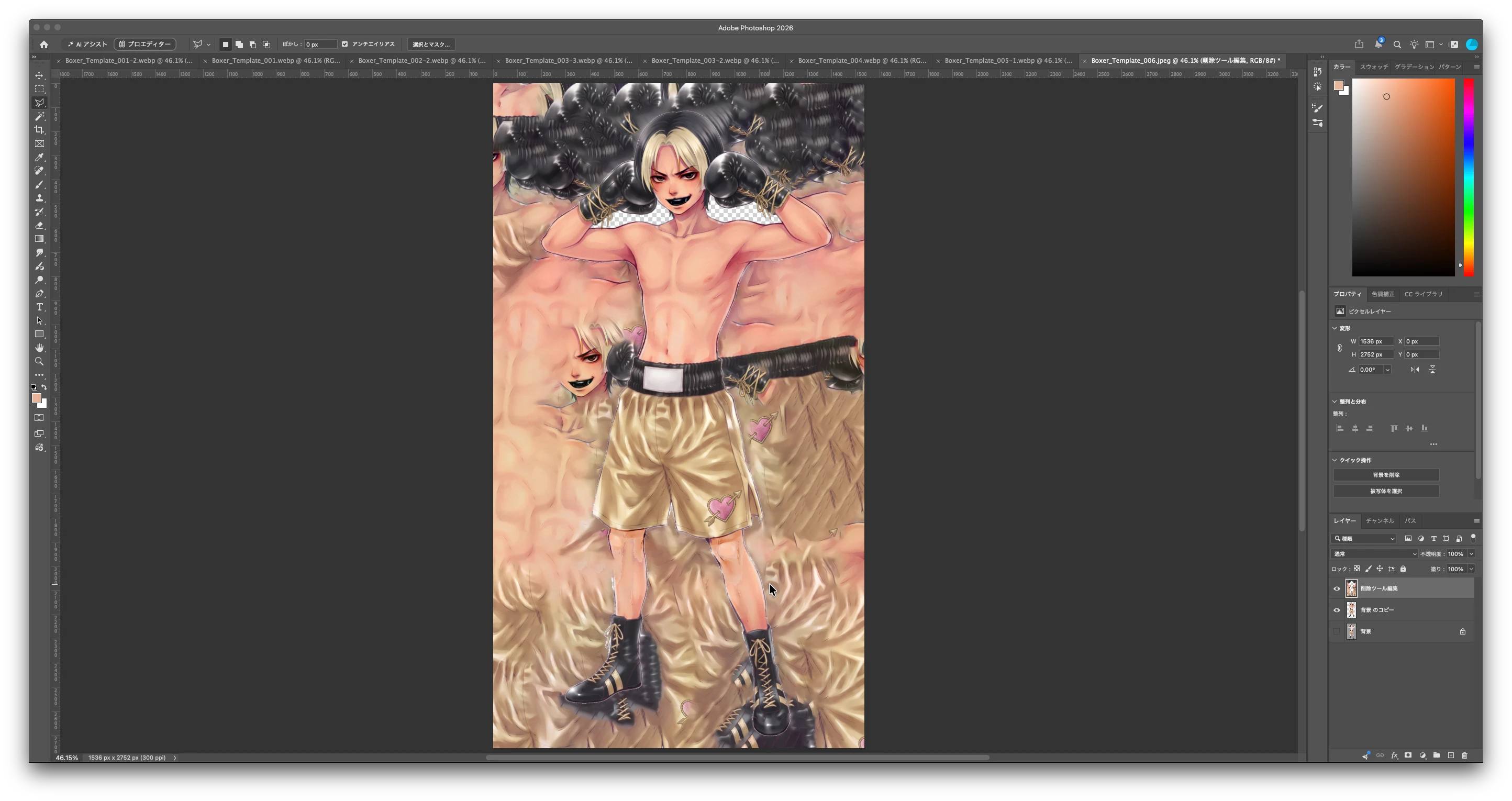
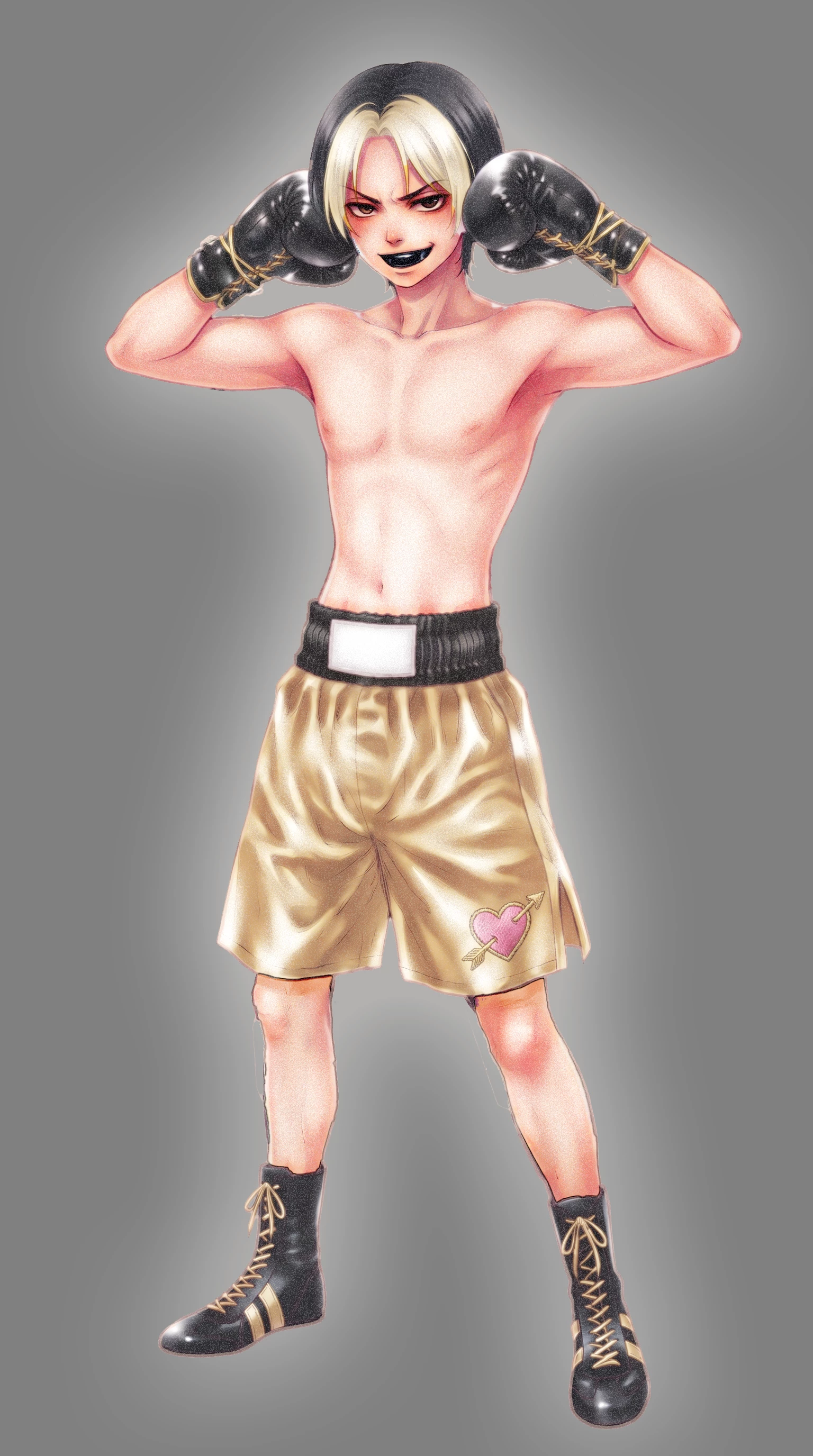
When I use the Remove Tool (Generative AI) on a very small area—specifically a part of a character's foot shown in the screenshot—it triggers a "Guidelines Violation" warning. Instead of filling the area correctly, it severely distorts and scrambles the entire illustration, focusing on the blank spaces as seen in the attached screenshot. I tried the same operation three more times afterward, but got the exact same result every time.
Could this be related to a false-positive safety guideline trigger?
When I contacted the Japanese support desk about this issue, their disappointing response was simply that "nothing can be done."
(Side note: While I also have serious concerns regarding Adobe's Generative AI Guidelines and their AI censorship system, I will omit those details here as this is not the appropriate place for them.)
 AdChoices