
Photoshop 28.x – Program Error Only When Opening the First Document After Launch
Photoshop 2027 (28.0) – Program Error When Opening the First Document After Launch
Issue: "Could not complete your request because of a program error."
Hello Adobe Support Team,
I'm experiencing a reproducible issue with Adobe Photoshop 2027 (version 28.0) on Windows 11. The same problem also occurs in Photoshop Beta 28.x.
Problem description
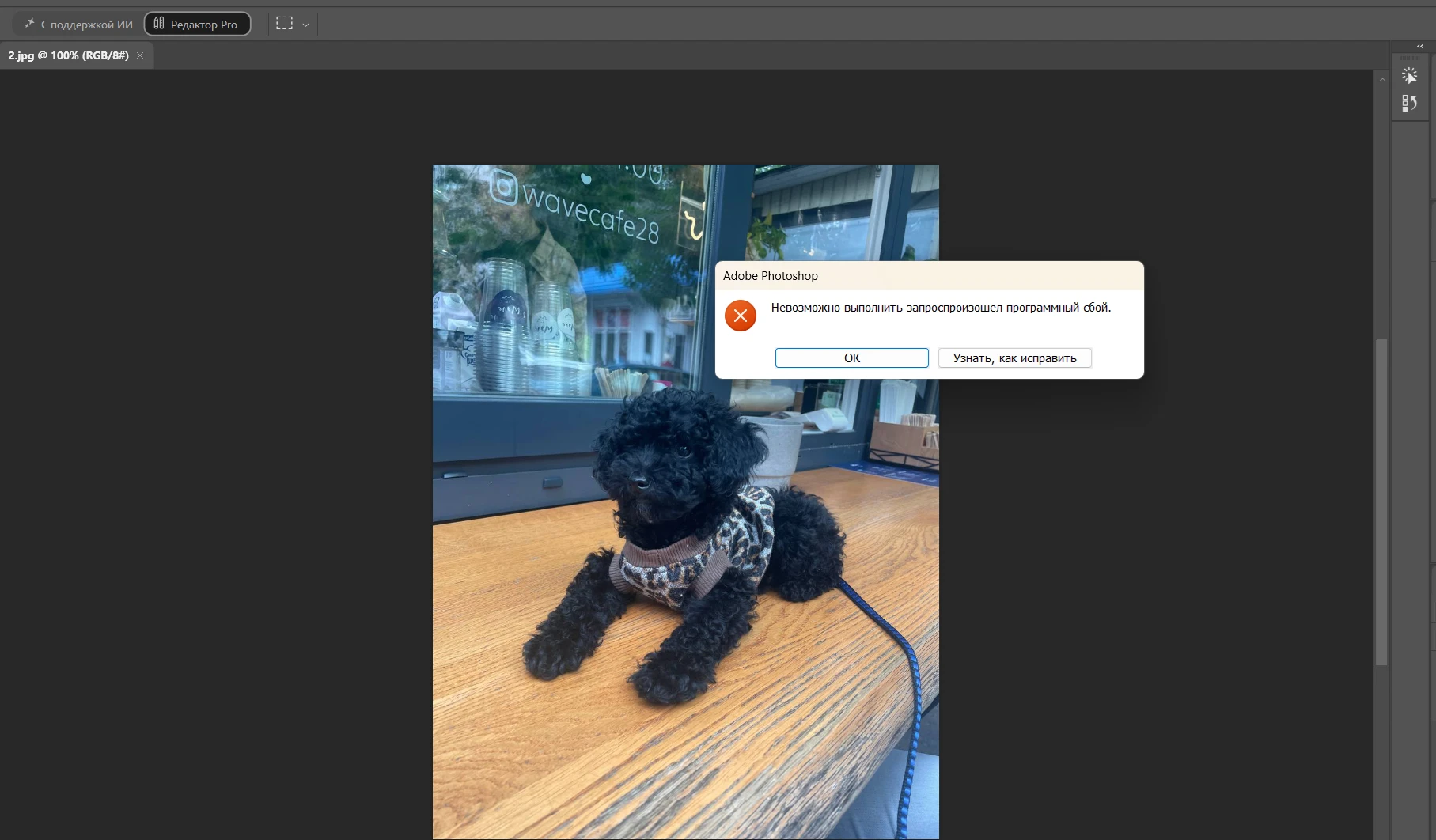
When I launch Photoshop and open the first existing document (JPG, PNG, or PSD), the image loads and appears correctly, but Photoshop displays the following error:
"Could not complete your request because of a program error."
After clicking OK, the document remains open and Photoshop continues working normally.
Interestingly, all subsequent documents open without any errors during the same Photoshop session.
The error occurs again after closing and restarting Photoshop.
Important discovery
I found a reliable workaround:
-
Launch Photoshop 2027.
-
Create a new blank document using Ctrl+N.
-
Close the blank document.
-
Open any existing JPG, PNG, or PSD file.
Result: No error occurs.
This suggests that the problem may be related to the initialization of a component when the first document is opened, rather than to image formats or corrupted files.
System specifications
-
Laptop: Xiaomi RedmiBook Pro 16 (2025), model JYU4649CN
-
CPU: Intel Core Ultra 5 225H
-
GPU: Intel Arc 130T
-
RAM: 32 GB
-
OS: Windows 11 64-bit, build 26300.9974
-
Photoshop: 28.0.0, build 20261027.r.20
-
Intel graphics driver: 32.0.101.9175 WHQL (updated from 32.0.101.6554)
-
Displays: Two displays with different color profiles
Troubleshooting already performed
-
Disabled GPU acceleration — no improvement.
-
Updated Intel Arc graphics driver — no improvement.
-
Reset Photoshop preferences — no improvement.
-
Launched Photoshop with optional plugins disabled — no improvement.
-
Disabled Logitech Options+ Photoshop plugin — no improvement.
-
Tested Photoshop without an internet connection — no improvement.
-
Tested JPG, PNG, and PSD files — the first opened file triggers the error regardless of format.
-
Tested File > Place Embedded — works correctly.
-
Tested creating new documents — works correctly.
-
Tested Photoshop 2026 (27.x) — works without errors.
-
Tested Photoshop Beta 28.x — the same error occurs.
Expected behavior
Photoshop should open the first existing document without displaying a program error.
Actual behavior
A program error appears only when opening the first existing document after launching Photoshop.
After dismissing the error, all subsequent documents open normally.
Request
Could you please investigate whether this is a known initialization issue in Photoshop 28.x?
Are there any recommended fixes or diagnostic procedures to identify the component responsible?
I can provide the complete Photoshop System Info report and screenshots of the error.
Thank you for your assistance.
 AdChoices