



Open for Voting
Photoshop Is Exporting Hidden Layers in the Render
This happens in both the "Quick Export as PNG" as well as the "Export As..." options. Every now and then, a layer which is definitely hidden is still showing up in the exported image. This is happening right now; the image in my document looks like this:
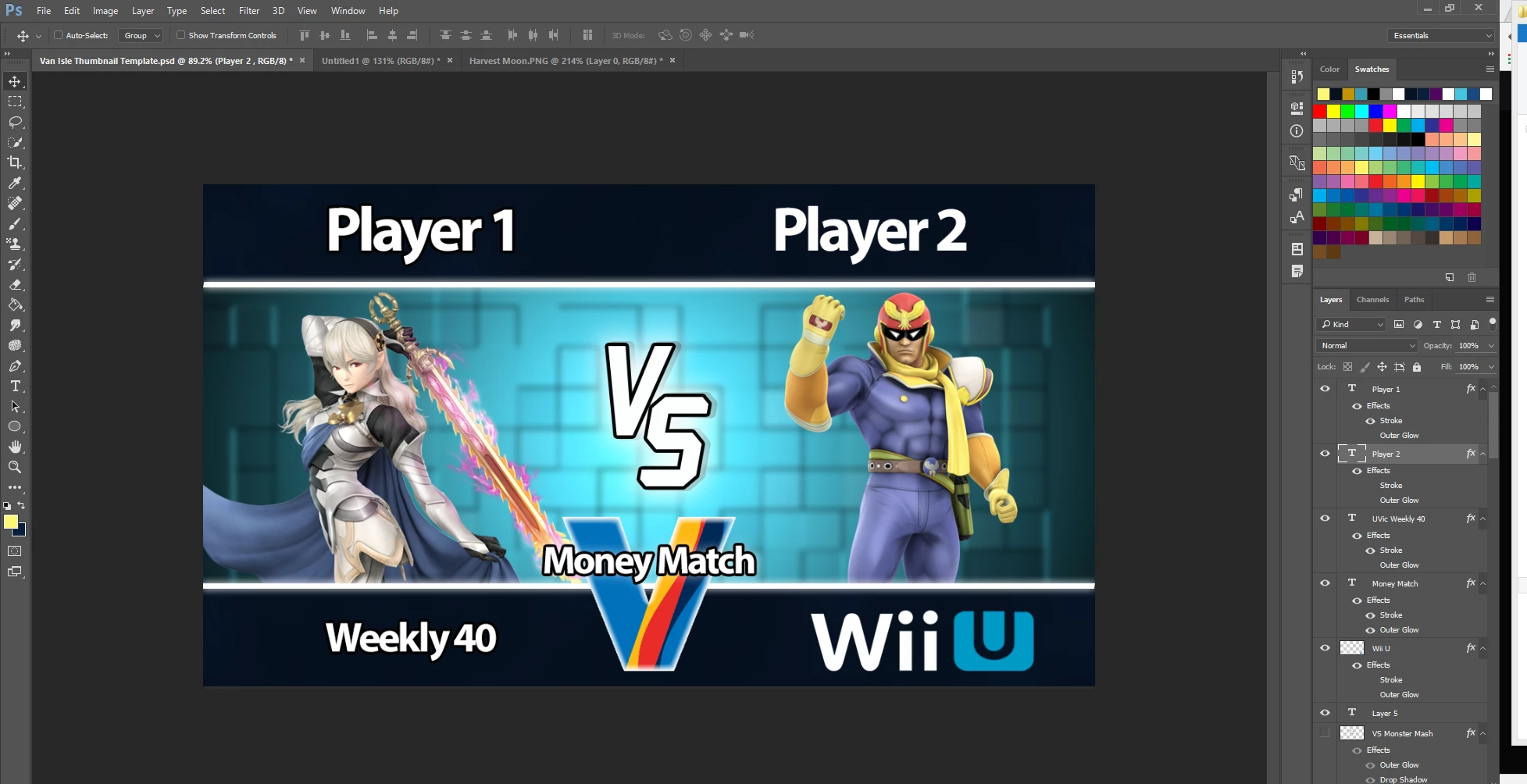
Which is what I want. However, when I make absolutely no changes and export this file, I end up with:

This red tint comes from a translucent fill layer, which is DEFINITELY hidden. This version of the image is also what appears in the preview window when I select "Export As..." from File, which makes absolutely no sense. Is this a known issue, and if so, is there a solution?
 AdChoices