

Participant
September 11, 2024

Photoshop not op

  • September 11, 2024
  • 7 replies
  • 359 views

Not too long ago, got adobe creative cloud. Everything opens except photoshop. When I try to open photoshop, it shows me this
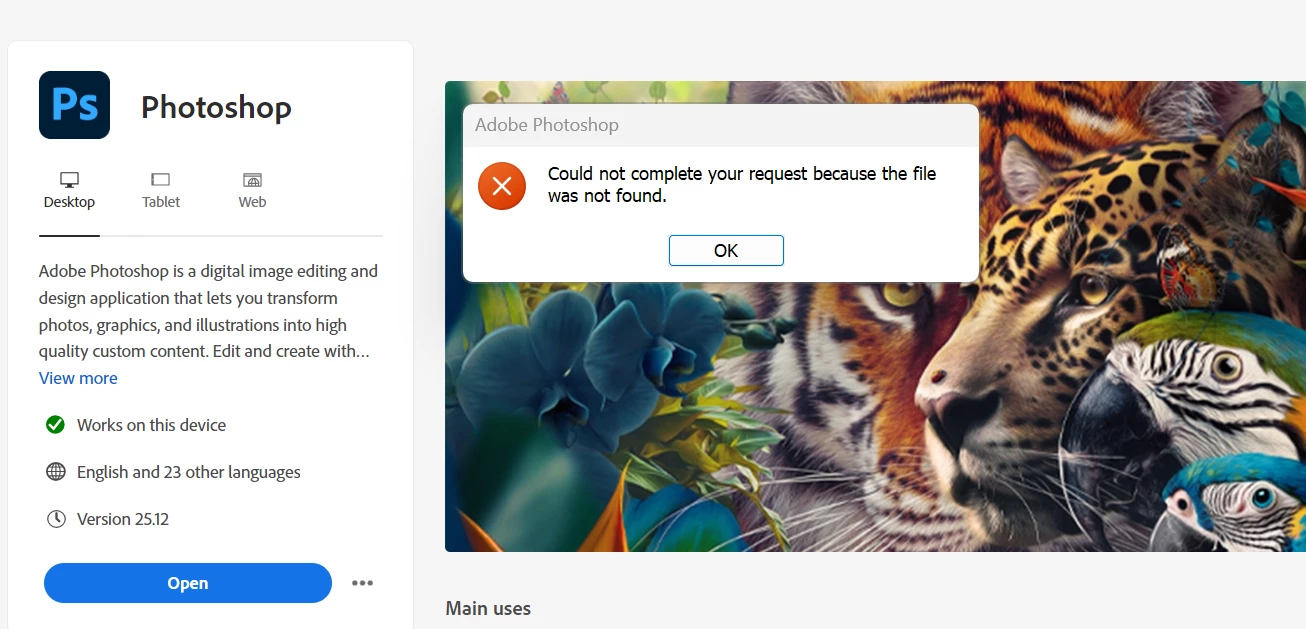
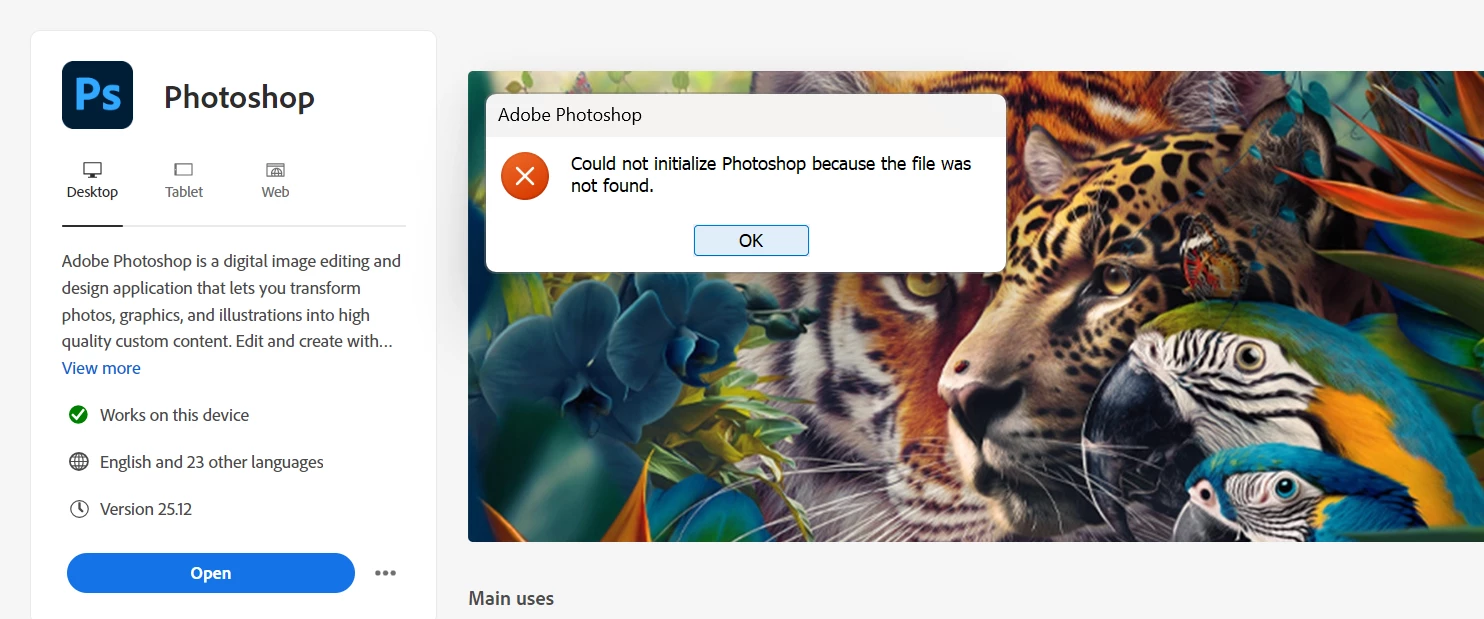

7 replies

Participant
September 11, 2024

SOLUTION

So basically, all I had to do was create a new Microsoft account so i could create a new windows account. Once I created my new windows account and logged in, I could finally open photoshop

Ged_Traynor
Community Expert
Community Expert
September 11, 2024

@Whispering_hands5F8E try contacting Adobe support to see if they can help

Type agent in the chatbot to speak to a real person
Chat support: https://helpx.adobe.com/contact.html?rghtup=autoOpen
You will need to be on a browser that allows pop-ups and cookies, or the icon won't show.
Twitter: @AdobeCare https://twitter.com/AdobeCare

Participant
September 11, 2024

I tried rebooting my computor, cleaning...and more. Can not open the cleaner or photoshop


Participant
September 11, 2024

for some reason, i can not open the cleaner also


Ged_Traynor
Community Expert
Community Expert
September 11, 2024
Participant
September 11, 2024

I have tried that, still shows me the same thing.

Ged_Traynor
Community Expert
Community Expert
September 11, 2024

@Whispering_hands5F8E try uninstalling Photoshop using the CC app and then reinstall