
Preview not updating when using Image/Vibrance.
When using the Image/Adjustments/Vibrance of an image, the preview is not updating. I’ve tried unchecking, and rechecking the preview toggle, but it doesn’t adjust. This has been to case for the last two beta versions. Currently running Photoshop Beta - 27.11.0 Release.
Not a big deal, but wanted to let you know.
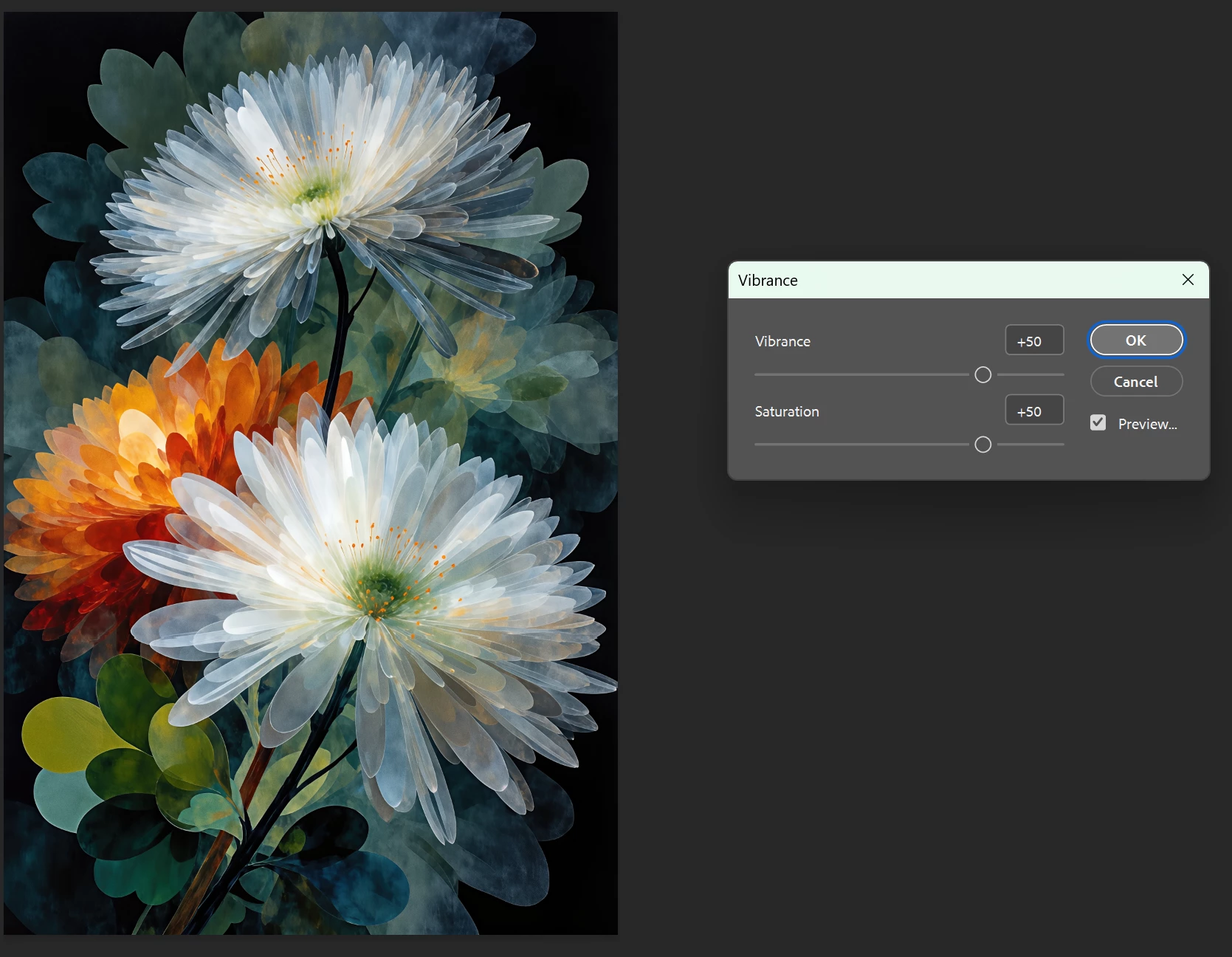
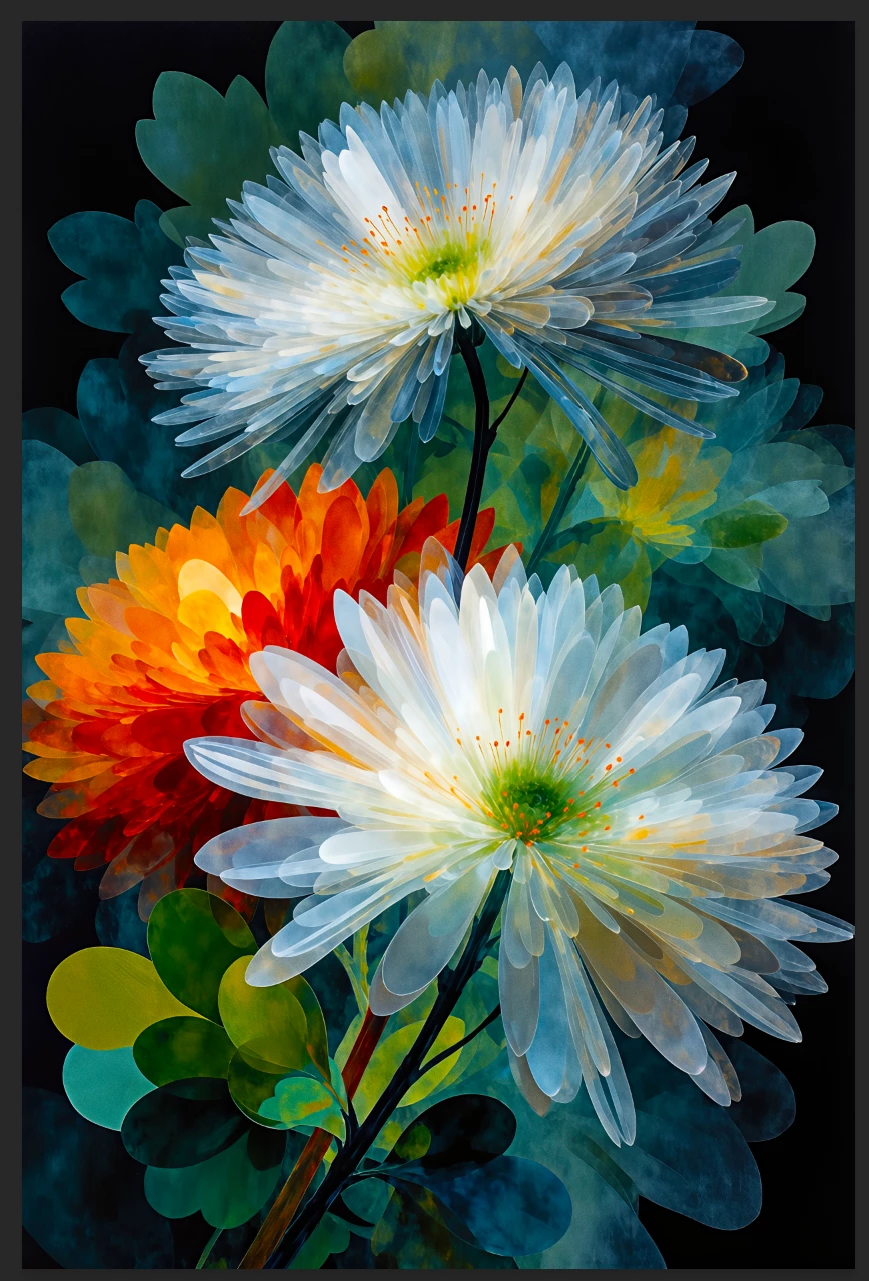
Here is my system info:
Windows Info:
Edition Windows 11 Pro Insider Preview
Version 26H2
Installed on 8/1/2026
Evaluation expires on 10/31/2027 4:43 PM
OS build 26300.9032
Experience Windows Feature Experience Pack 1000.26100.431.0
Device Info:
Device name NyesBeast ABS Gaming PC
Processor Intel(R) Core(TM) i9-14900KF (3.20 GHz)
Installed RAM 32.0 GB (31.8 GB usable)
Graphics card NVIDIA GeForce RTX 5070 Ti (16 GB)
Storage 1.64 TB of 7.28 TB used
Device ID 10461025-DF19-47F3-91F7-147D8F3A390E
Product ID 00330-81627-68506-AA249
System type 64-bit operating system, x64-based processor
Pen and touch No pen or touch input is available for this display
The other adjustments setting, the preview appears to be working normally.
Let me know if you additional information.
Stephen (Steffen) Nye


 AdChoices