


Open for Voting
Removed Plug-Ins still show up in Automate Menu
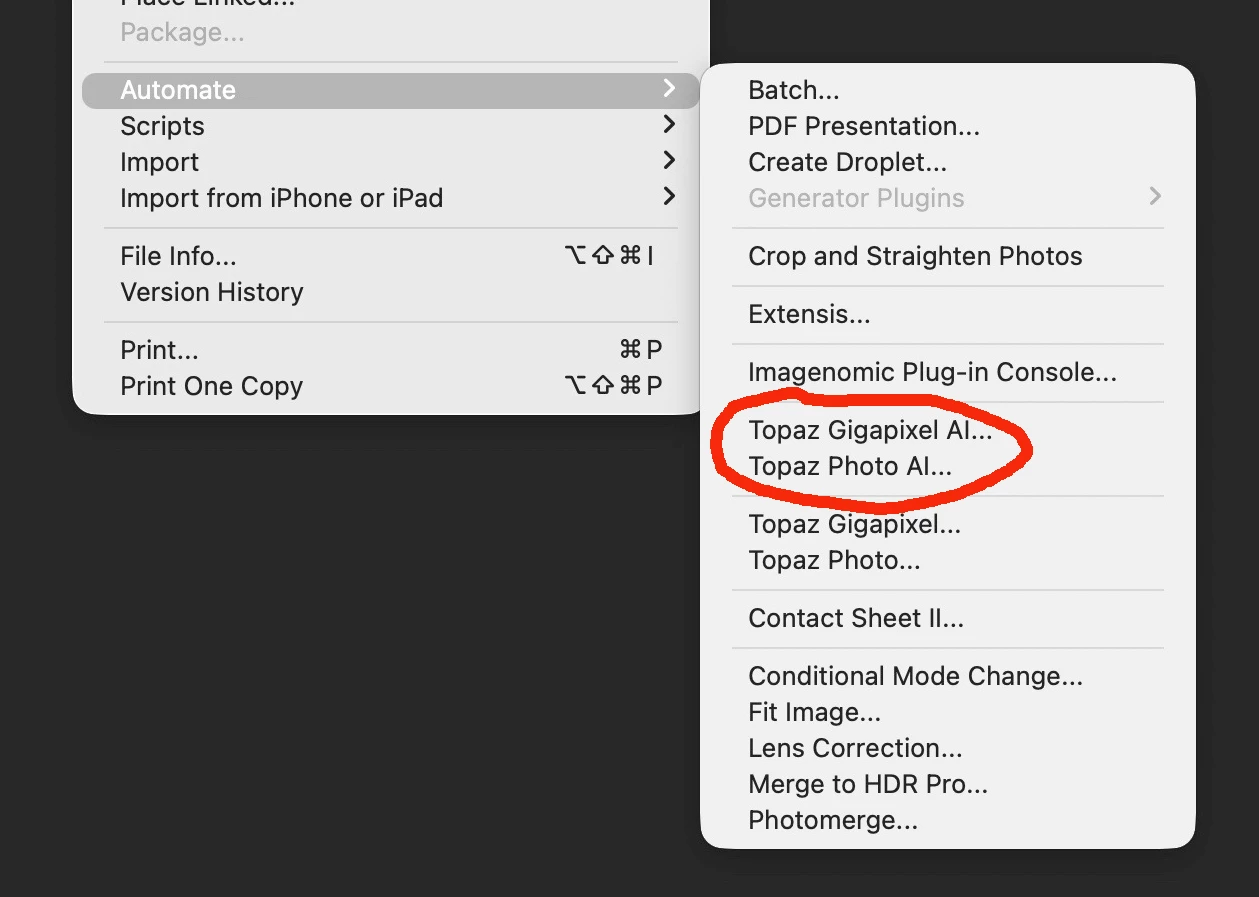
I have removed two Topaz Photoshop plug-ins from my computer in all the required places. The removed Plug-Ins still show up in the Automate Menu even though I believe I have trashed all related plug-in files. The file below shows the two plug-ins circled in red that remain. I have found no way to stop this from showing up. I have gone into the plug-ins folder and other Adobe preference files. This is happening on my Mac Studio and MacBook Pro with all updated system software. (Tahoe 26.0.1) Any advice would be helpful!
 AdChoices