


Participant
November 3, 2024

Rosetta mode - nothing can be loaded because Photoshop was unable to find the JavaScript plug-in.

  • November 3, 2024
  • 3 replies
  • 641 views

I believe I'm not the first with the problem.

After the recent update nothing opens in Rosetta mode, even Libraries:
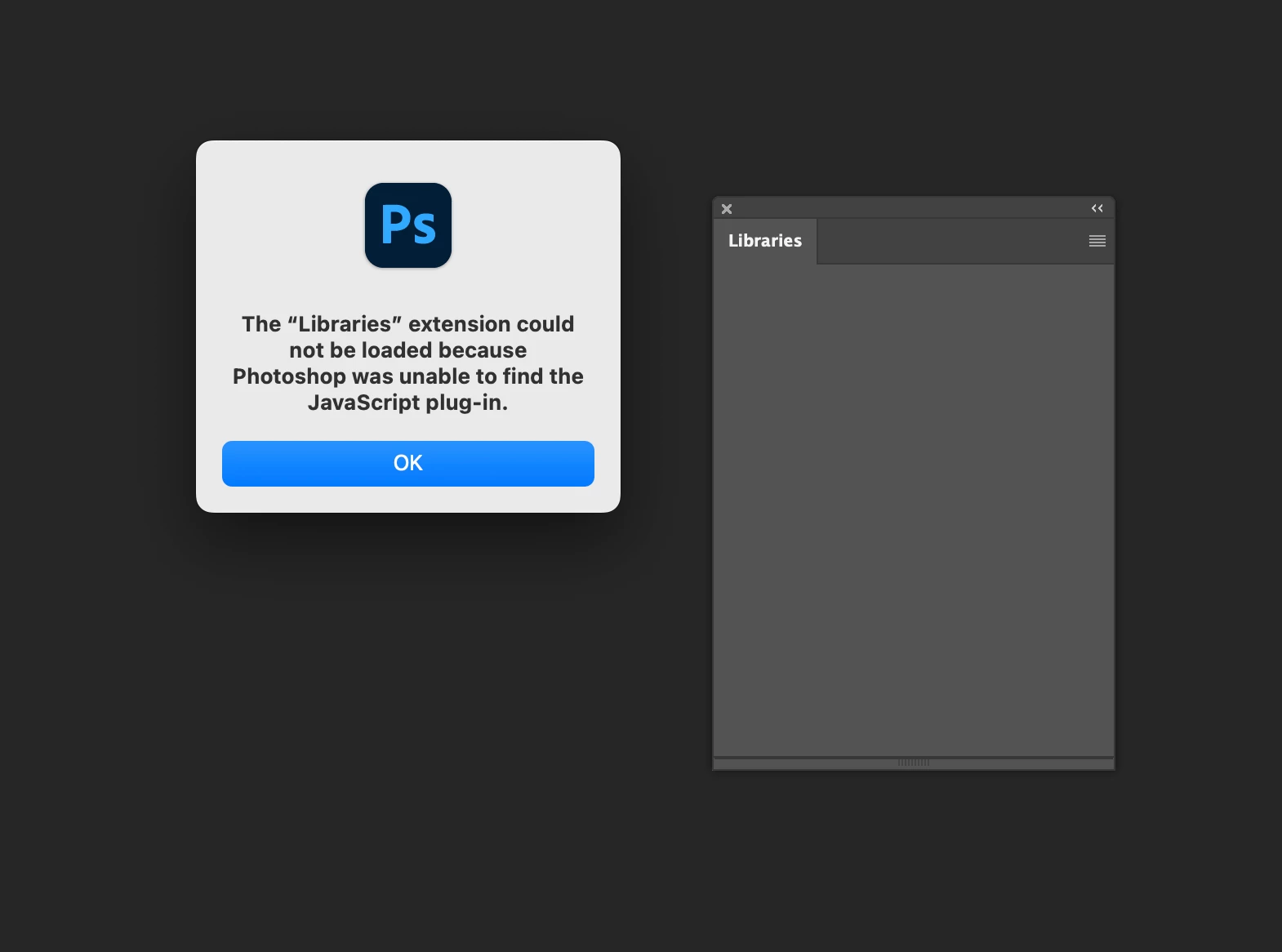
I use Rosetta to have access to my old purchased plug-ins which doesn´t open as well.


Any way to fix the problem?

3 replies

ikokorevAuthor
Participant
November 5, 2024

Thank you! It helped.

Jeff Arola
Community Expert
Community Expert
November 3, 2024

While your in running Photoshop under Rosetta reset the Photopshop preferences by going to Photoshop 2025>Settings>General click on Reset Preferences On Quit and restart Photoshop.


It's a known bug being worked on:

https://community.adobe.com/t5/photoshop-ecosystem-bugs/legacy-extensions-not-visible-in-photoshop-2025-26-0-0/idi-p/14922621

ikokorevAuthor
Participant
November 3, 2024

Just to add some colors, I'm on MacOs Sequoia 15.0.1, Apple M2 Max chip, Photoshop 26.0.