



Unable to OK a change of generative fill partner.
>Apple MAC OS Ventura 13.7.8
>Photoshop 27.5.0
>After describing a generative fill change to make to an image and then trying to change from the default Adobe Firefly model, a dialog screen pops up under the Adobe choice menu:
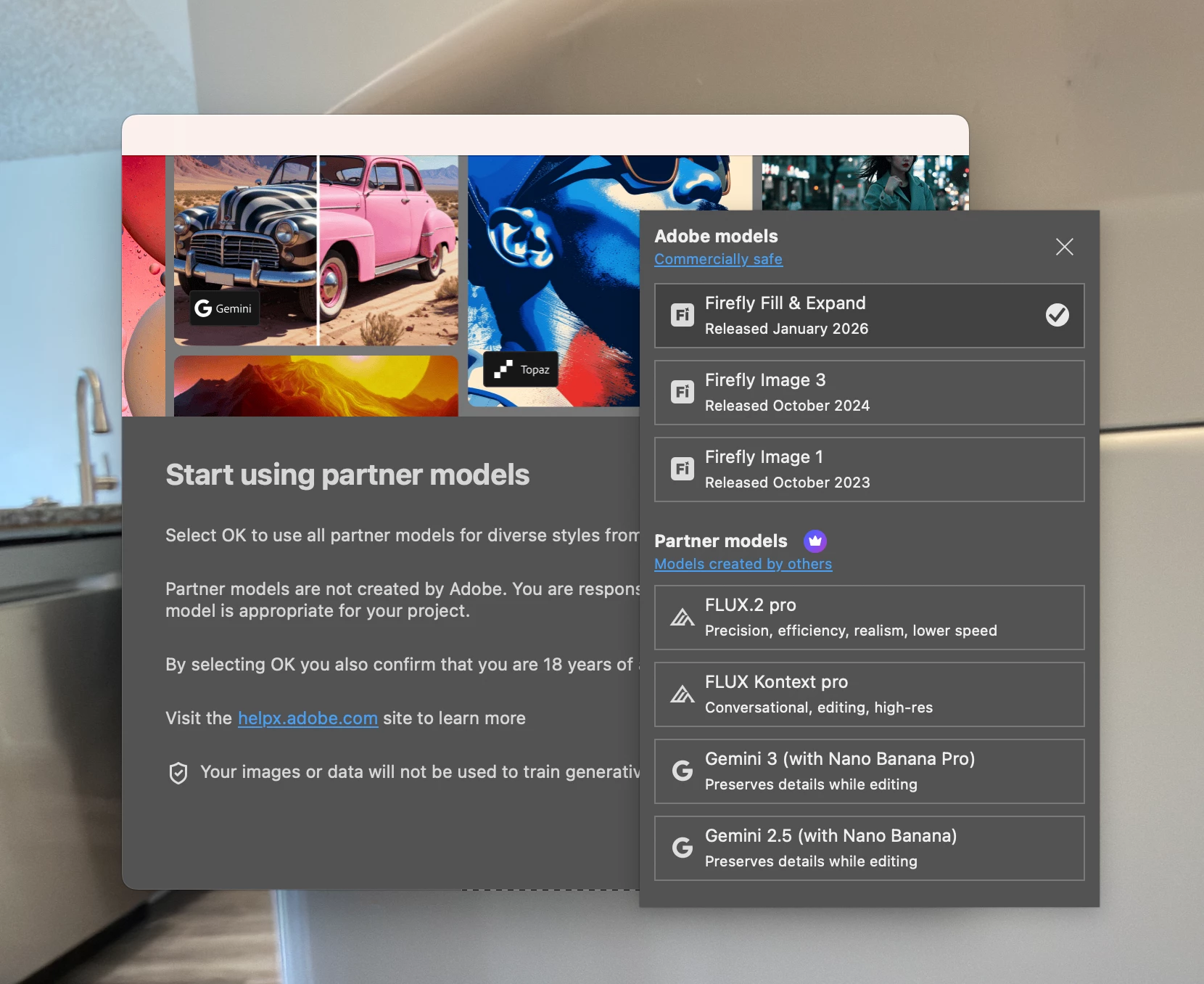
> There is no OK to advance, and there is nothing that can be done to the frozen screen.
> It took forever to realize the box under could be clicked on and moved to the right to expose the OK hiding in it’s lower right corner. I clicked on the white bar moved it to the right and found the OK indication.
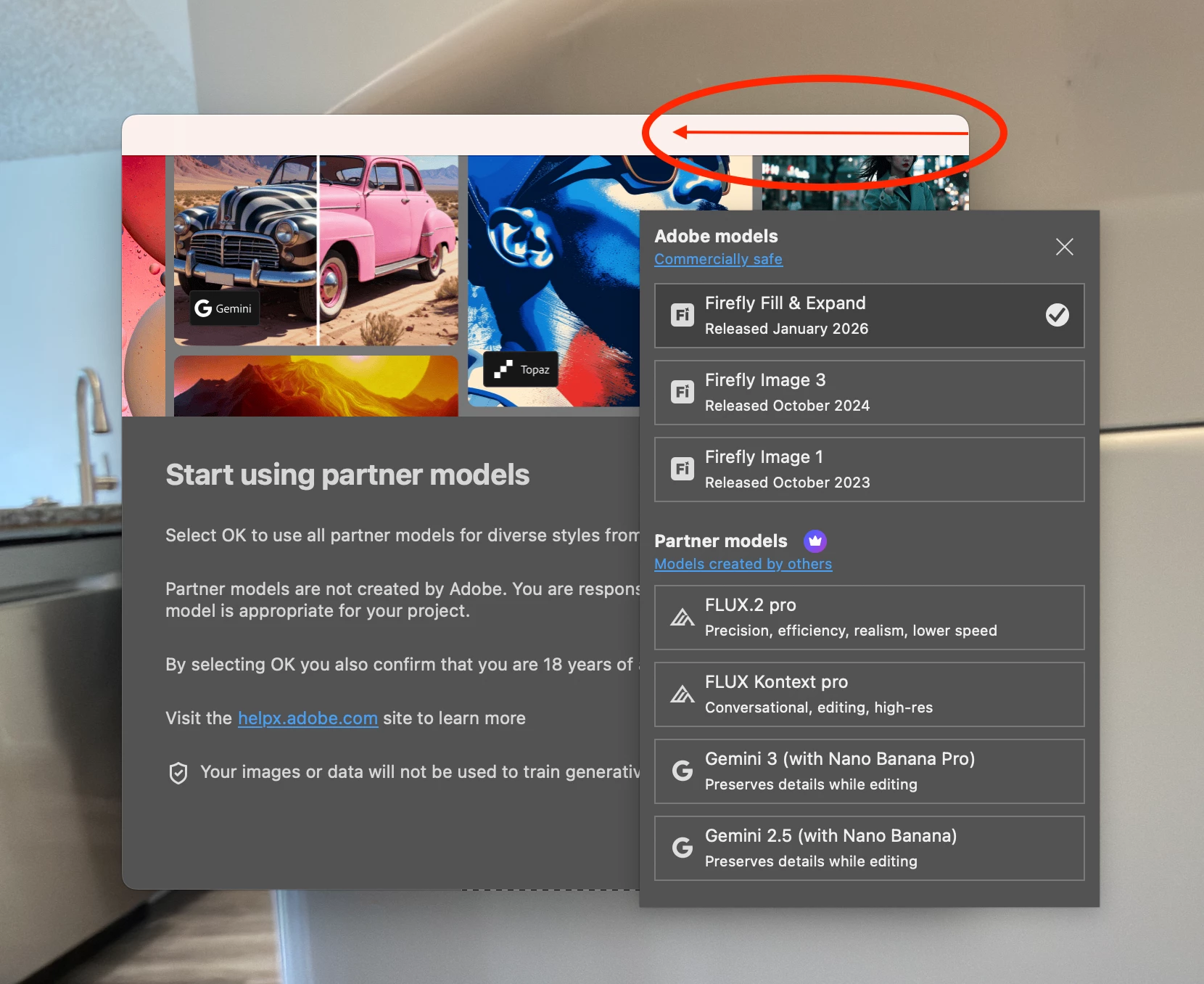
> No amount of clicking on the top box’s X does anything. At that point hitting escape also does nothing for the frozen screen and a Force Quit was my only escape. Please revise that under box’s location or size to save other users from this miserable experience
Bruce Kester
 AdChoices