


Open for Voting
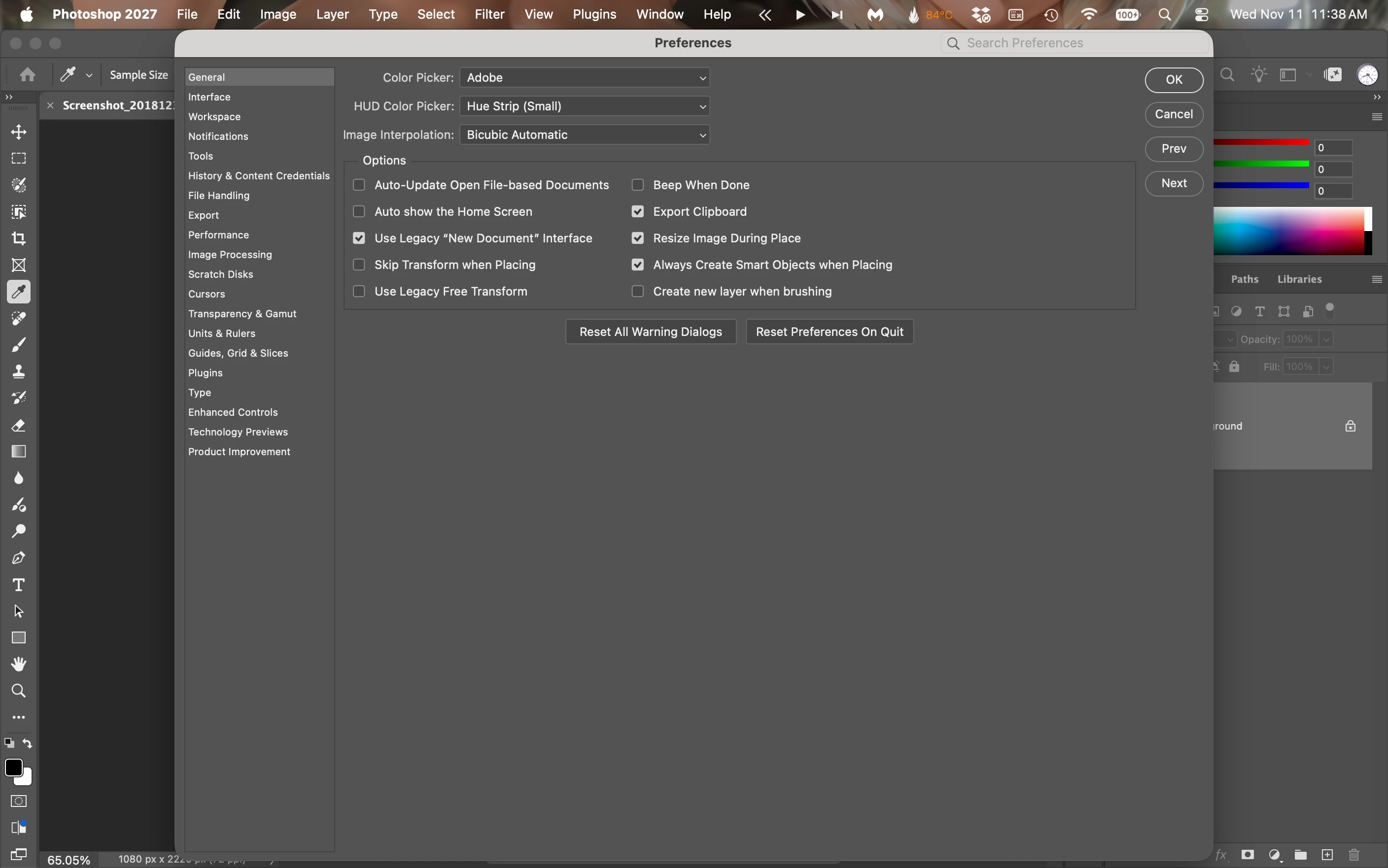
v.28 Preferences dialog fills the screen and cannot be moved
Cmd k brings up the Preferences screen. It looks like this screenshot. This dialog cannot be moved as in v. 27 Reset Preferences On Quit does not fix it.
Adobe Photoshop Version: 28.0.0 20261027.r.20 3951c45 arm64 (final, Release)
Number of Launches: 14
Operating System: Mac OS 27.2.1
System architecture: Apple A18 Pro, NEON, DOTPROD, HybridCPU(2:4)
Physical processor count: 6
Built-in memory: 8192 MB
Free memory: 3399 MB
Memory available to Photoshop: 5421 MB
Memory used by Photoshop: 70 %
 AdChoices