


Wacom pen only draws dots in photoshop every few minutes. Resets by clicking on touchpad. Windows 11
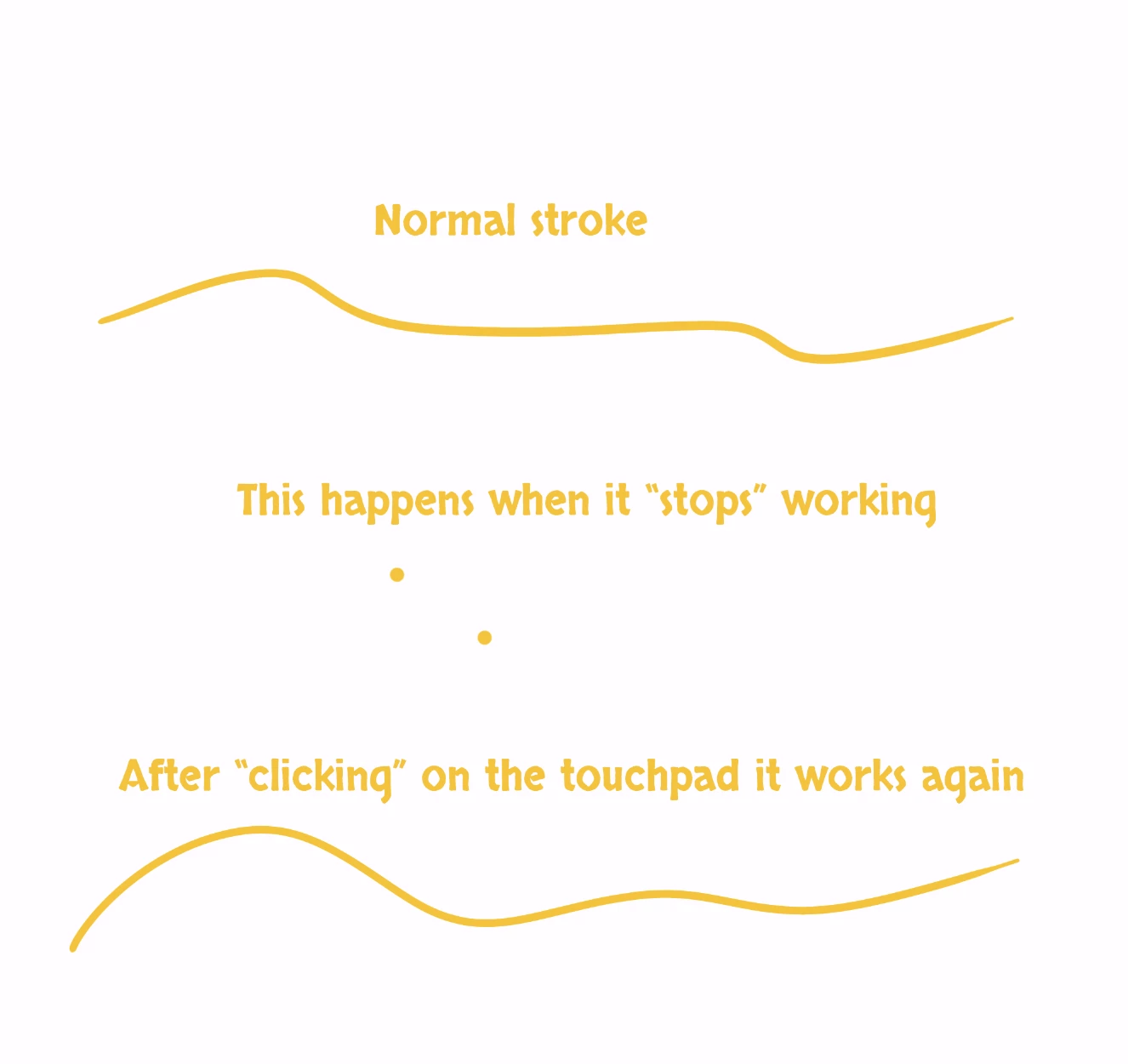
My wacom tablet works in photoshop. But every few minutes it will "stop" working. Instead of being able to brush as normal, it simply leaves a dot in the spot where I touched down my pen when trying to brush. It does this very randomly. To reset this behaviour I can click on the touchpad of my laptop (Razorblade, 13th Gen Intel(R) Core(TM) i7-13800H 2.50 GHz13th Gen Intel(R) Core(TM) i7-13800H 2.50 GHz, 32.0 GB RAM) and the pen will work as normal as again.
It's infuriating. It disrupts my workflow for so many times a day. But I can still work. I've checked the drivers of wacom. I've worked on older and newer and the newest drivers. I've checked the "Pen & windows ink", and turned all options off so it is not interfering with my wacom tablet.
The problem continues to exist.
Please help. I'm turning insane here.
 AdChoices