


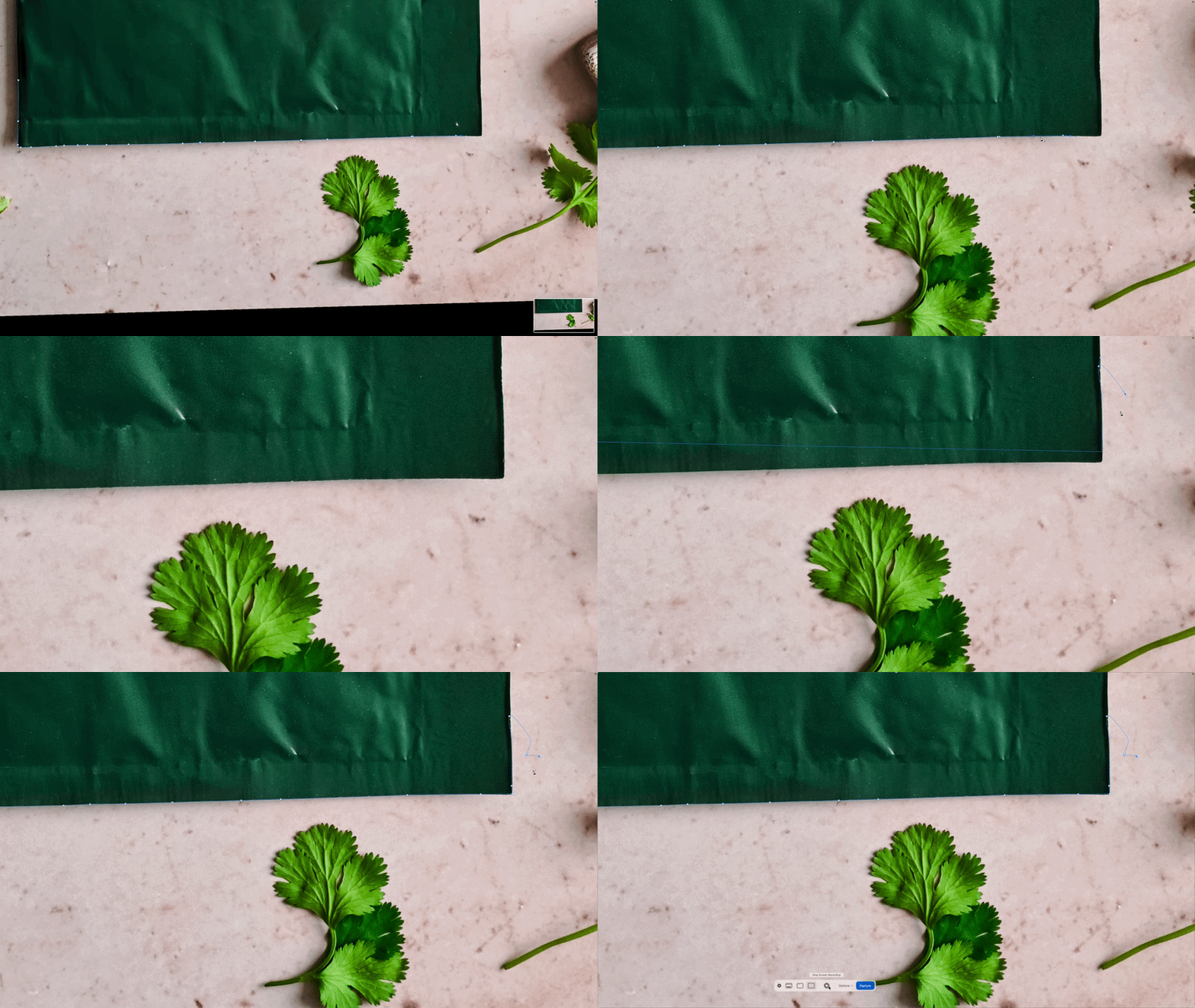
When I'm working on a large batch of images, after a few images, the pen tool path starts to disappear, especially when I'm zoomed in. Restarting my computer and restarting photoshop doesn't fix the glitch.
When I'm working on a large batch of images, after a few images, the pen tool path starts to disappear, especially when I'm zoomed in. Restarting my computer and restarting photoshop doesn't fix the glitch. Not every file as the issue, but once a file has the issue, I can't fix it unless I create a new file and copy and paste the image into it. I started doing work paths on most of the remaining images and waiting until I was completely done to "create new path", but I noticed that when I did "create new path" first, the issue would happen instantly. I can sort of work around it by trying to create a path while zoomed out, but that makes it difficult for me to be accurate when tracing the area I'm trying to isolate. I have a 2022 mac that's up to date, plenty of storage and ram and an m1 chip, so there shouldn't be any issues with the software. I first noticed this issue several years ago, I would say at least 2020.
 AdChoices