

When using actions in PS stable version 27.4, everything works fine, all newer versions will fail
Product: Adobe Photoshop Versions affected: 27.5, 27.6, 27.7 (a novější) Last working version: 27.4 (Stable) Platform: Windows 10 22H2 latest, doesnt work also in 11.
Hello,
After updating Photoshop from version 27.4 to 27.5 or any newer version, my previously working custom Actions stop functioning. In version 27.4 everything works correctly and consistently. As soon as I update to 27.5 or newer, the same Actions fail.
Lets say: I have cropped picture to 30cm x 20cm.
Now, in 27.6 I want to run my actions, that works when I do rollback to 27.4:
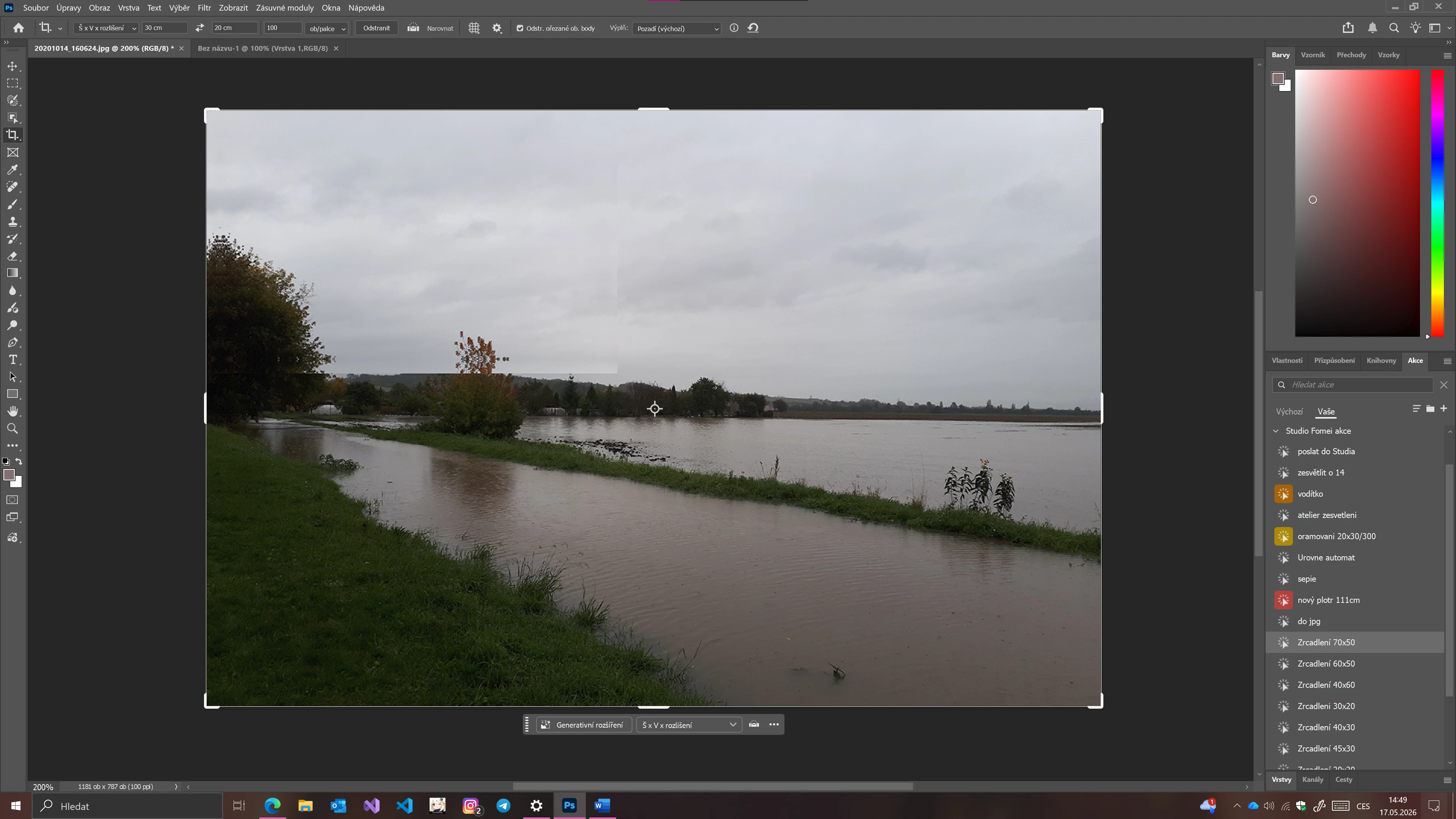
After running the action this happens:
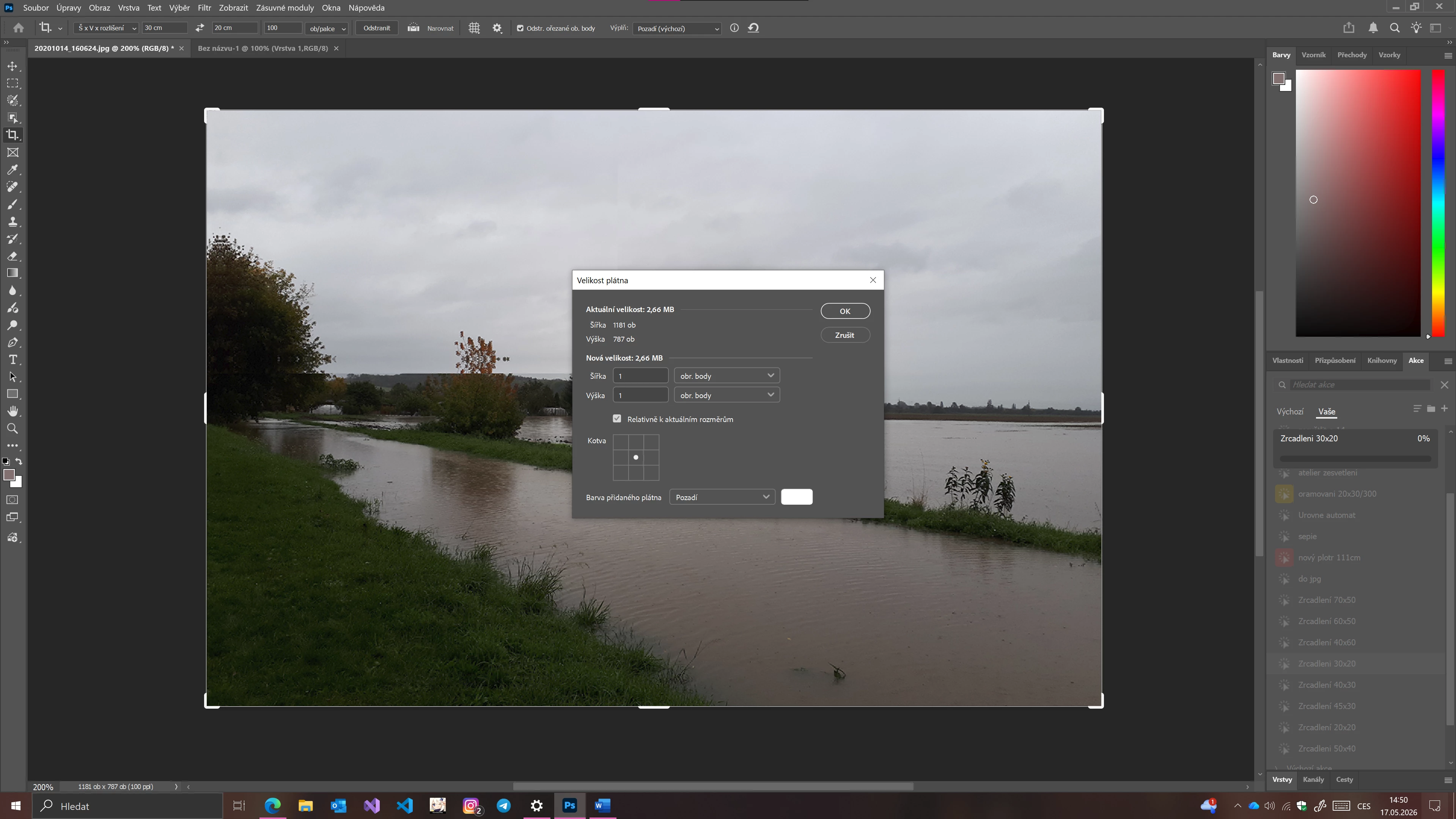
first step looks okay, now:
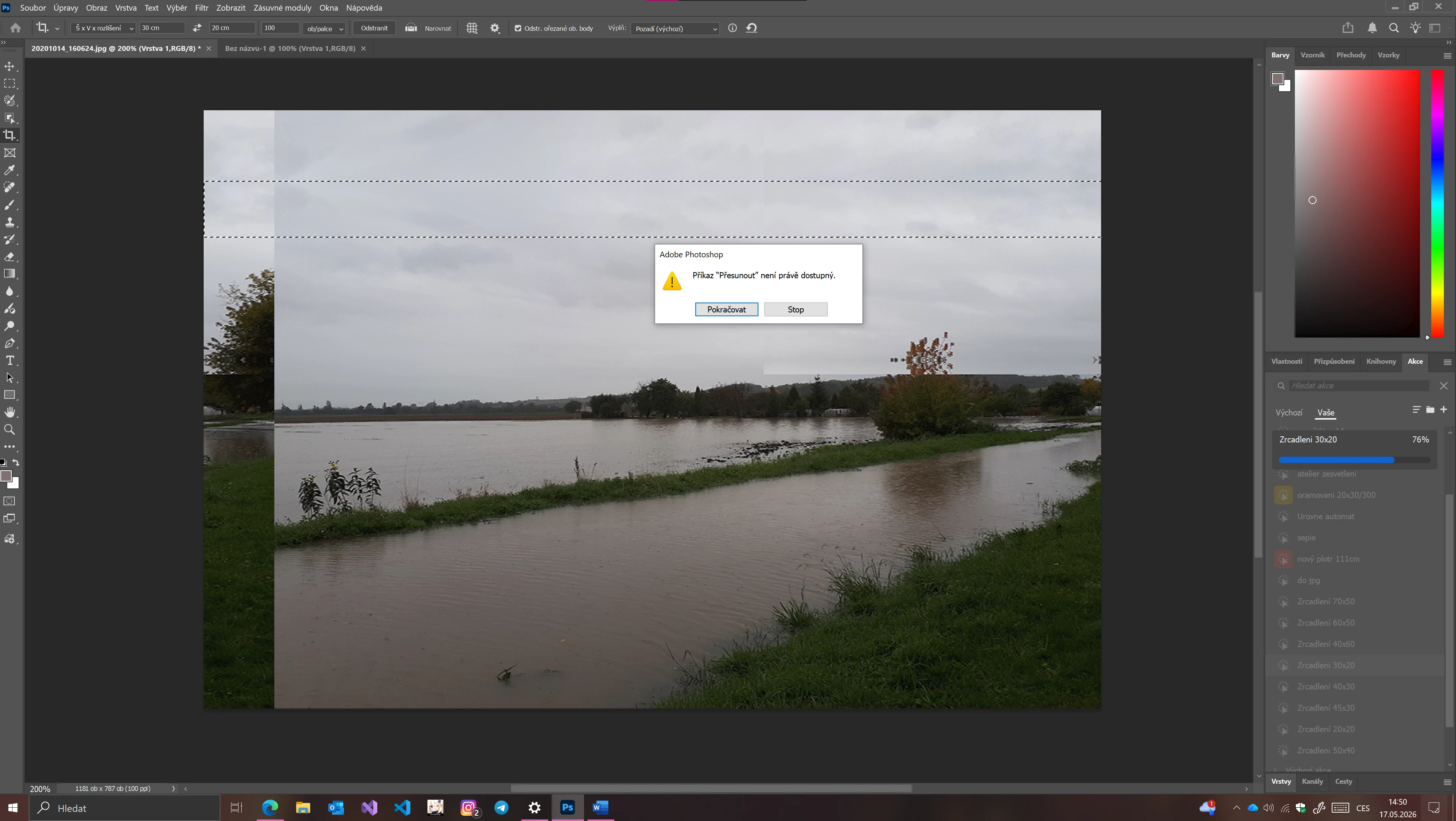
after few steps it does, it will throw: ,,Command “transfer” is not available now” … This happens with many tools, not just transform. When I do rollback to 27.4, none of this happens. By doing step by step, I´m getting the same error.
I have tried to completly reinstall Photohsop, do clean installation to another computer… everything…
I´m giving my actions as an attachement, so you can reproduce my steps.
Actions should behave the same way as in version 27.4 (and older) and execute without errors.
I hope it will be fixed, thank you for your time, if you need any debug files, let me know at adobe@fotopv.cz
Thanks,
Michal.
 AdChoices