Participant
October 17, 2026
Open for Voting

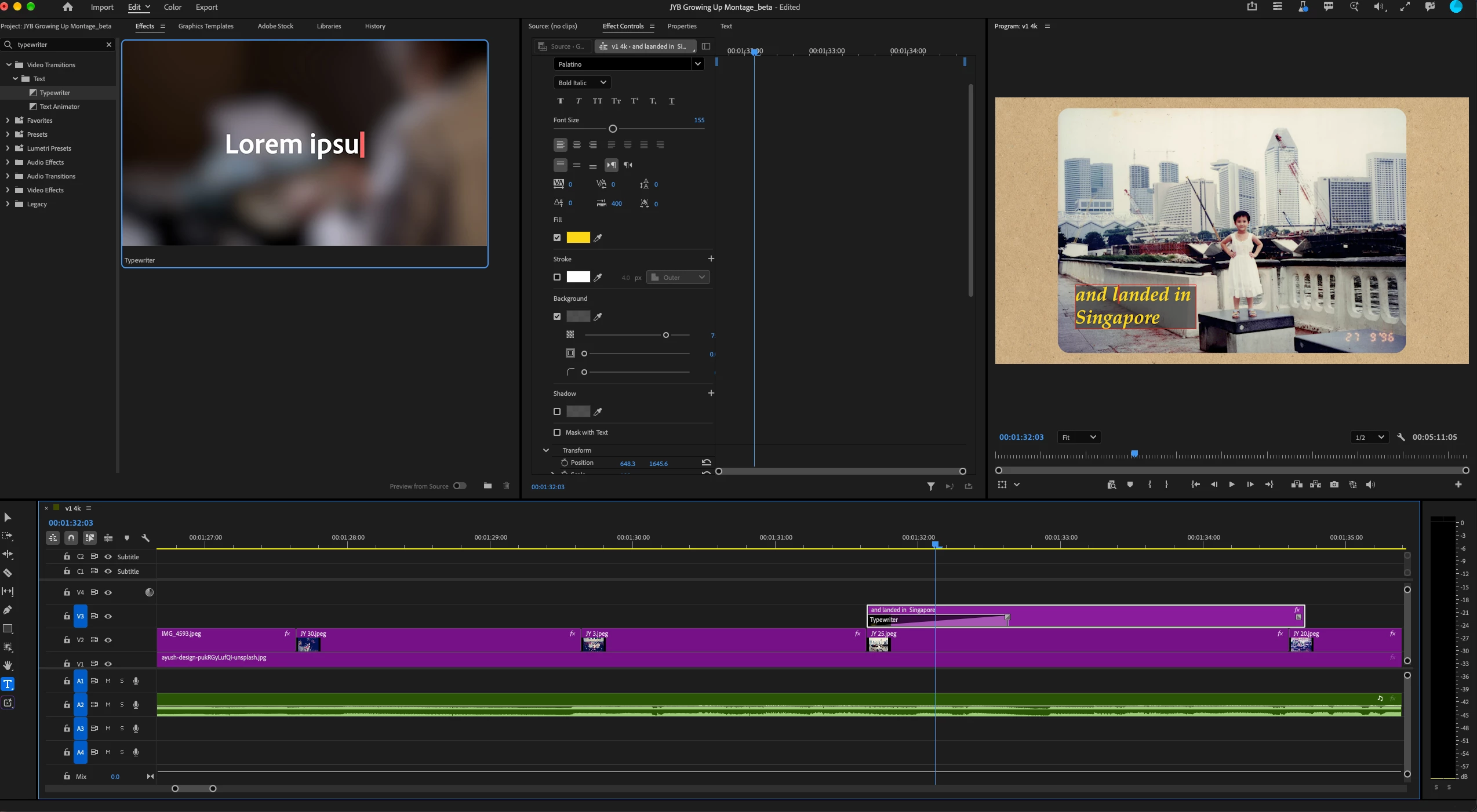
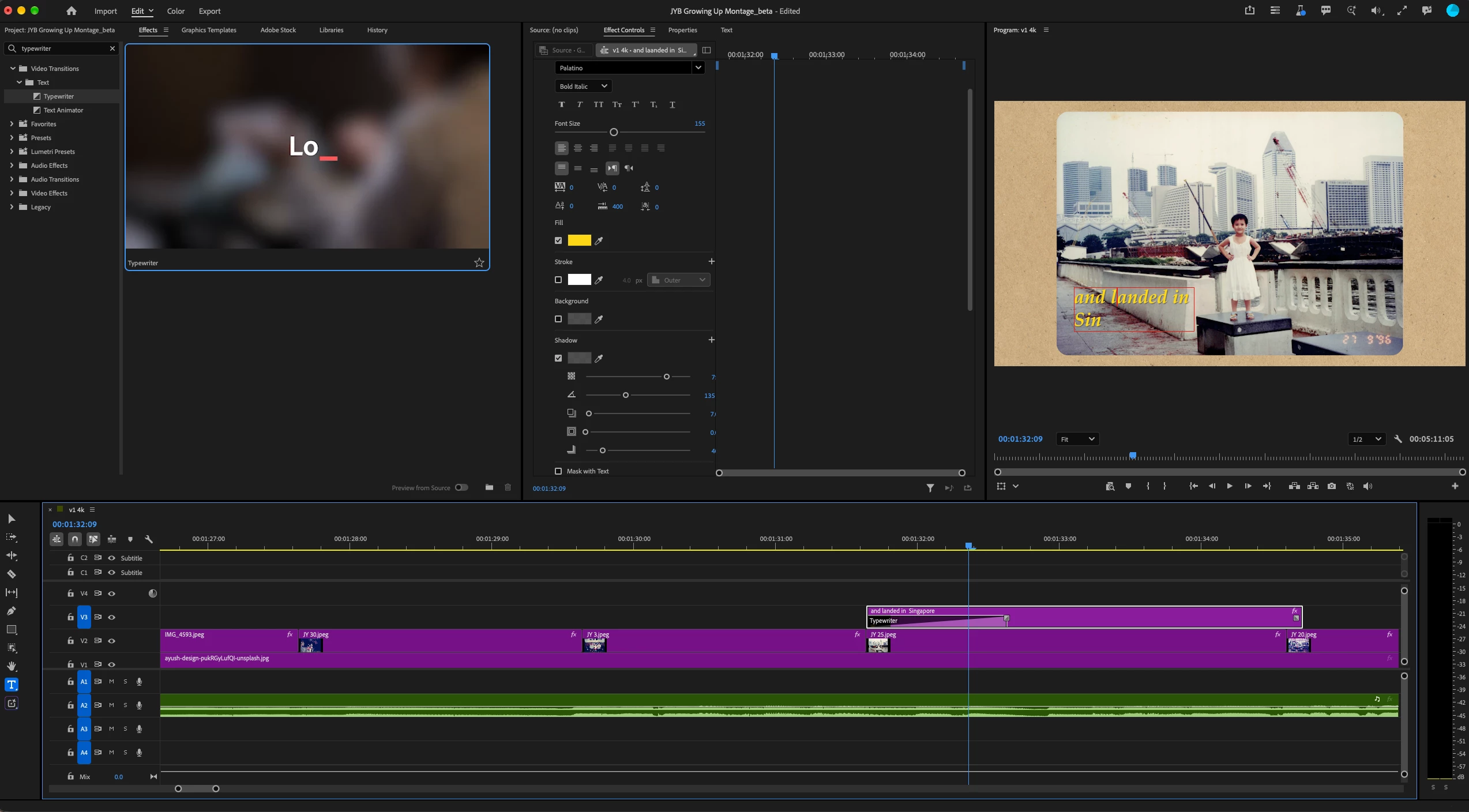
adding drop shadow to a text, creates a bug with the Typewriter effect. Instead of words coming out letter by letter, when drop shadow is activated the words come out in chunks or in full sentences

  1. created a text layer over video
  2. text is 2 short lines
  3. added Effects > Text > Typewriter to text layer
  4. works fine
  5. On the text layer: Effects control > text > drop shadow checkbox activated
  6. the typewriter effect now comes out in chunks.

Apparently the same thing happens when i add a Background
to my text

    1 reply

    BeratGL
    Known Participant
    October 17, 2026

    The Typewriter effect isn't native to Premiere; it was added following the Film Impact acquisition. It works based on alpha channels, so adding a drop shadow causes the text to be treated as a single unit rather than individual letters. This is how it works, not a bug.

    There is a workaround, nest the text layer after applying the Typewriter effect, then add the drop shadow effect to the nest. This should give you the result you're looking for. I hope in the future Adobe improves this effect and works no matter what you toggle.

    Translate