

CristianCS94
Participant
April 28, 2026

Adobe Premiere Not Responding (Interface Freezes)

  • April 28, 2026
  • 3 replies
  • 98 views

Good morning, community.
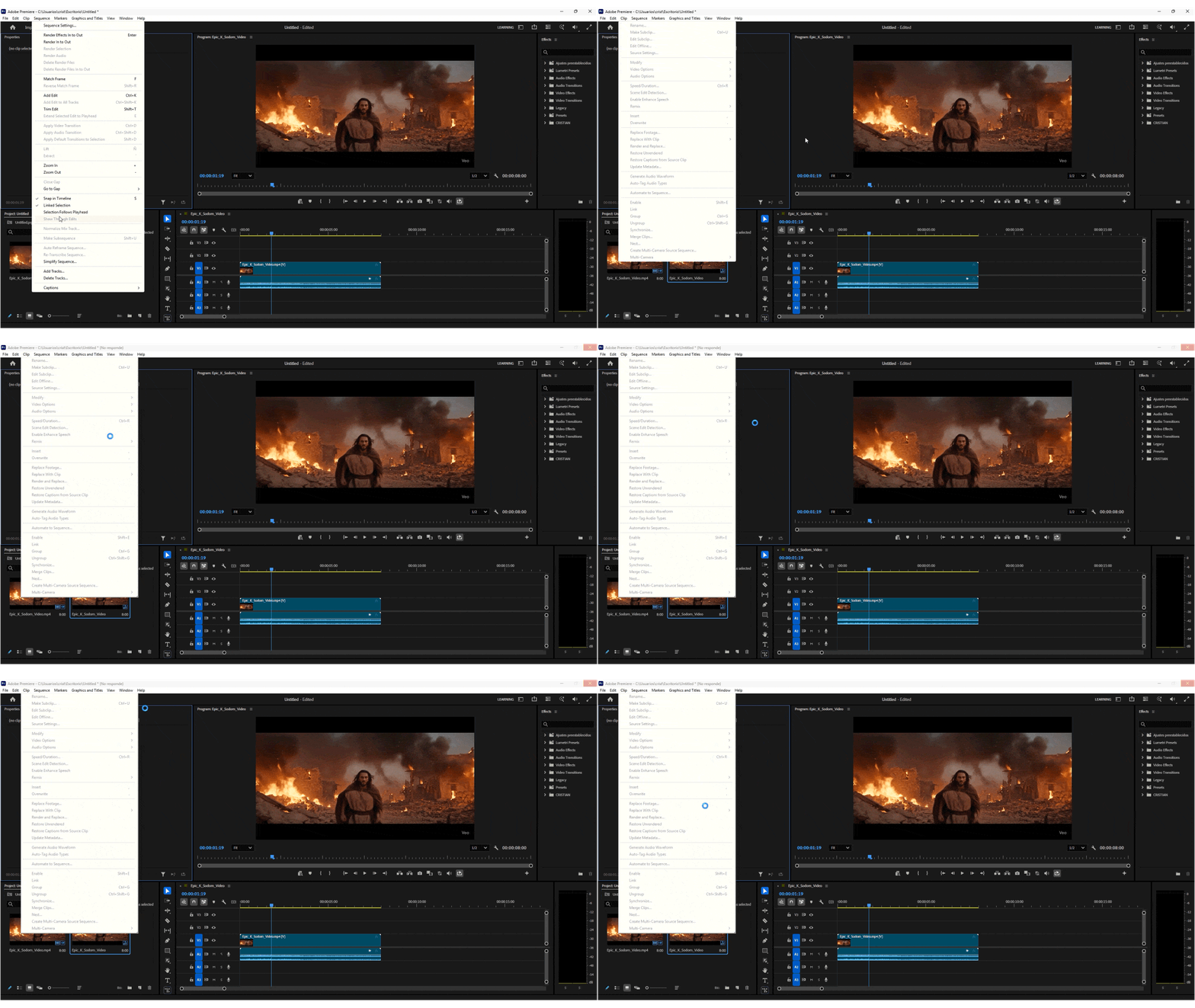
Every time I use Premiere (2026 latest version), whenever I move around the interface and panels, the program freezes. 😫

I’ve already reinstalled Premiere, created a test project on 3 different SSDs, and the freezing issue still persists.

I’m using a laptop with an R5 8645HS + 32 GB DDR5 RAM + RTX 4050 (updated Studio driver) + 1 TB NVMe + 1 TB SSD.

I only have issues with Premiere—After Effects runs without any problems.

Any solution?

P.S. I’ve reinstalled, reset, and cleared the cache. Only the program freezes; the laptop keeps working normally and can still play YouTube videos.


    3 replies

    Diego.Neovation
    Participant
    May 14, 2026

    I just updated Premiere last version and I have the same problem. Every time I click on any tab of the top menu it freezes. 😥


    **My Setup:**
    - Device: PF60VKJH (Laptop)
    - Processor: Intel Core Ultra 7 255HX
    - RAM: 64 GB
    - GPU: NVIDIA RTX PRO 2000 Blackwell
    - Premiere Pro version: 26.2.2


    **What I've Already Tried:**🤕

    - Reset Premiere preferences on startup

    -Moved my project files and assets out of OneDrive.

    - Forced Premiere to use the NVIDIA GPU via NVIDIA Control Panel (set to CUDA)

    - Updated NVIDIA drivers to the latest version

    - Adjusted RAM allocation in Premiere settings

    - Launched Premiere without third-party plugins (Shift + launch) — issue persists

    - Checked Windows Event Viewer — no relevant errors found

    - Cleared Media Cache


    None of this worked. So, probably installing previous versions is the best option so far.✨

    IanB_360
    Community Manager
    Community Manager
    April 29, 2026

    Hi CristianCS94
    I see you have implemented a workaround to get back to work. That is great. If you have time and want to look into why 26.2 isn't working for you, it would be great to know which media you have in your sequence and, if possible, get a project file or some sample files. Did the program react the same way in every project? 
    Here to help
    Ian

    MarekMularczyk
    Community Expert
    Community Expert
    April 28, 2026

    I know this is not ideal but have you tried going back to the previous version? Maybe 26.0?

    Adobe Community ExpertAdobe Certified Professional
    CristianCS94
    Participant
    April 28, 2026

    Alright, thanks.
    I followed your recommendation, installed version 26.0, and the issue was solved.😃

    MarekMularczyk
    Community Expert
    Community Expert
    April 30, 2026

    I’m glad it’s working for you now 😃

    Adobe Community ExpertAdobe Certified Professional