
Adobe Premiere Pro keeps crashing on start up
Hello
I have a Dell Pro Max 16 MC16250 laptop.
Storage 954 GB
Graphics card 8GB Multiple GPUs installed
Installed RAM 32GB Speed 5600 MTs
Processor Intel Core Ultra 9 285H
System type 64-bit operating system, x64-based processor
Windows spec
Edition Windows 11 Enterprise
Version 24H2
OS Build 26100.7623
Experience Windows Feature Experience Pack 1000.26100.275.0
I’ve used Adobe Premiere Pro for about 12 years. I was given the above work laptop in Nov 2025. To be honest I haven’t used APP since then - until this week. I have literally just opened the software and created a new blank file. Absolutely nothing else. I’ve then gone to make a cup of coffee. When I’ve come back I’ve seen the attached error message on my screen.
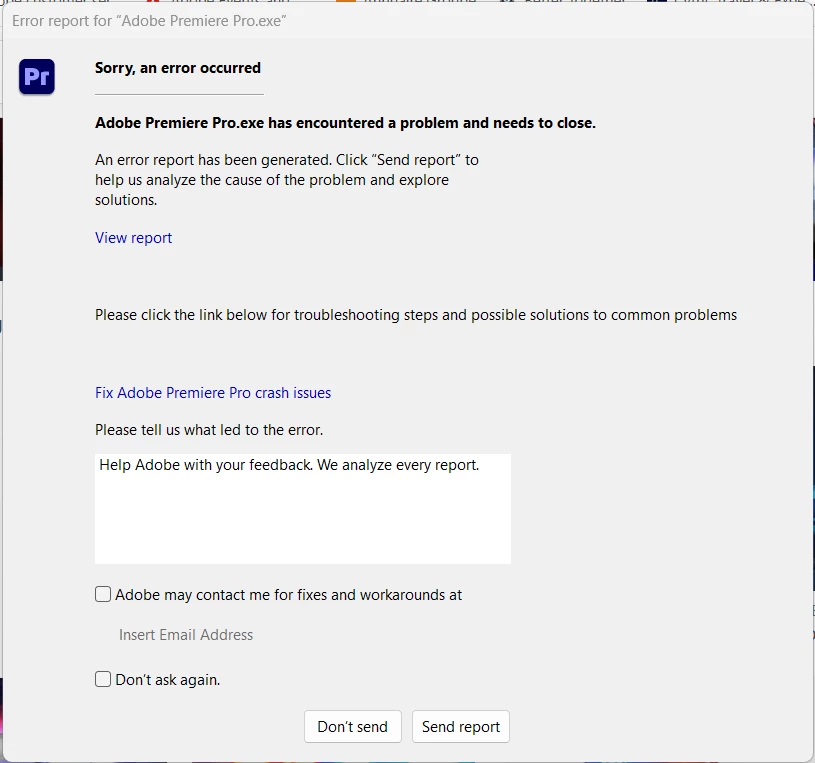
If I click ‘send report’ or ‘don’t send report’, APP shuts down. This has now happened 6 times. I cannot get to the stage to actually do anything creative.
Any ideas?
 AdChoices