Maiscat
Participant
February 11, 2026

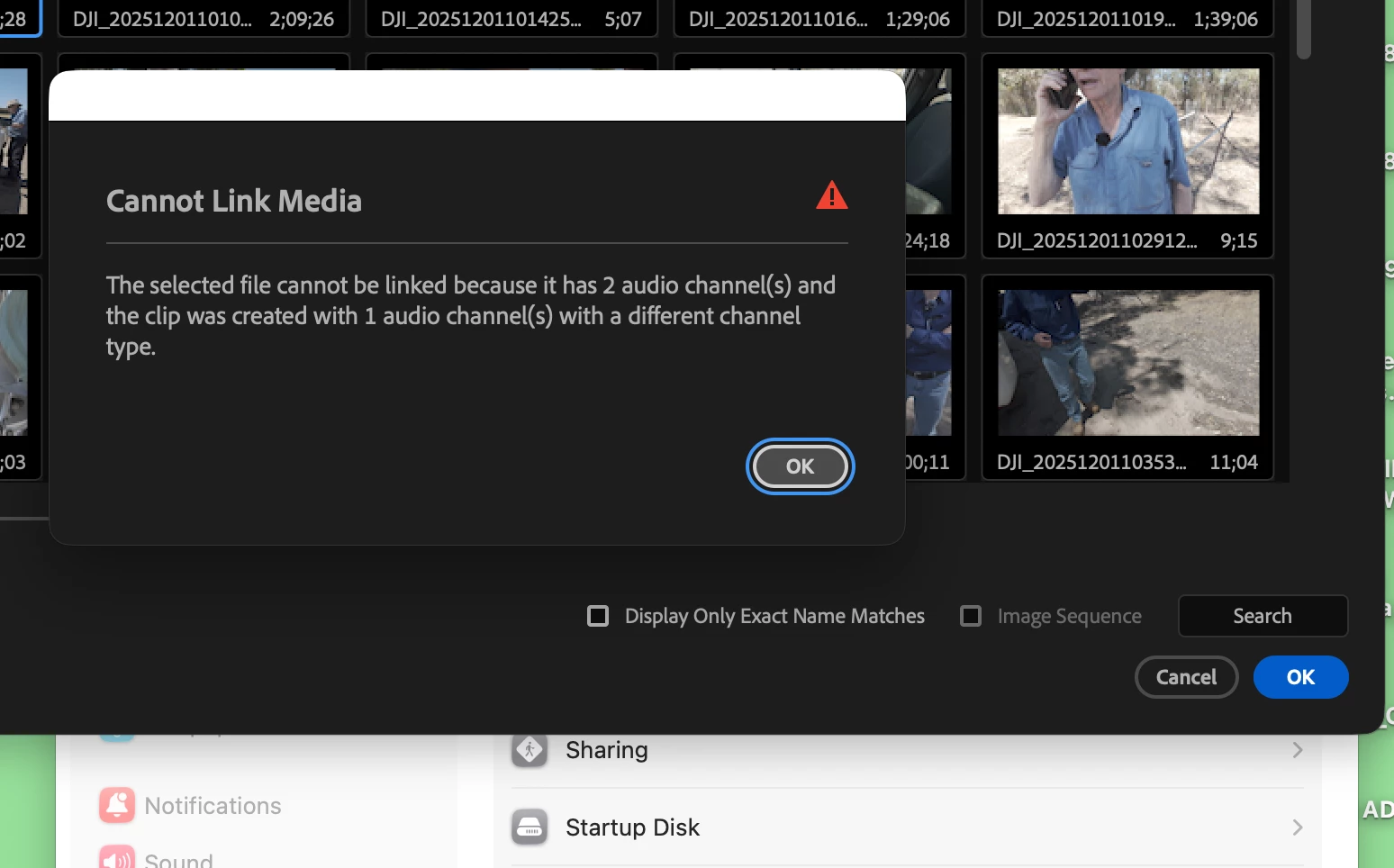
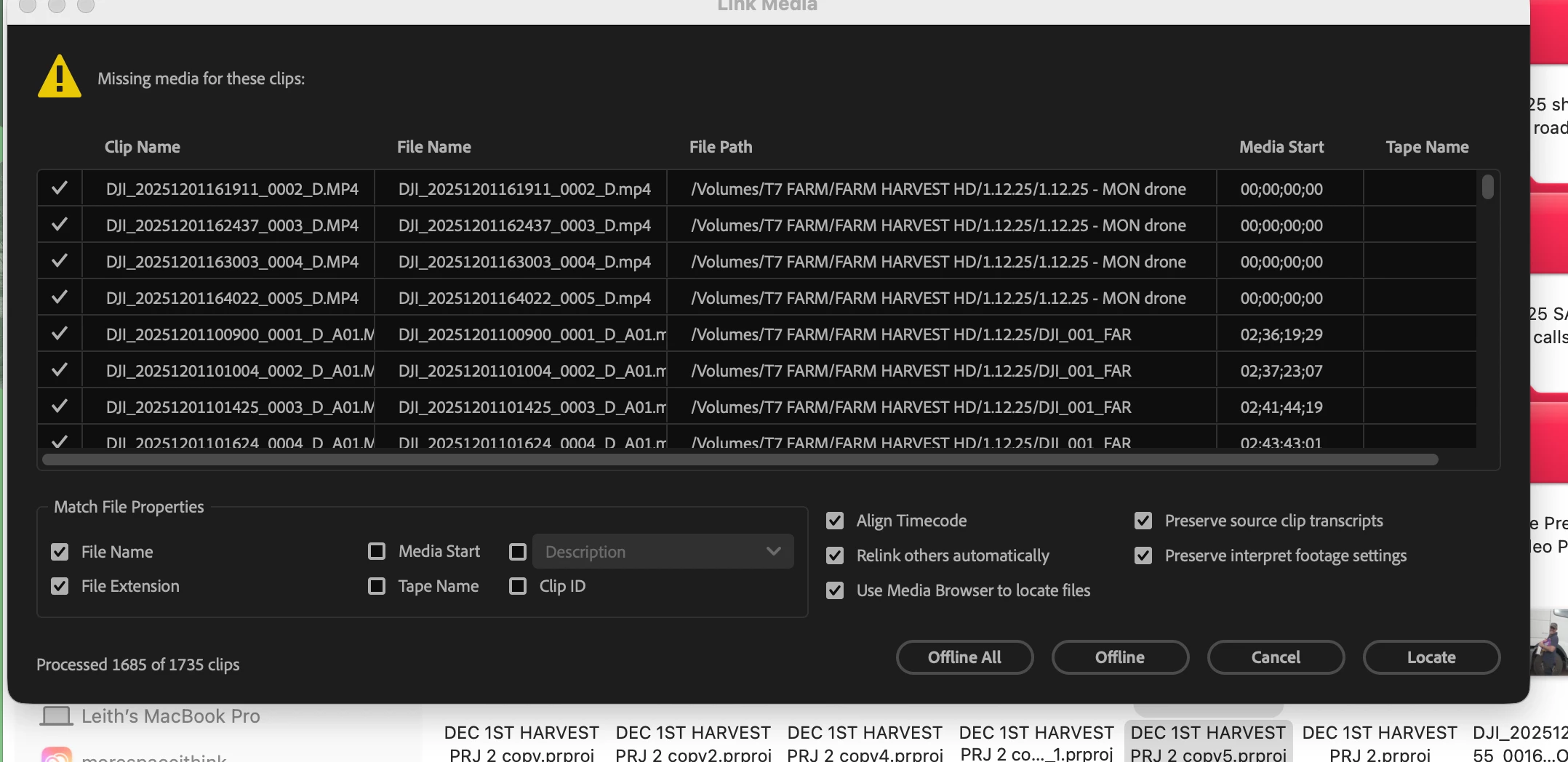
All my clips (hundreds) are offline.

  • February 11, 2026
  • 1 reply
  • 15 views

Have been using Premiere Pro 2025, the app updated itself to the latest version (26) and is saying all my clips (hundreds) are offiline. When I try to relink them it says there is an issue with the audio channels type. Its ridiculous because I've been working on this project for months and have never had this issue. I re dowloaded the older version of PP and now thats doing the same thing...  not sure if this is a bug or somethng Ive done
Extra info: working on a Macbook Pro 2019,

Graphics: AMD Radeon Pro 5500M 8 GB, Intel UHD Graphics 630 1536 MB

Various files shot on iphone, drone, pocket 3, go pro.

Working off an SSD (Samsung T7 shield)

Memory: 64 GB 2667 MHz DDR4

OS: Tahoe

Processor: 2.4 GHz 8-Core Intel Core i9

    1 reply

    Amy the Stuv
    Community Manager
    Community Manager
    August 4, 2026

    Hello ​@Maiscat 


    Apologies for the long delay in response. Hopefully you found a workaround by now, but I wanted to ask if you looked at your offline clips Modify → Audio Channel what do they say?

    What are your clips set to, does changing them to match the channel type allow relink?


    If you reimported a clip, check what that is set to, and force a match on your offline clips, then try a relink again.


    There may also be help in a Right Click - > Media File Properties if you wanted to share that screenshot.


    Again, sorry for the lag in our response time and I hope you found a workaround before this.

    Best,

    Amy