
An important authorization dialog is shown when our plugin connects, but the buttons are unreadable
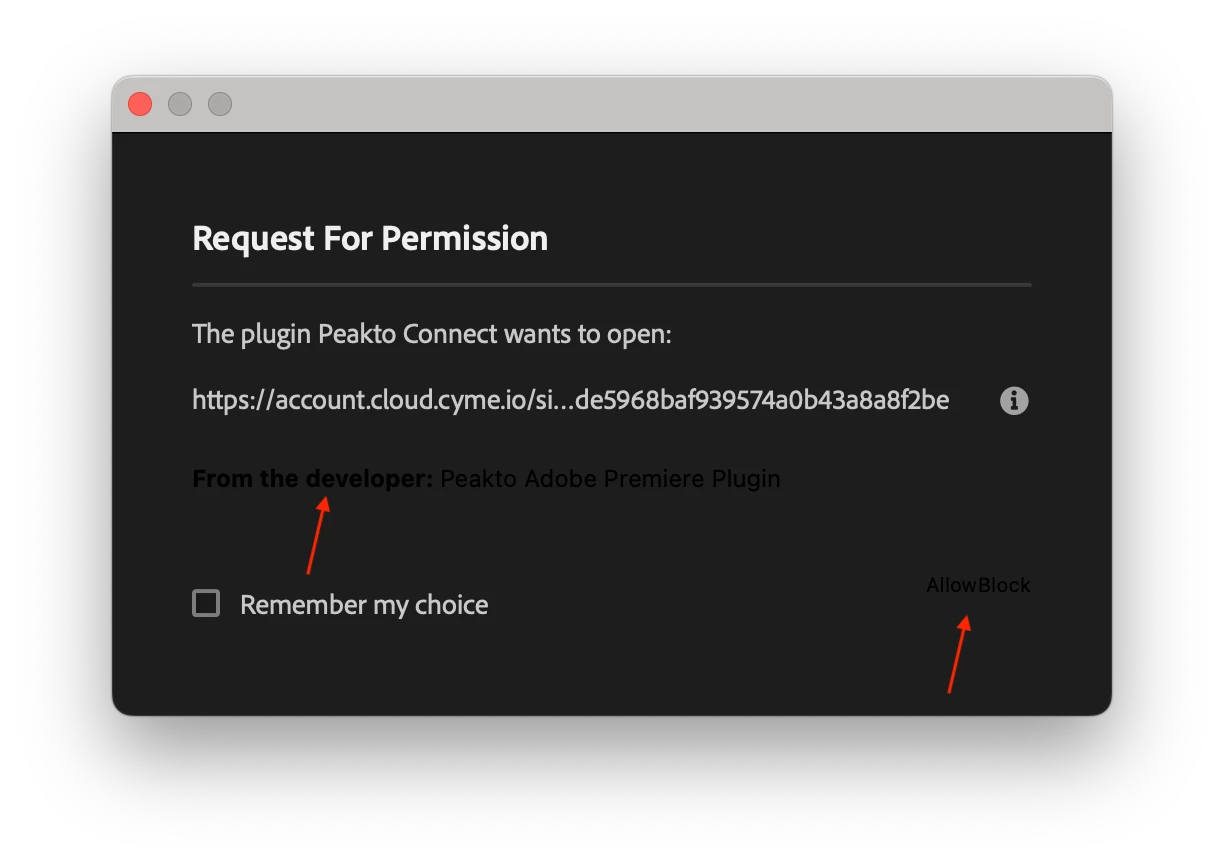
We have an UXP plugin that creates a connection with a remote server. In doing so, we need to open a web page for login. Premiere opens an Permission Dialog to request permission to open that page...but the displayed dialog has a faulty rendering of :
- the explanation text
- the action buttons (Allow | Block)
These are unreadable because of color (dark gray over a black background) and placement (no border for the buttons, incorrect spacing).
The dialog is therefore unusable. Even worse, if the user clicks by mistake on the Block button it will be hard to recover.
This is the dialog
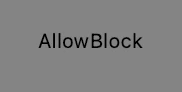
After some photoshop on this image, the button are easier to read…
This is currently a blocker for our plugin


 AdChoices