



Audio cuts out for short period when beginning shuttling in v25.6.2
Since updating to Premiere 25.6.2 last week, I immediately noticed that shuttling (playing at 2x+ speed) causes the playback audio to cut out for a short period.
To reproduce (at least on my system), specifically while playing back at normal speed, upon pressing the shuttle right hotkey to play faster, that is when it cuts out. It will also cut out if the shuttle key is pressed again while already shuttling to further speed it up.
It does NOT happen when:
- Beginning normal playback at normal speed, even if the 'shuttle right' key is used to start playing (pressing the shuttle key from a stopped position just plays regular speed). It's only if transitioning into true 'shuttle' speeds.
- It also does not happen when "maintain pitch while shuttling" is disabled
Some notes:
- I do not recall this happening prior to 25.6.2, and I would have noticed it because it's quite obtrustive to my workflow where I use shuttling extensively.
- It also happens in the 26.0 Beta
- I tried it in a virtual machine with a more fresh installation of Premiere 25.6.2 and it still does it.
- I recorded the system audio to see how long it cuts out for, and it seems to cut out for exactly 125ms every time.
These are my audio settings: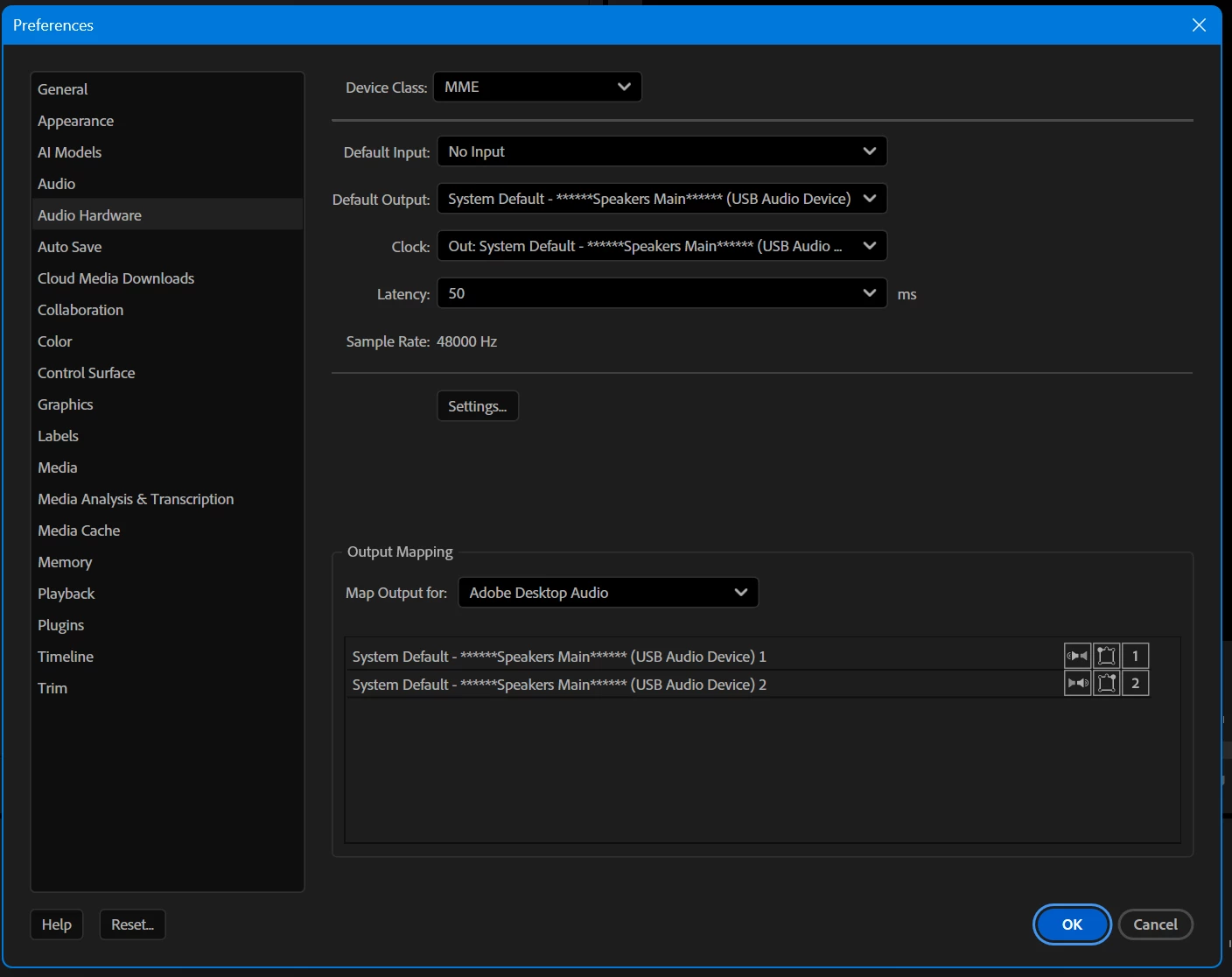
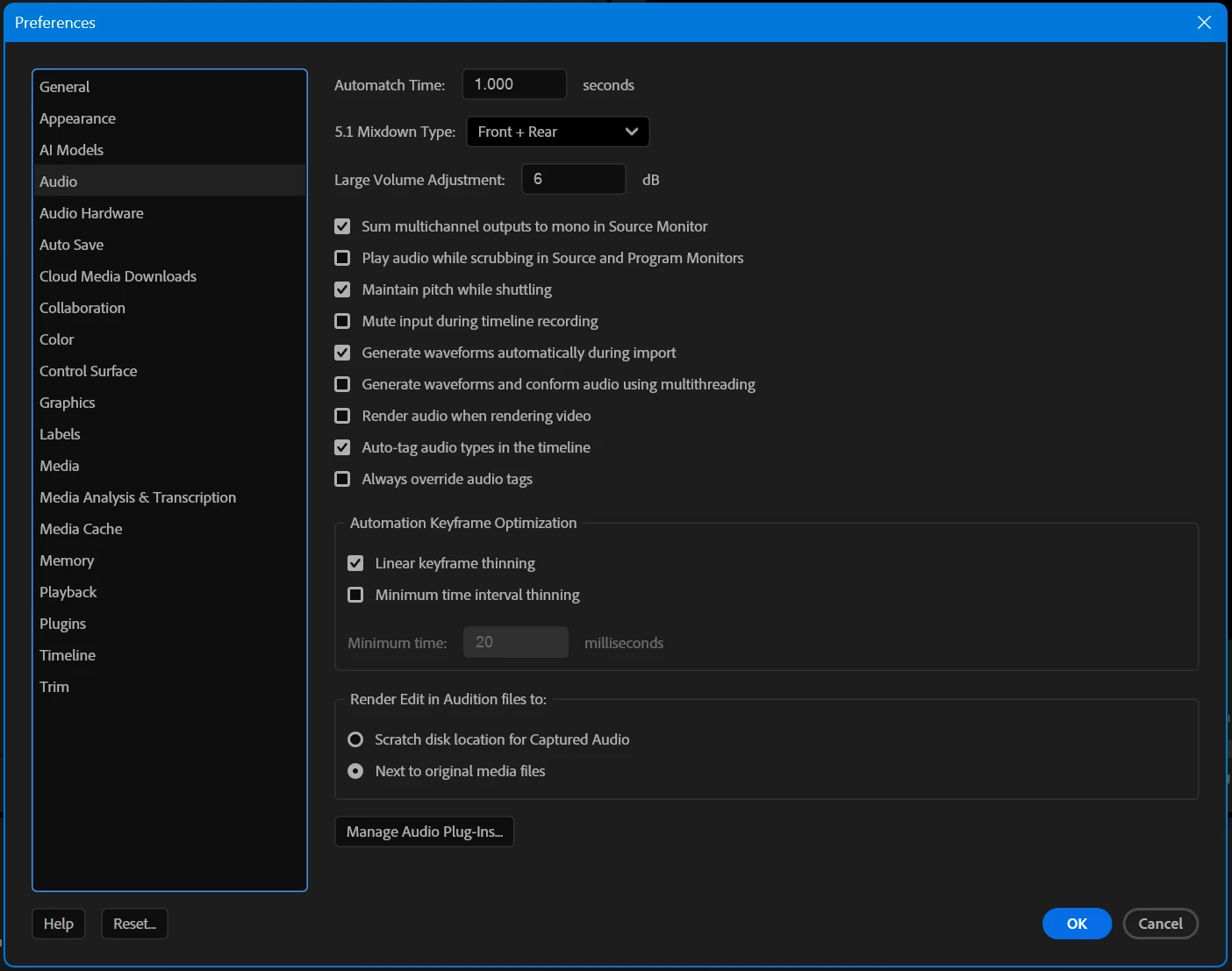
I also tried changing the latency but it doesn't seem to have any effect. But again this didn't happen in prior versions so I doubt it's just down to my settings.
I'm using "MME" device class in the audio settings as you can see in the screenshots. I tried switching to ASIO to see if that would help but I couldn't figure out how to get that to work at all (it was not outputting any audio) so I gave up on that.
Windows System Info:
- Premiere Pro Version: 25.6.2 (Build 1)
- Windows Version: Windows 11 Enterprise 25H2 (Build 26200.7296)
System Hardware:
- CPU: Intel 13900KS
- GPU: Nvidia 5090 FE
- GPU Driver Version: 581.57
- RAM: 128GB
- Storage: NVMe SSD - Optane 905P 1.5TB


 AdChoices