
Bizarre magenta, cyan, and green bars across footage
I'm running the latest version of Premiere on an Apple M1 Max with the latest operating system installed.
I recently shot footage with a Canon C300 mkii. It was for a British client, so I shot at 25p for the first time (no evidence this is relevent to the problem though). I have used this camera with Premiere for years with no issues.
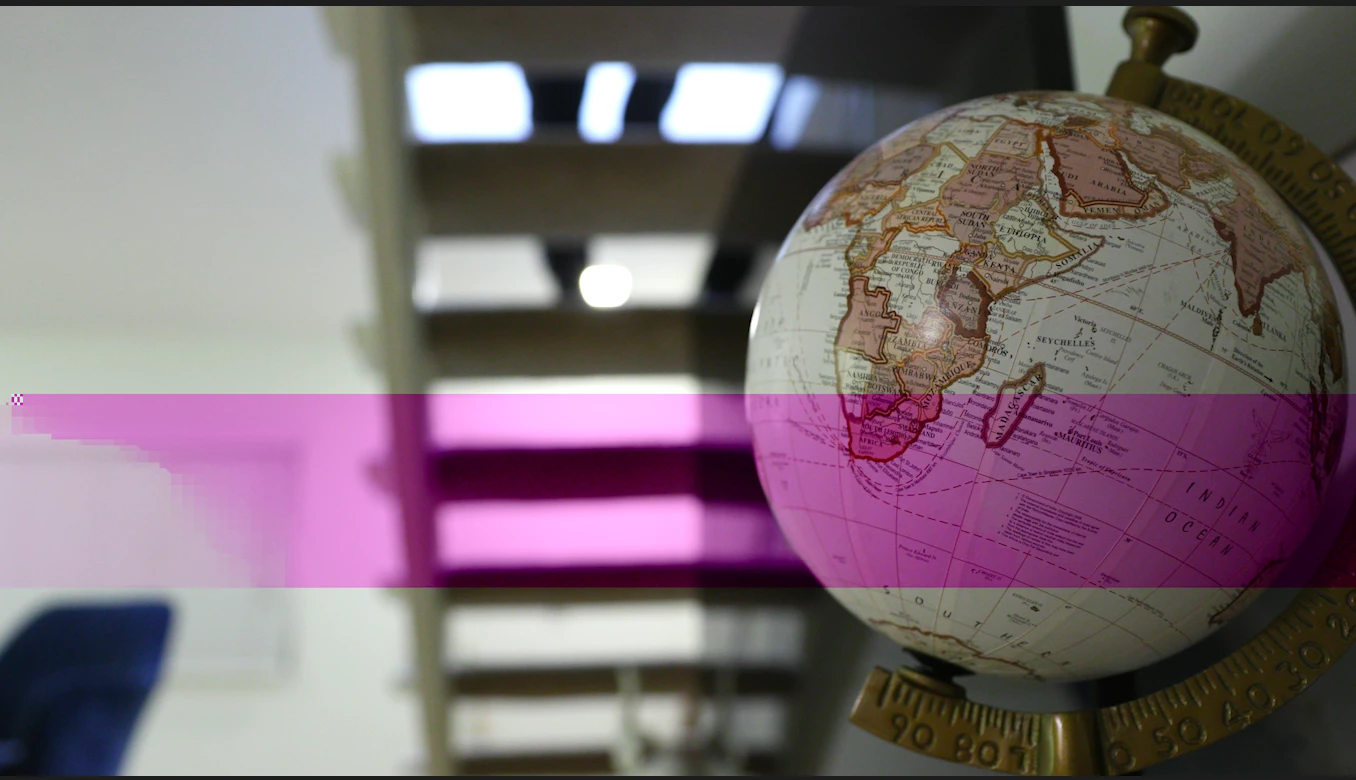
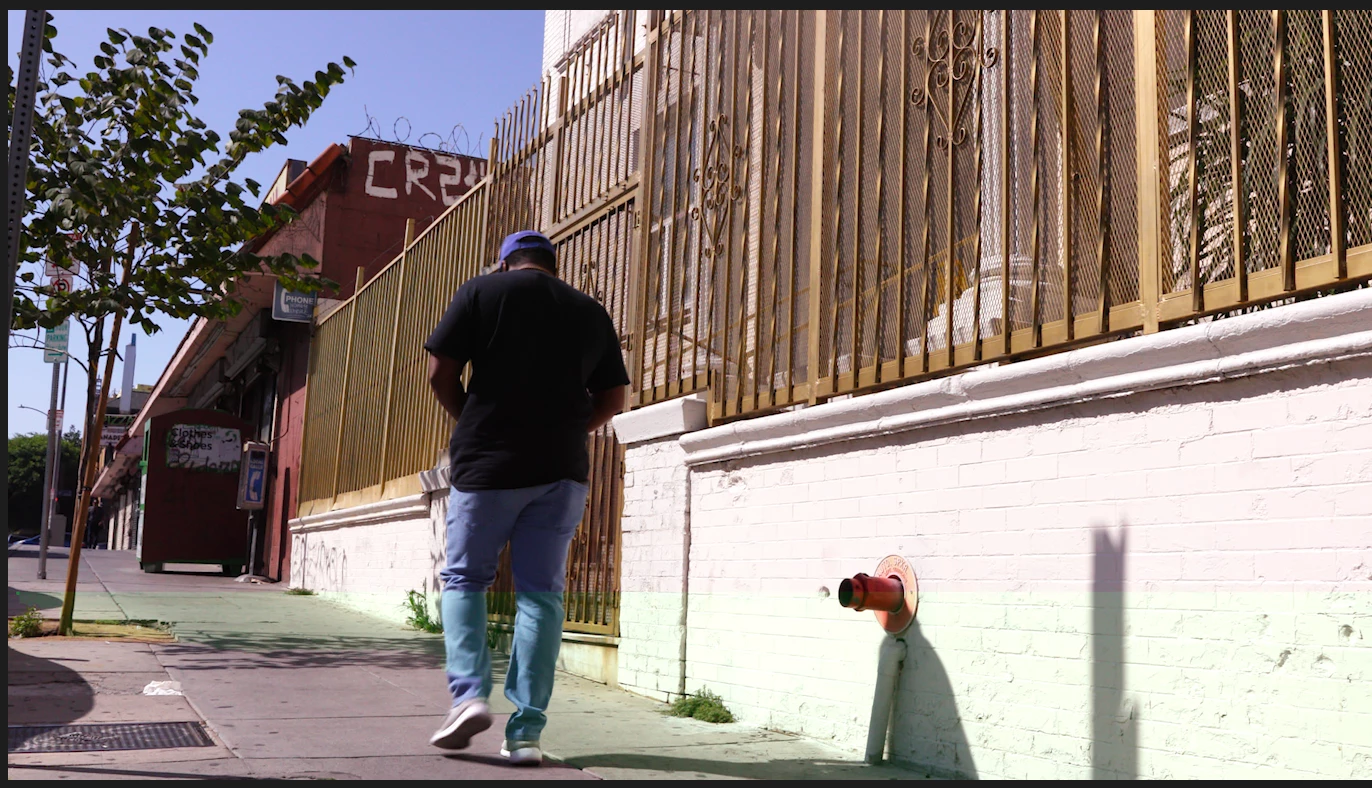
When I look at the MXF files using a media player, they look clean. However, in Premiere there are a few clips with these bizarre Magenta, Green, or Cyan bars running across for a single frame, littered across my footage. They seemed to show up about 8 times over 6 hours of footage taken over 4 days. They are in the same place in the same clips no matter how many times I import them. I also tried it on a new Macbook Air and inexplicably they show up there too, same place, same files.
And again, I have reviewed the files in the camera as well as with a media player and no such bars show up.
I have attached a couple examples. What is going on??


 AdChoices