
Black squares appearing on Premiere exports
This only happens on occasion but when it happens, as far as I'm aware, there's absolutely no solution. There's nothing wrong with the project within Premiere Pro but as soon as I export it, there'll be a random couple of seconds where I can see a couple of black squares have appeared on my export.
It looks like this:
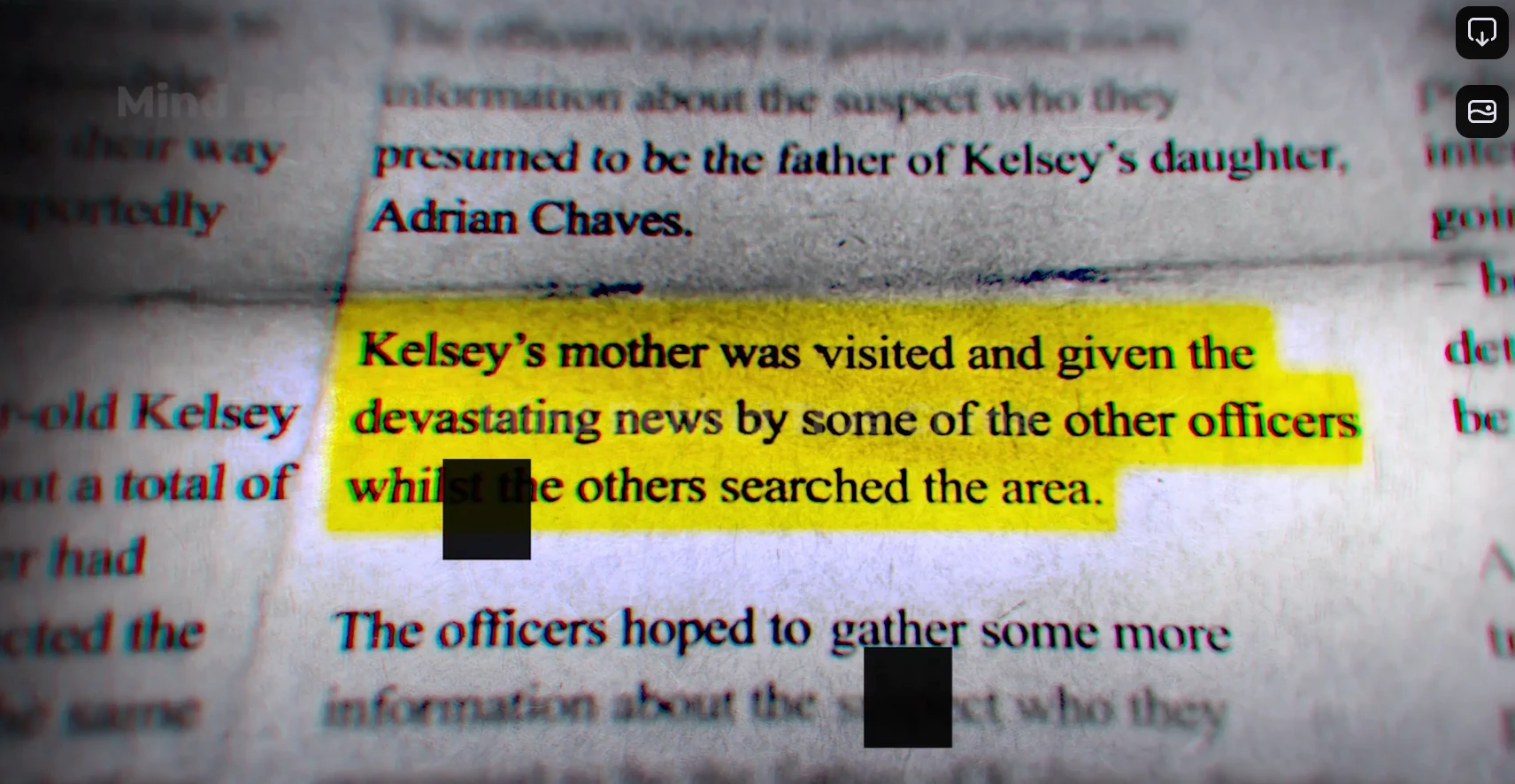
I feel like I've tried absolutely everything. I've reset all my Premiere settings, updated it, deleted and reinstalled the program, tried every export setting, I've tried exporting in Premiere itself instead of Media Encoder which I usually use.
Some have suggested it happens when you add effects to clips (?), so I've tried making sure this specific section is entirely unedited. This is the only 2 seconds it appears in an entire 1 hour long project.
I've been held back from getting this sent to a client and being paid because of this so it's getting a bit ridiculous.
My details:
Apple M3 Max 48 GB
OS - Sequoia 15.3.2
Version 25.4.1


 AdChoices