January 27, 2026

Can't use object mask in v26 (Windows version)
  • January 27, 2026
  • 4 replies
  • 36 views

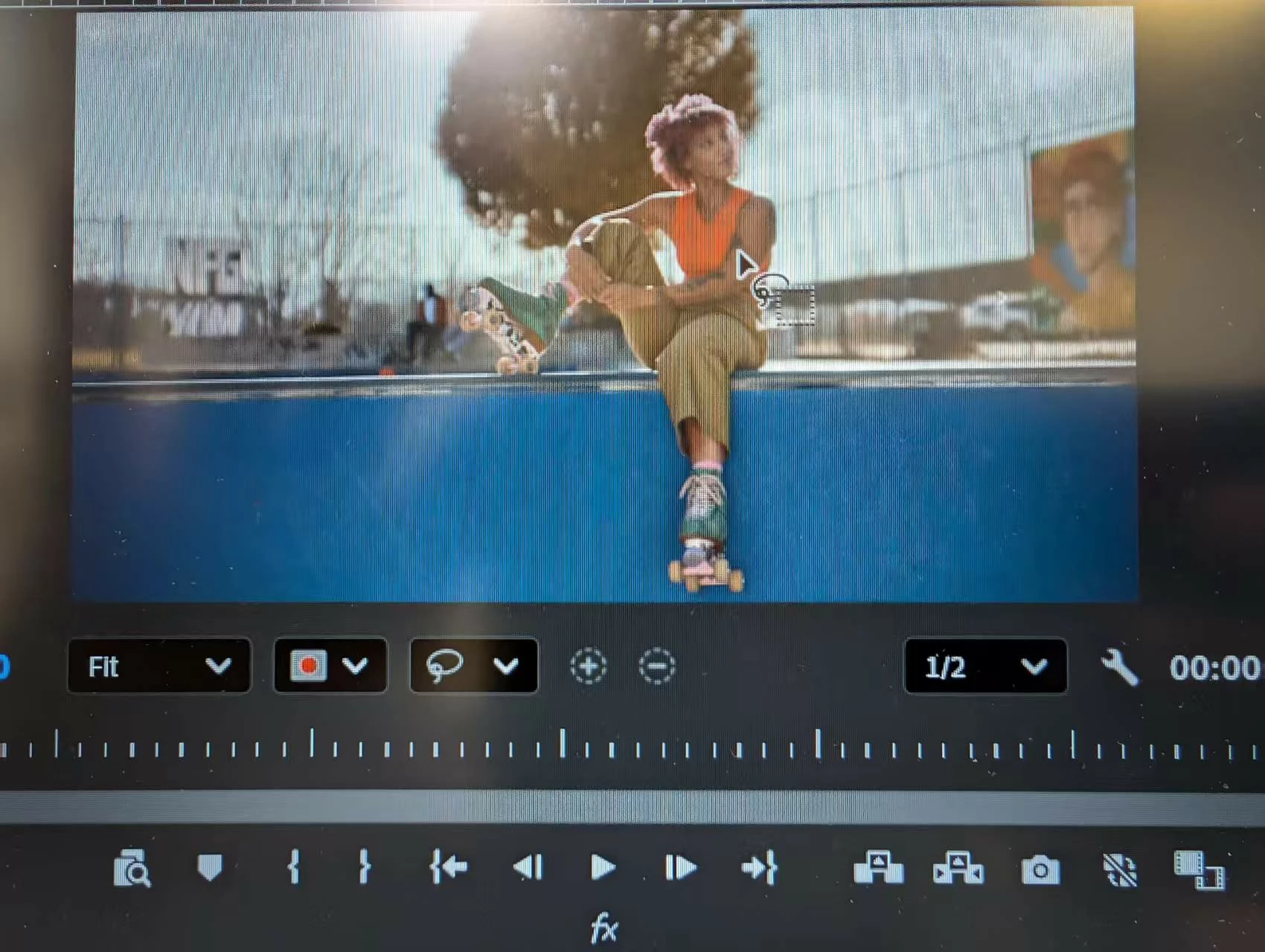
I have just upgraded to v26 of Windows 11, but I can't use the new object mask function on it. I also can't use the other mask. 

Expected Result
I can see the selected result by using the object mask . 

Actual Result
No result has been detected or selected.

4 replies

Ron Rigler
Community Manager
Community Manager
May 18, 2026

This issue remains elusive to reproduce in-house but we have made some changes in Beta to attempt to resolve this issue. If you can try the latest 26.5 beta and give us you feedback it would be appreciated.

R Neil Haugen
Legend
January 27, 2026

They have significantly changed the way we user set masks now in the 26.x release. There are two different modes, frame and clip ... and they differ in how to set them and what they do. You probably should go to their help files on masking to get this sorted out.

Everyone's mileage always varies ...
January 27, 2026

Thank you for your reply


I have selected the clip and click the "Show Object Hover Preview", but I still can not see anything was happened. 
I also can not use the "pen mask tool" to make a mask on a clip. 

Stan Jones
Community Expert
Community Expert
January 27, 2026

@Leonard0987,


You have the Object Mask Tool selected with the lasso option, and you are hovering over the Program Monitor. That is correct.


Do you have a clip selected in the timeline? If not, it won't do anything.


If you do, click on the Lasso/dropdown to the left of the + sign. Do you have "Show Object Hover Preview" selected? If not, it won't show you the objects it detects.


Stan