

Captions do not match the pre edited transcript.
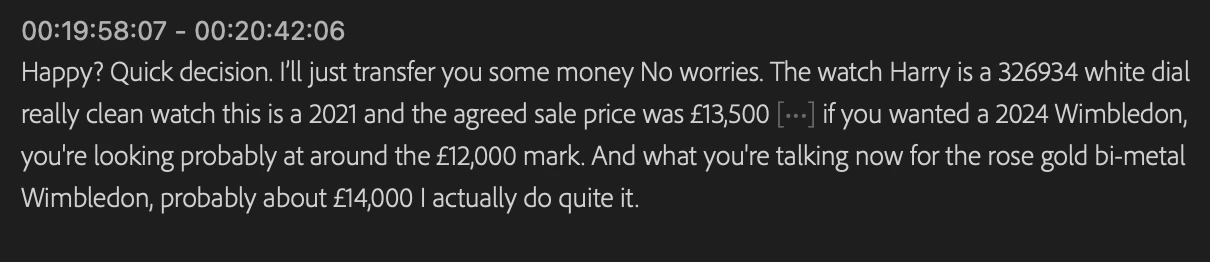
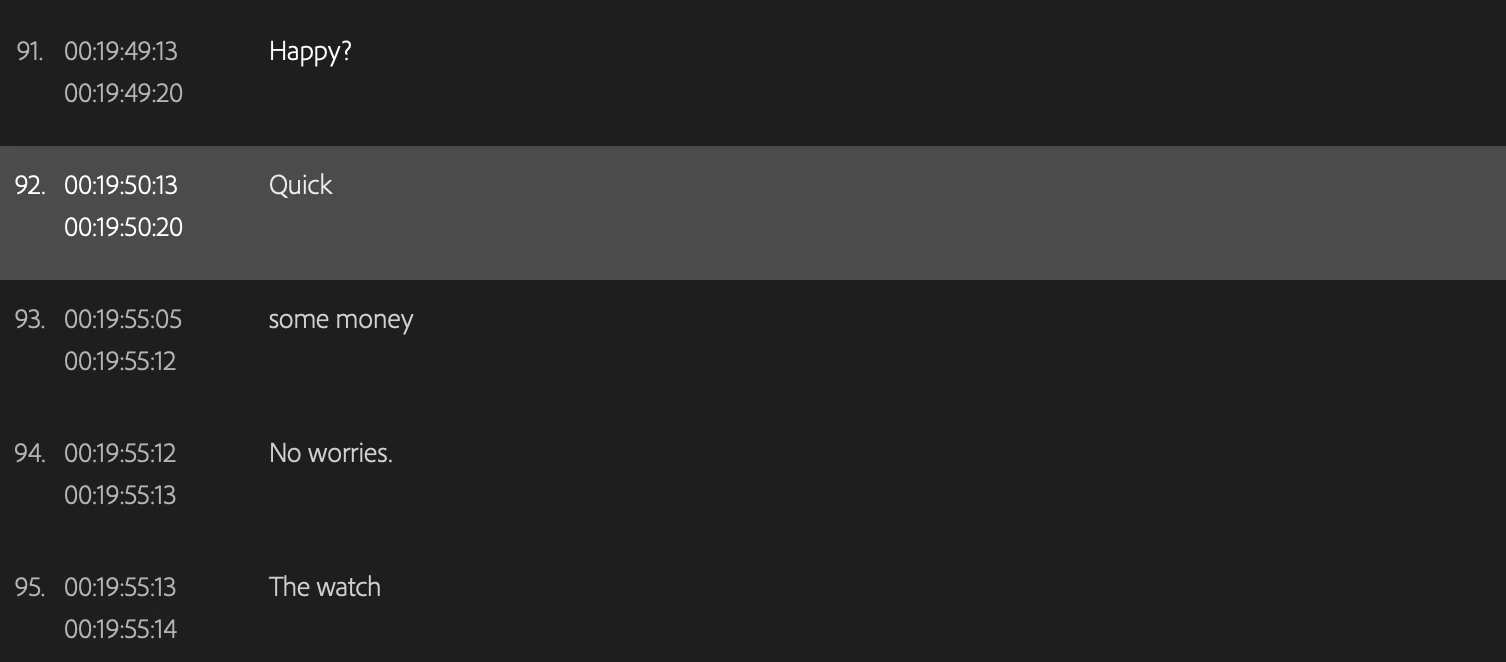
I am noticing this a fair bit in Premiere Pro, where I generate a static transcript between an in and out point. I then edit the transcript to match the correct words being spoken. I then create the captions, giving it a style and tweaking the timing and frequency of these captions. But especially when I have had to completely re-write a section (due to a rapid fire speaker with a very strong geordie accent), the captions will either revert back to the original generated words or completely miss out several of the ones I have written. For example in the screenshots attached.
The captions should read: "Happy? Quick Decision. I'll just transfer you some money. No worries."
But the only captions that were created were: "Happy? Quick some money. No worries."
Is there a setting I am missing or is this just a bit of a bug?
For reference I am using version 24.2.1 (build 2)
 Thanks


 AdChoices