Inspiring
March 5, 2025

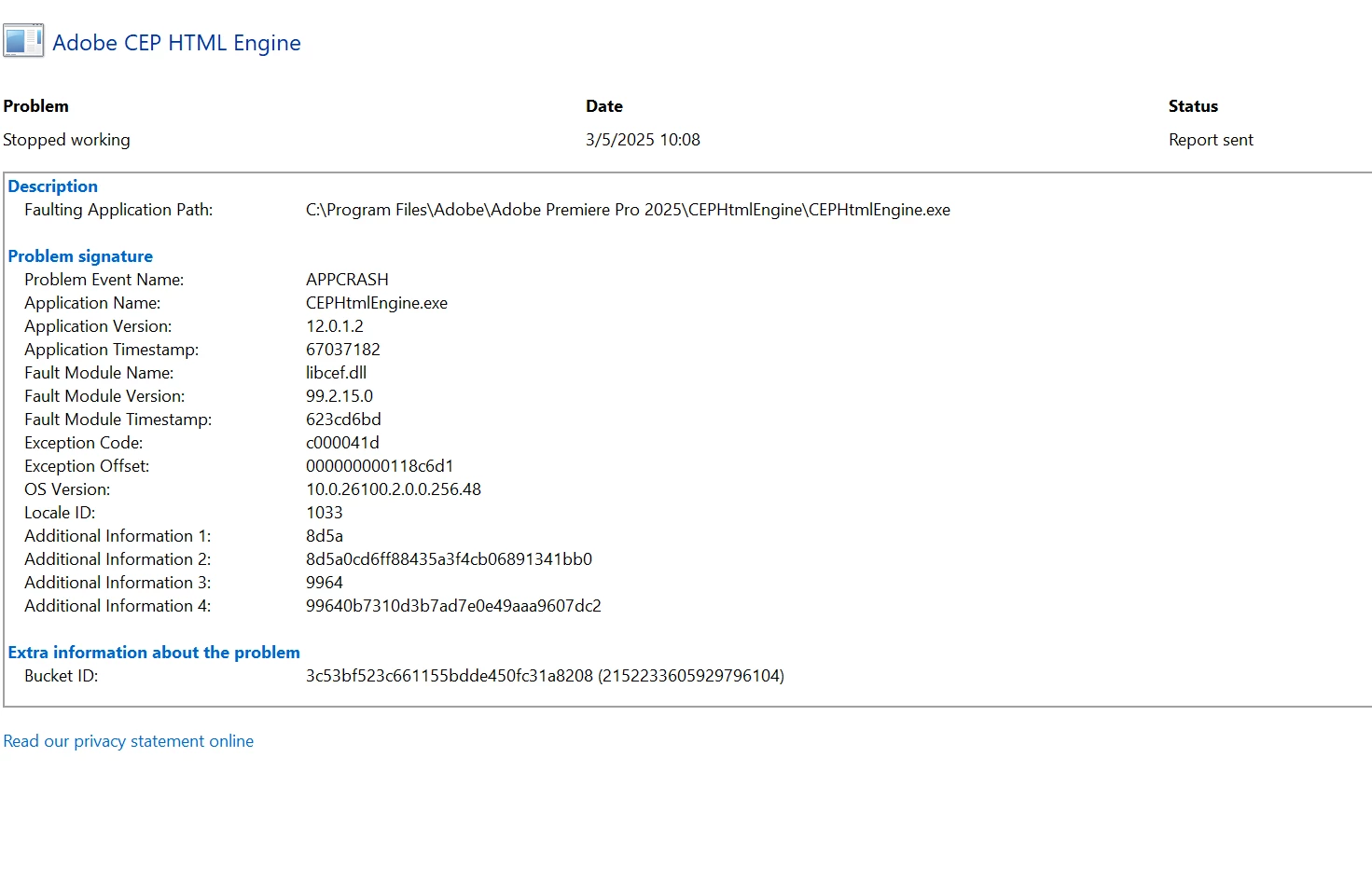
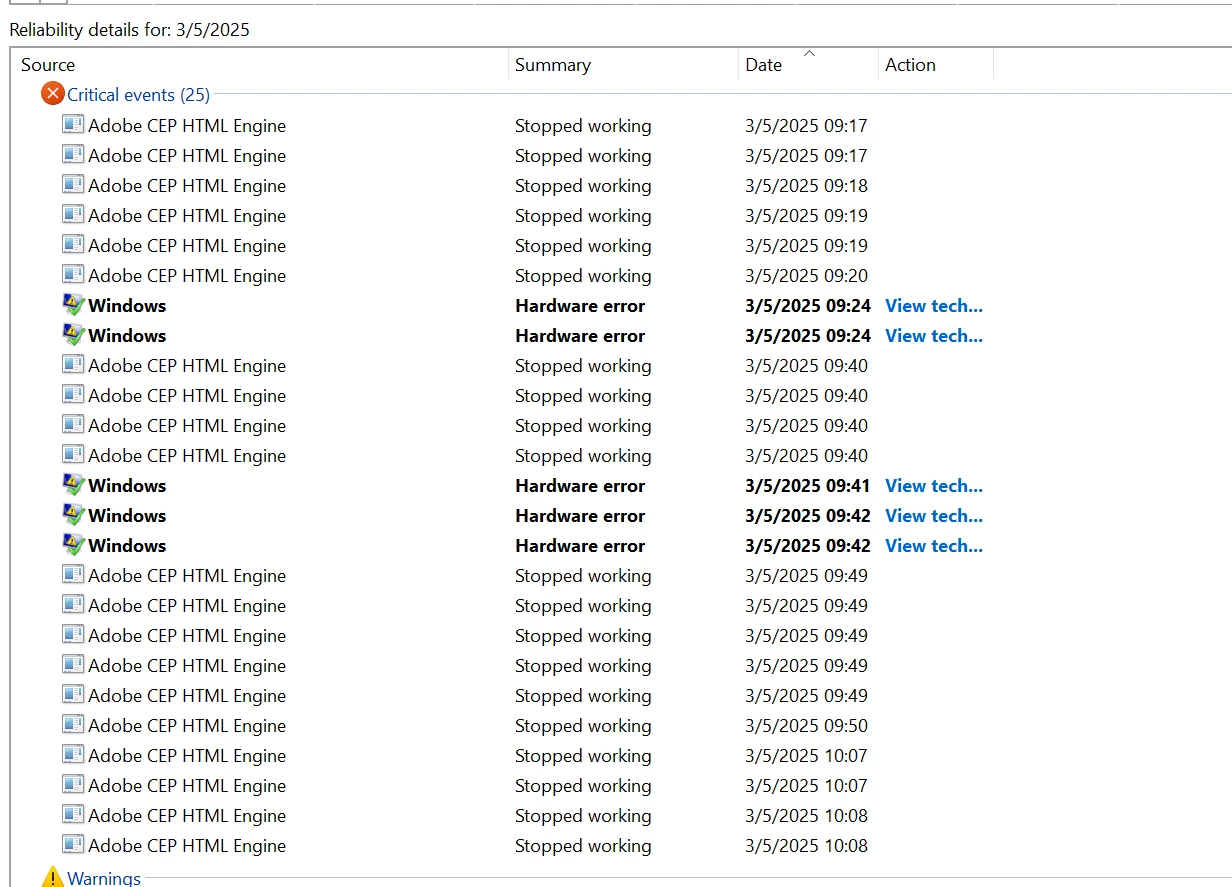
CEPHtmlEngine Crashes

  • March 5, 2025
  • 3 replies
  • 423 views

I'm having a lot of CEP HTML engine crashes. How do you troubleshoot this? 


3 replies

Bruce Bullis
Community Manager
Community Manager
March 5, 2025

Each extension you open during a given PPro session, is handled by an instance of "Adobe CEP HTML Engine". I think that, if those extensions display additional dialogs, those might also get their own instance. 

Note: Just because an extension gets CEP HTML Engine to become non-responsive, doesn't mean it's the extension's fault; something could be going wrong in their interactions with PPro. 

For troubleshooting purposes, you might consider using just one extension at a time, and seeing whether you can provoke one of the hangs you've been seeing. 

Also...We believe you, and Motion 4 must say (in its manifest file) that PPro is a supported host, or we wouldn't load it. 🙂


Scott.C.Author
Inspiring
March 5, 2025


- Excalibur

- Something my keyboard installed

-Motion 4 is an After Effects plugin not sure why it shows up in PrPro

-Premiere Composer i use for some transitions 

Bruce Bullis
Community Manager
Community Manager
March 5, 2025

Which CEP-based extensions are you using? 

Adobe ships some; Learn Panel, Libraries. 

Third party extensions will be in PPro --> Window --> Extensions menu.