



BeratGL
Known Participant
October 13, 2026
Acknowledged

Color Picker Dialog Allows values outside the valid 0–255 range
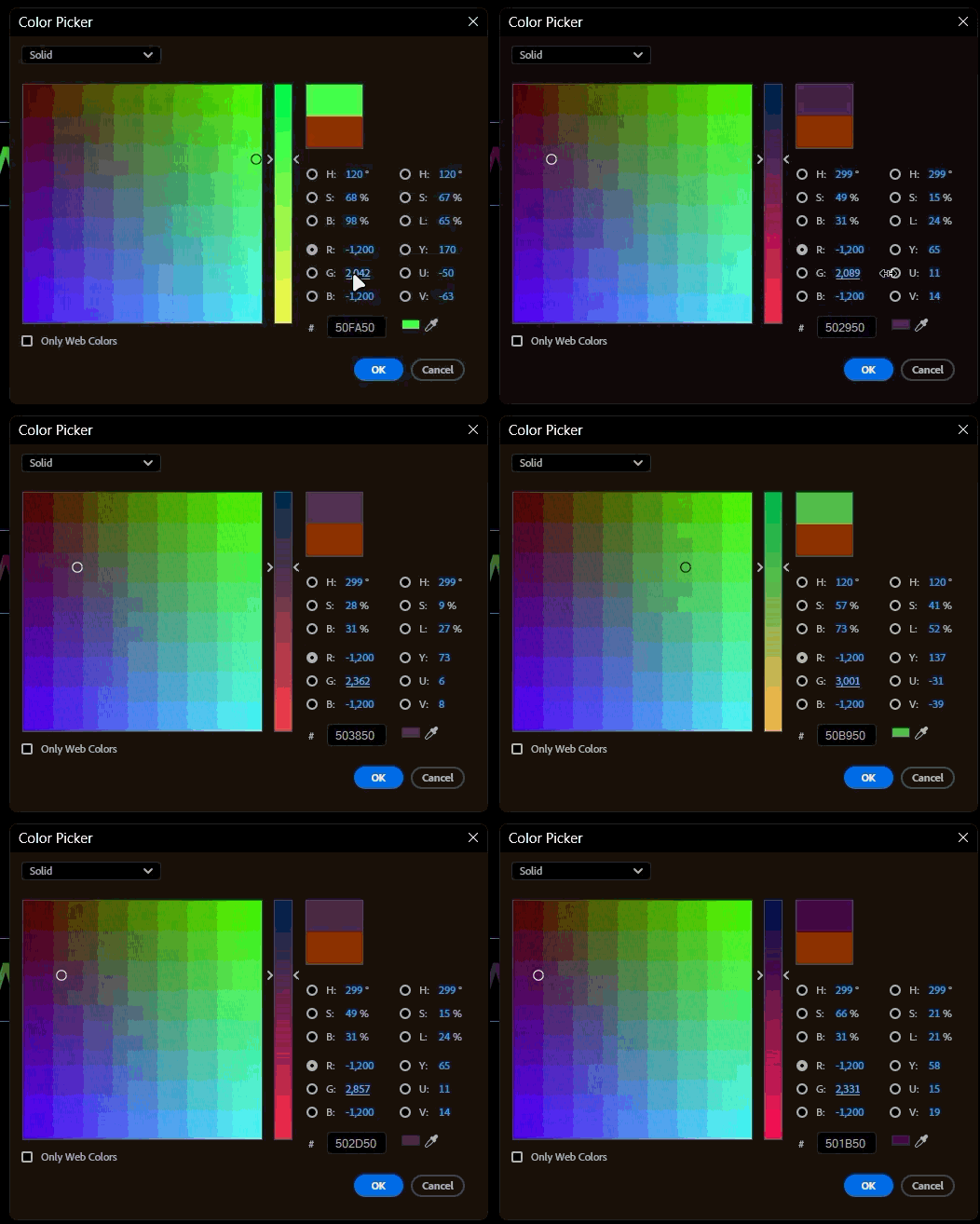
When changing color parameters inside Texts or Graphic shapes. Program allows us to go beyond the valid 0-255. We can go negative values or over 255. This doesn’t happen with the color values inside effects such as Drop Shadow.
 

System info
    Application: Premiere Pro v26.5.2 (build 5)
    OS: Windows v10.0.26200, RAM: 31.82 GB GB, CPUs (logical): 24 
    GPU: Rtx 3060 Ti  Nvidia Studio Driver ver. 617.42

    1 reply

    KatieToo
    Community Manager
    Community Manager
    October 13, 2026

    Welcome back ​@BeratGL 

    Thank you for reporting about this color picker issue, and I’ve made a report of these findings and filed that. We were able to recreate this issue in Premiere v26.5.2, along with the latest v27.1 Beta on my win11 setup. I even tested also on my m3 max macOS 27.0.1 with similar result. So affects both Win/Mac there. I also saw that it did not have this behavior on the effect Drop Shadow and took a quick screen recording for that. 

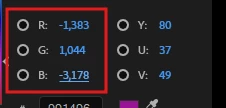
    Of note, during my testing, I noticed that once I committed the change and opened the Fill color picker back up, it silently changes it from the out of range value. See example below:


    Thank you for taking the time and effort to report on this issue, and we’ll return here with an update once we receive that or if we have any further questions. 

    In the meantime, manually adjusting those values within those ranges will be a good workaround.
    Much appreciated!
    Katie

    Translate