

Open for Voting
"comparison view" overlays stay "burned" in place when changing back from color mode to edit mode
I’ve narrowed it down a little more..
When you go into Color mode, choose comparison view, close comparison view the three elements stay in place
Could just be on my end, but the overlay for “original” “current” and the thing in the middle stays in place
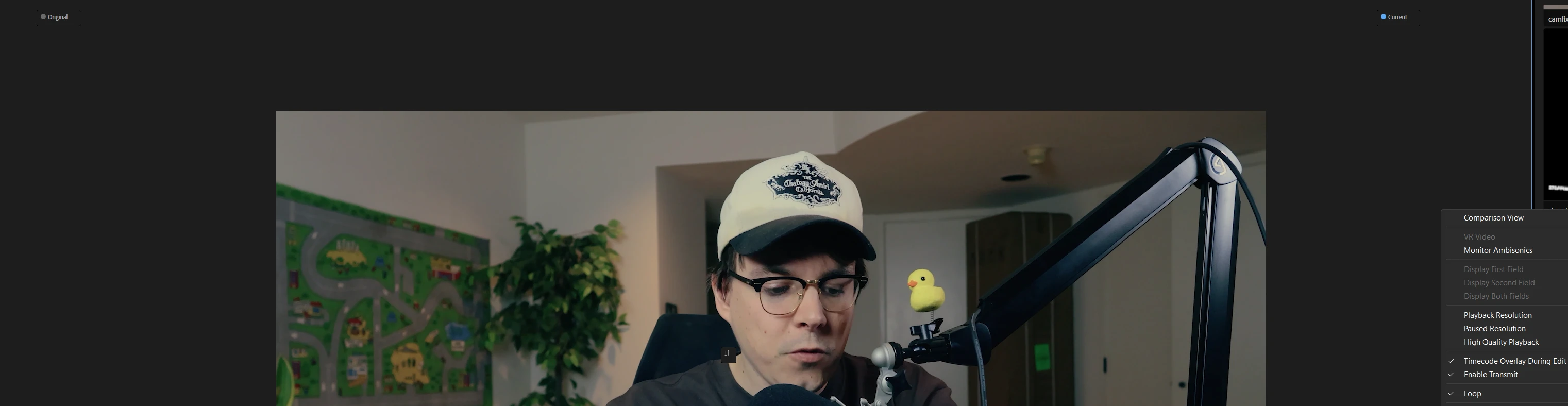
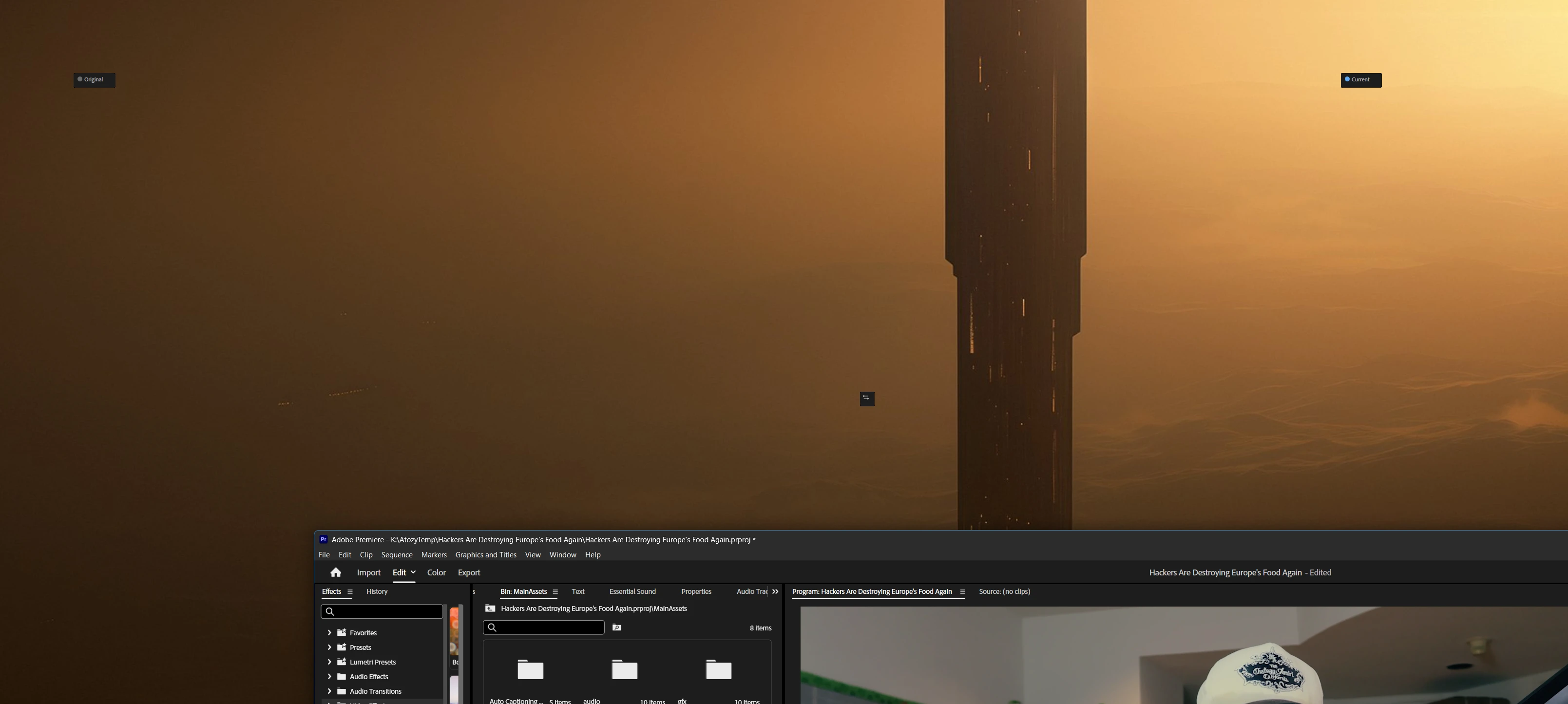
Also, it just stays there… Judging me
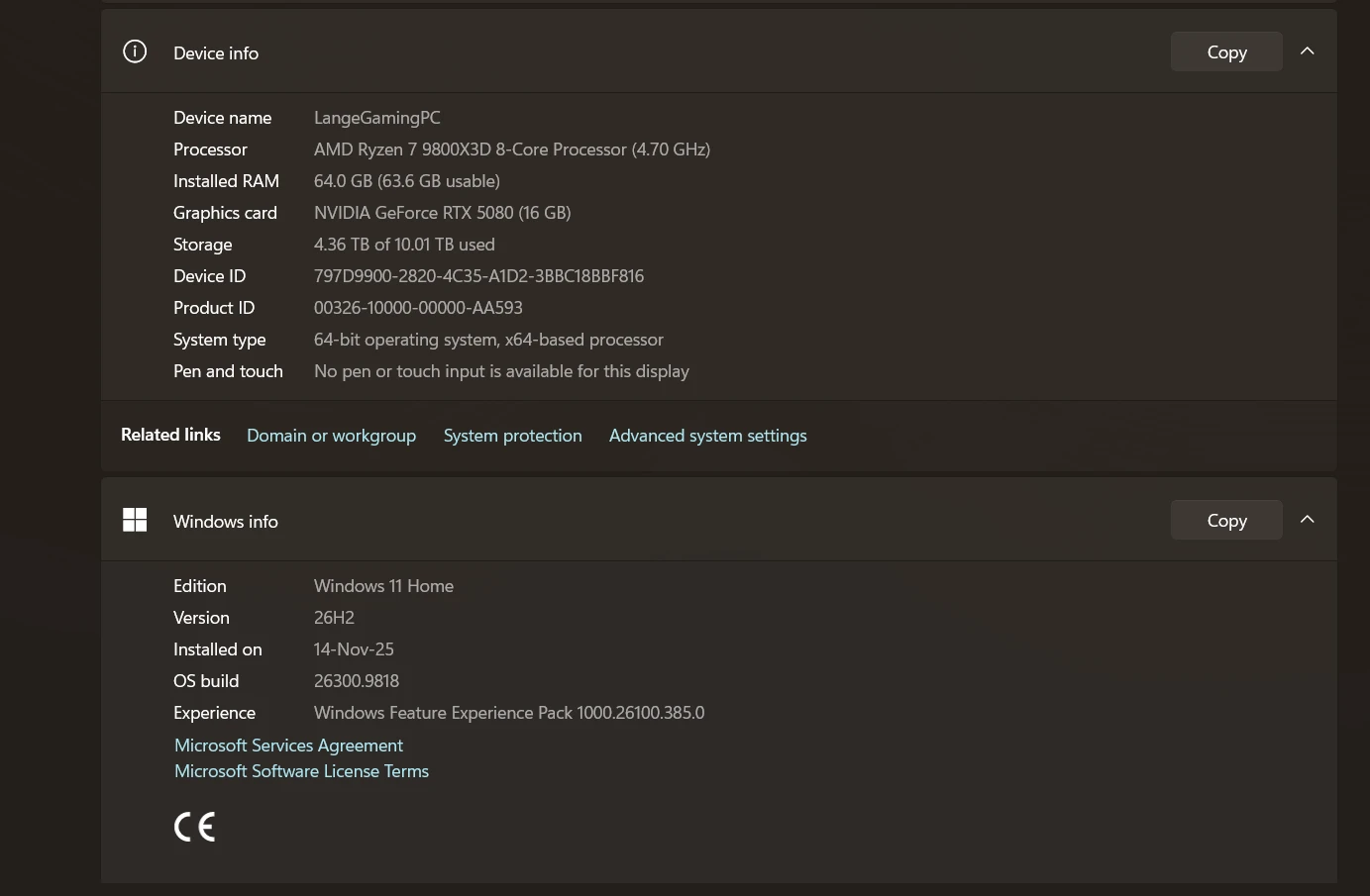
v27.0.0 (Build 88)
Reset workspace to saved does not fix it
Closing and opening a project removes the bug
 AdChoices