
Participant
March 9, 2024

Custom Workspace Keeps Being Overwritten

  • March 9, 2024
  • 7 replies
  • 309 views

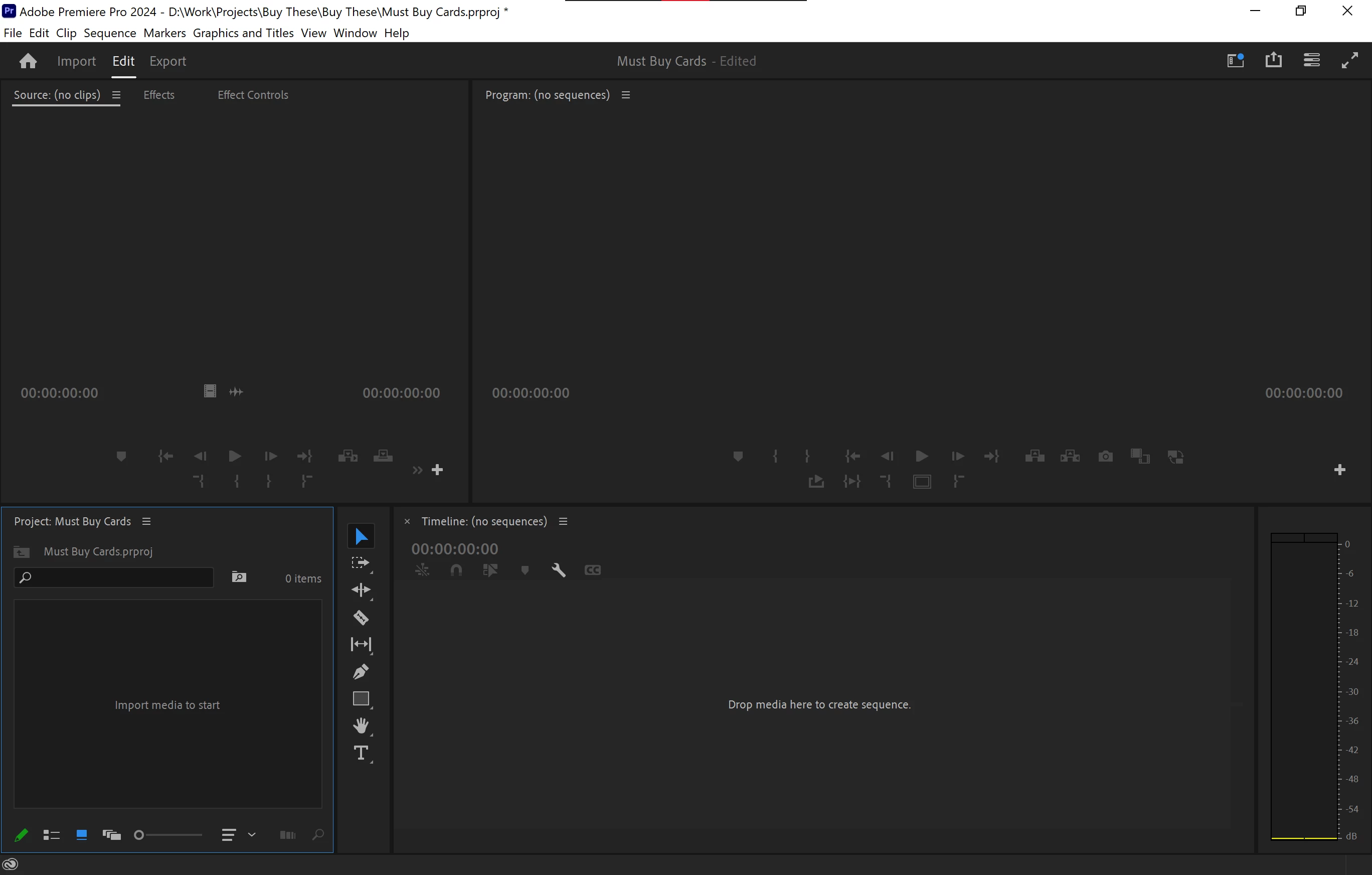
For years I've had this issue. I create a custom workspace layout that's suitible for my workflow, and EVERYTIME I open premiere, not only are my windows in a broken state, if I hit "reset to saved layout", it does nothing because it was overwritten. In the past 2 weeks alone I've had to fix it a whooping 14 times. Once for each day. It doesn't matter if I open premiere normally, open a project file directly, or even one of those options again later that same day.


This happens with every CC version of premiere that I've used (never had this with cs6), and even moreso with each new update.


This is what it should be
 

And this is what I open the app to each time
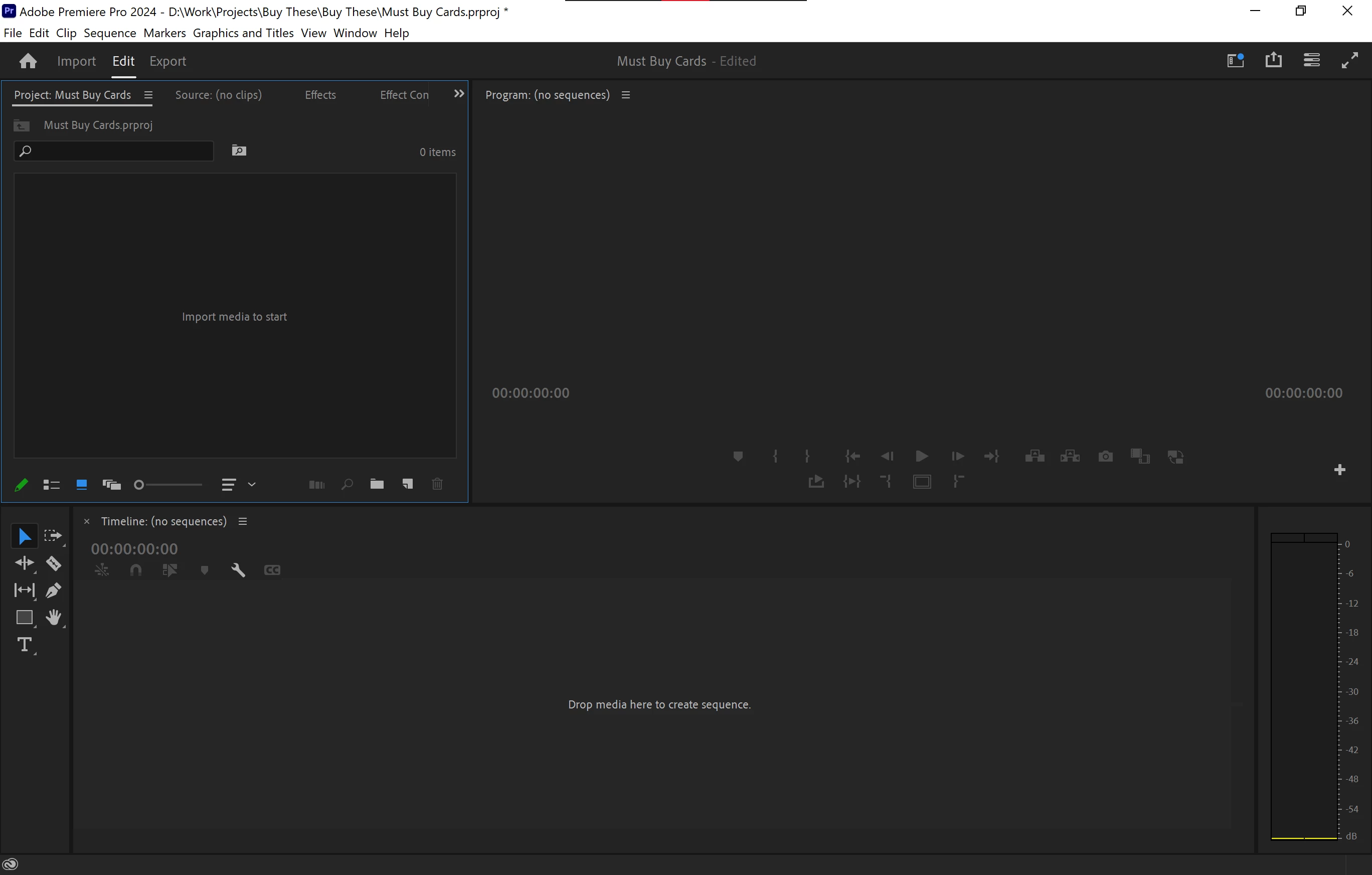
 

It takes only a few seconds to fix it and resave my layout, but that's still a lot of of time wasted when you add up this happens evertime the app is opened.


Is there a fix for this?

7 replies

Bruce Bullis
Community Manager
Community Manager
March 12, 2024

>But come tomorrow when I get ready to work again, it'll reset, again like normal for how I've been experiencing this bug.

Do you close PPro overnight?
Does some process manage or "touch" the storage where your profile-<username> directory lives? 

R Neil Haugen
Legend
March 9, 2024

That's just ... wrong. Hoping you can get it set.


For me, the main issue is the way the Project files keep popping back into the lower left main panel quadrant. Annoying.

Everyone's mileage always varies ...
Participant
March 9, 2024

@R Neil Haugen  Always have been. On one device I made it a habit to save a new one each time it was reset. Ended up having over 30 saved custom layouts alone before I deleted them all since the issue kept coming back.


@Bruce Bullis  I'll email you the files after sending this post. After creating the new workspace, UserWorkspace_2.xml was apparently updated, but didn't have HopefulTest in it, but UserWorkspace_3.xml was created and did.


Opening up the project I was working on after doing it (and also resetting my previous one from earlier that prompted this thread), it opens normally with the proper layout. This is usually the case if i'm working for an extended period of time. But come tomorrow when I get ready to work again, it'll reset, again like normal for how I've been experiencing this bug.

Bruce Bullis
Community Manager
Community Manager
March 9, 2024

Interesting! 

Test that would tell us more:

  • Make a safety copy (somewhere else) of UserWorkspace.xml and User Workspace_1.xml 
  • Open PPro.
  • Make and save some custom workspace, named "hopefultest"
  • Close PPro.
  • Open (Notepad is fine) the most recently-modified .xml file in \Layouts; does "hopefultest" appear?


[You could also send us the before and after files, and we'll compare them...]

R Neil Haugen
Legend
March 9, 2024

You are naming and saving as a new workspace, correct?

Everyone's mileage always varies ...
Participant
March 9, 2024

I don't use any file syncing service.


The only files in that directory are


UserWorkspace.xml and User Workspace_1.xml

Bruce Bullis
Community Manager
Community Manager
March 9, 2024

Is the following directory on your system being sync'd using any file syncing service (iCloud, Dropbox, OneDrive)?

C:\Users\<username>\Documents\Adobe\Premiere Pro\24.0\Profile-<cc_username> 

Do you see a lot of .xml files, in 

C:\Users\<username>\Documents\Adobe\Premiere Pro\24.0\Profile-<cc_username>\Layouts