

leakuslokus
Inspiring
June 24, 2026
Answered

Double-Clicking a bin closes "Projects" window

  • June 24, 2026
  • 1 reply
  • 0 views

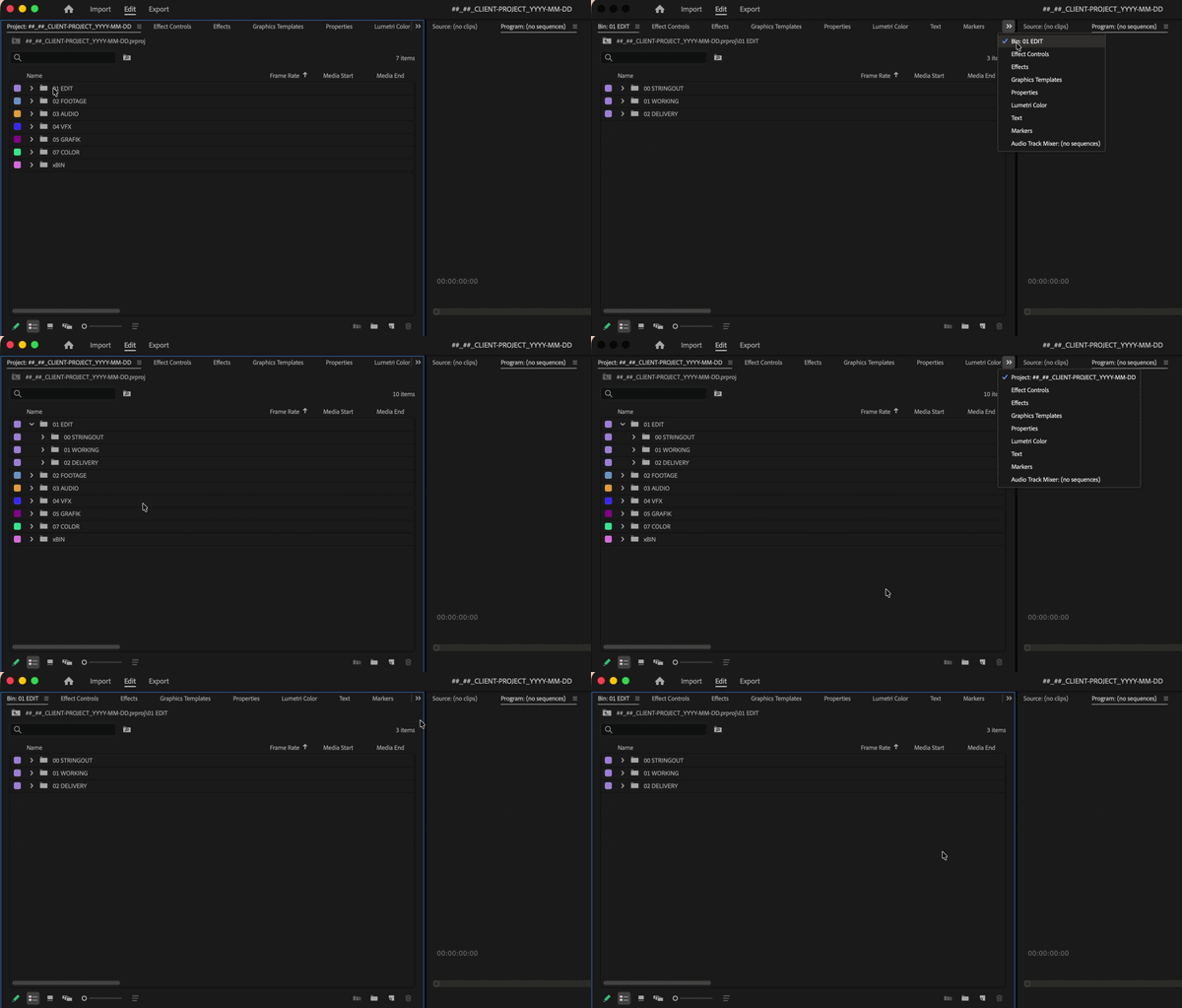
Recently I have noticed that, while usually, double clicking a bin opens it in a separate tab, it now closes my projects window. So to say; My “Projects” Tab changes into whatever bin I double click.

This was not always the case though - I use several bin-tabs when implementing grading or VFX into a sequence, while also keeping “Projects” open.

Also I have a Mac Studio, on which this problem does not exist. A double click still opens a separate bin-tab.

I am on a Macbook Pro M4, 48gb RAM. Also on Premiere 26.3.0., but have just updated from the version before that, because I thought it may help (it did not).
 

    Correct answer Stan Jones

    @leakuslokus,


    You appear to have your bin preference double-click set to “open in place.” Change it to “open new tab.”


    Edit → Preferences → General.


    That in Windows, but I suspect Mac is the same.


    Stan


    1 reply

    Stan Jones
    Community Expert
    Stan JonesCommunity ExpertCorrect answer
    Community Expert
    June 24, 2026

    @leakuslokus,


    You appear to have your bin preference double-click set to “open in place.” Change it to “open new tab.”


    Edit → Preferences → General.


    That in Windows, but I suspect Mac is the same.


    Stan


    leakuslokus
    Inspiring
    June 24, 2026

    You made my day Stan <3