

BeratGL
Known Participant
August 19, 2026

Double-clicking on program monitor doesn't select Linked Audio.

  • August 19, 2026
  • 3 replies
  • 39 views

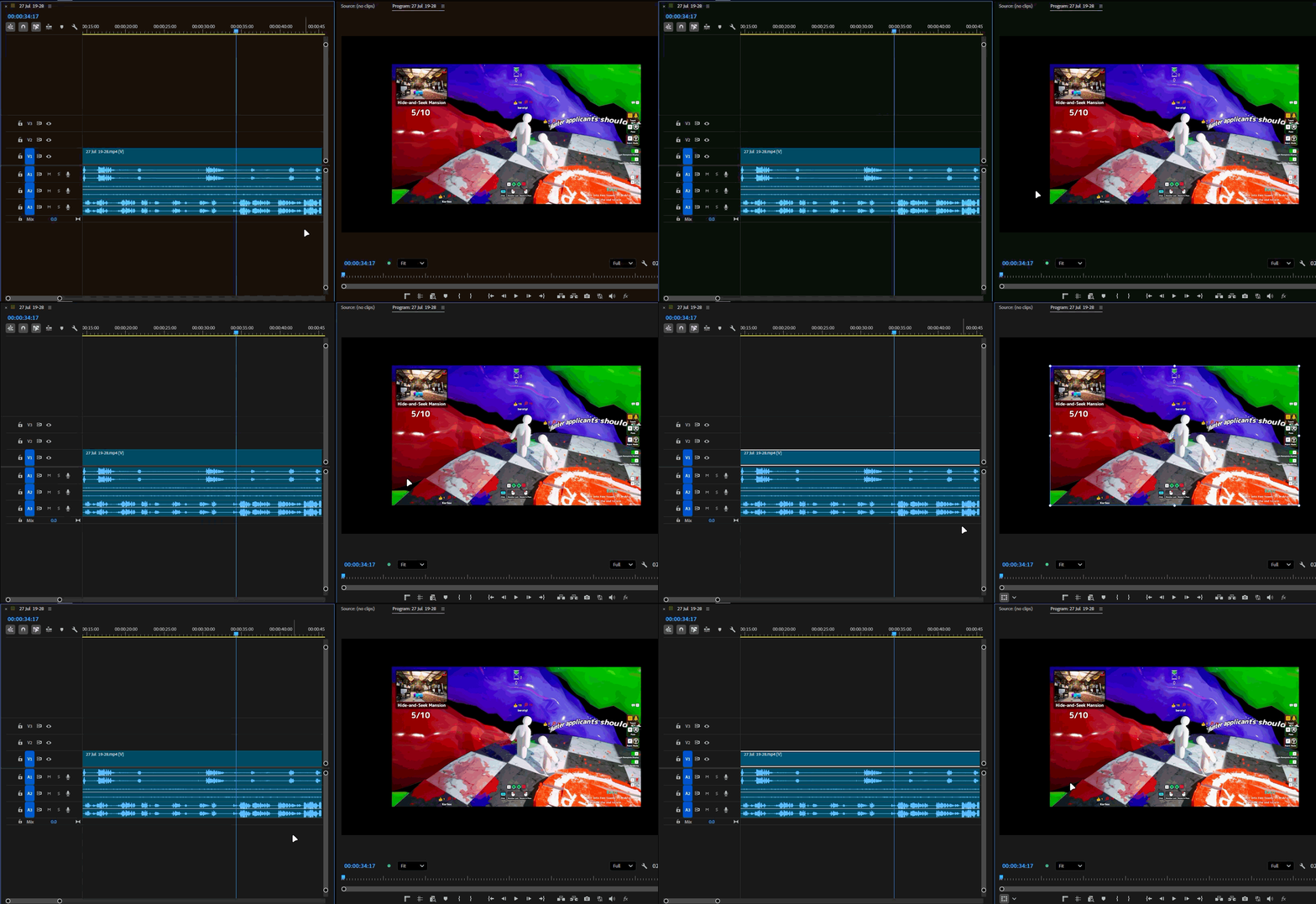
Double-clicking on video itself on Program Monitor both selects the video on the timeline and enables Direct Manipulation for it. However, In all 2026 versions (Including 26.0) it ignores the linked audio for it and behaves as if ‘Linked Selection’ is disabled. This is a regression going from Pr 2025 (25.6) to Pr 2026 (26.0) also includes 27.0 Beta.
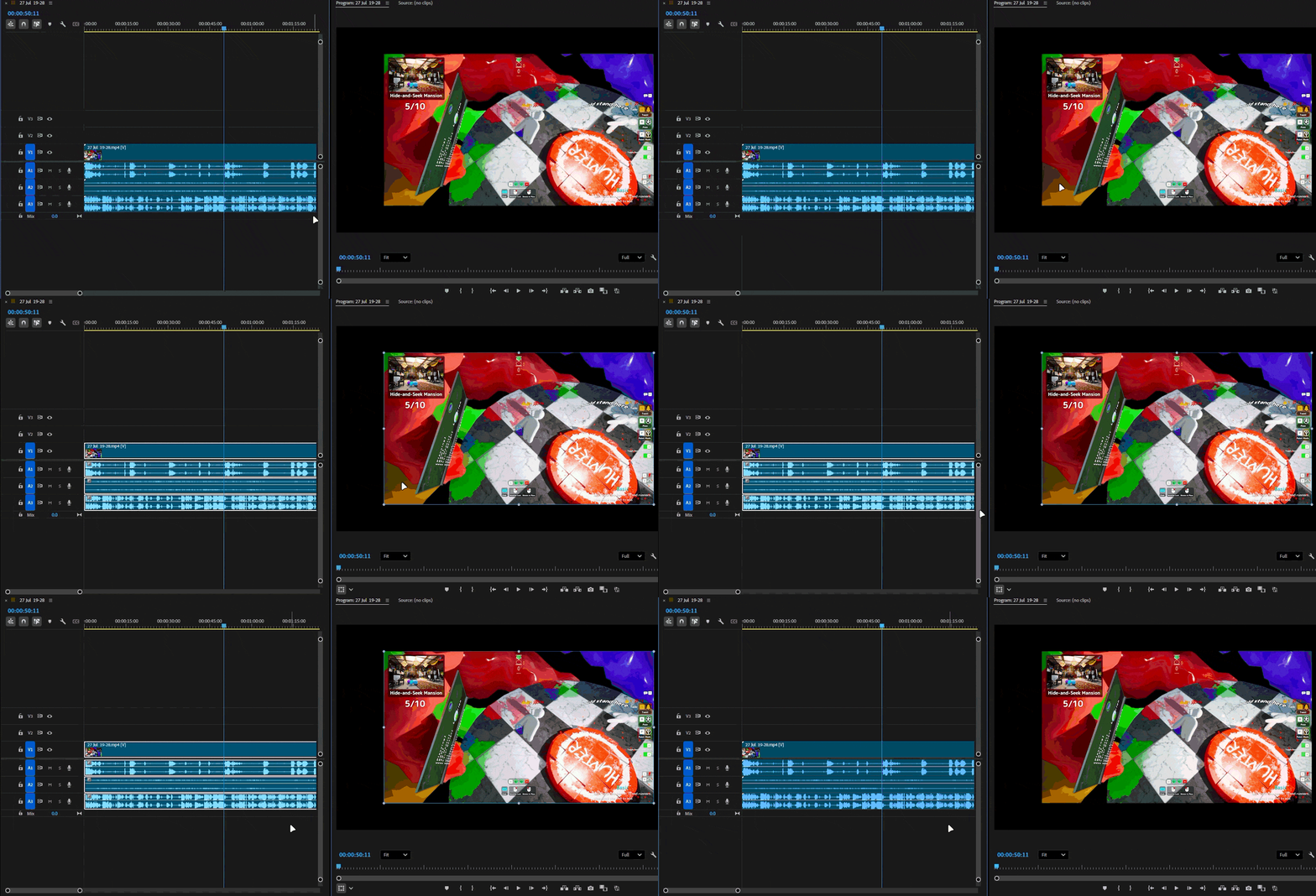
Premiere Pro 2025 (25.6.6)
Premiere 2026 (26.3.2)

This is not a workflow breaking bug by any means, but will cause annoyance if user wants adjust their position and trim the same clip. (Will require extra clicks everytime.)


System info
    Application: Premiere Pro v26.3.2
    OS: Windows v10.0.26200, RAM: 31.82 GB GB, CPUs (logical): 24 
    GPU: Rtx 3060 Ti  Nvidia Studio Driver ver. 610.88

    3 replies

    KatieToo
    Community Manager
    Community Manager
    August 19, 2026

    Welcome back ​@BeratGL
    Tested and was able to recreate this easily in v25.6.6 and v26.X onward. You’re right, that’s a sneaky little bug happening and extra clicks add up. I’ll get a report filed with those great details. We seriously appreciate those GIFs showing exactly what’s happening.

    Thanks again so much for your effort reporting on these bugs!
    Katie 

    BeratGL
    BeratGLAuthor
    Known Participant
    August 19, 2026

    Hi ​@KatieToo, Thanks for looking into this.

    This bug doesn’t happen in 25.6.6, I don’t know how you were able to recreate it in 25.6.6. Maybe you had linked selection disabled. Or I understood your message incorrectly.

    KatieToo
    Community Manager
    Community Manager
    August 19, 2026

    @BeratGL Apologies on my wording, only meant ‘recreate’ in that I grabbed a suitable clip to test this with and got exact same results as you did. Double clicking worked as expected/shown in 25.6.6, yes. 

    Appreciate it!
    Katie