



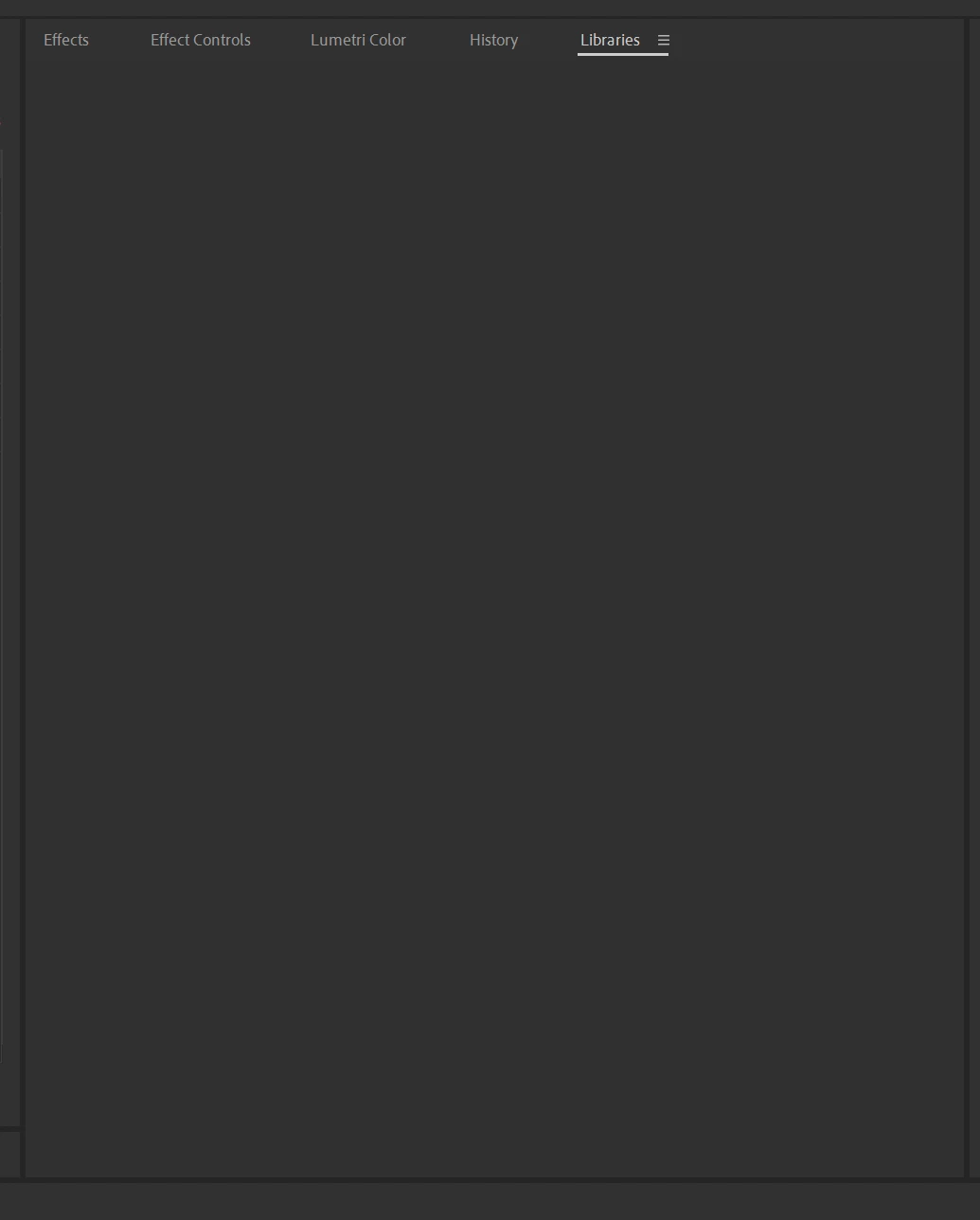
Empty Libraries Panel
For the past week or so I've noticed that the "Libraries" panel is totally empty. And the assets I had in there now apparently show up in the Essential Graphics panel under Browse > My Library.
Not sure if this is intended, but this really messes me up because I like to keep the 'Edit' tab in the Essential Graphics tab open since that's what I use most often, then have a dedicated panel for the Libraries where I have frequently used motion graphics and images and stuff.
On top of that, the Essential Graphics panel doesn't even include everything that used to be in the Libraries panel. It has the motion graphics templates but not images and stuff. And even still for what is there, none of it is grouped by the sections/categories like I had in the Libraries panel.
I know they're getting rid of the Creative Cloud Synced files, but that's not where these were. And even on that page about the discontinuation of synced files, it specifically mentions Creative Cloud Libraries in the section called "Is there an alternative to Creative Cloud Synced files?"
So not sure what's going on. See screenshot below. I tried restarting Premiere, closing and re-adding the panel, changing to the default Essentials workspace, etc.
.


 AdChoices