
Error compiling movie again and again and again
Hello everyone
I've recently been having trouble exporting videos. I've been getting this error below frequently. Usually when this happened, I would restart my computer and be able to render normally, but it's not happening anymore.
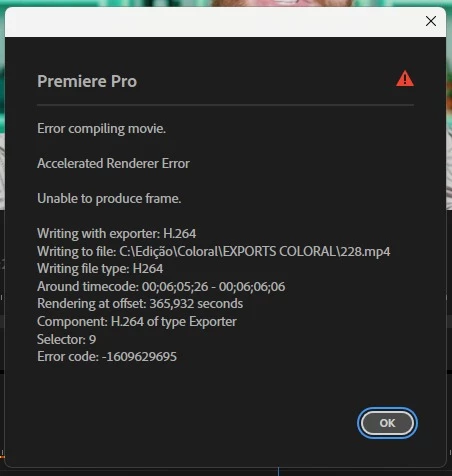
I noticed that the timecode where the error occurs is for sections that have an After Effects composition applied over the video (a very simple composition, just a graphic with a number) and in render if I select Software Encoding instead of Hardware Encoding, the problem doesn't appear (but consequently the export takes longer).
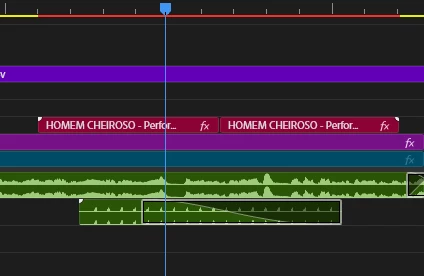
I've tried exporting using Media Encoder, and I've also tried creating a new sequence, but the problem persists. The bad thing is that this problem appearing frequently slows down my workflow a lot.
How can I solve this problem? Can someone help me, please?
Windows 11
RTX 4070 Ti
AMD Ryzen 5 7600
32GB RAM


 AdChoices