Participating Frequently
July 11, 2023

Essential graphics templates gone missing

  • July 11, 2023
  • 9 replies
  • 1401 views

I had over 100 templates in essential graphics, plus premiere presets.

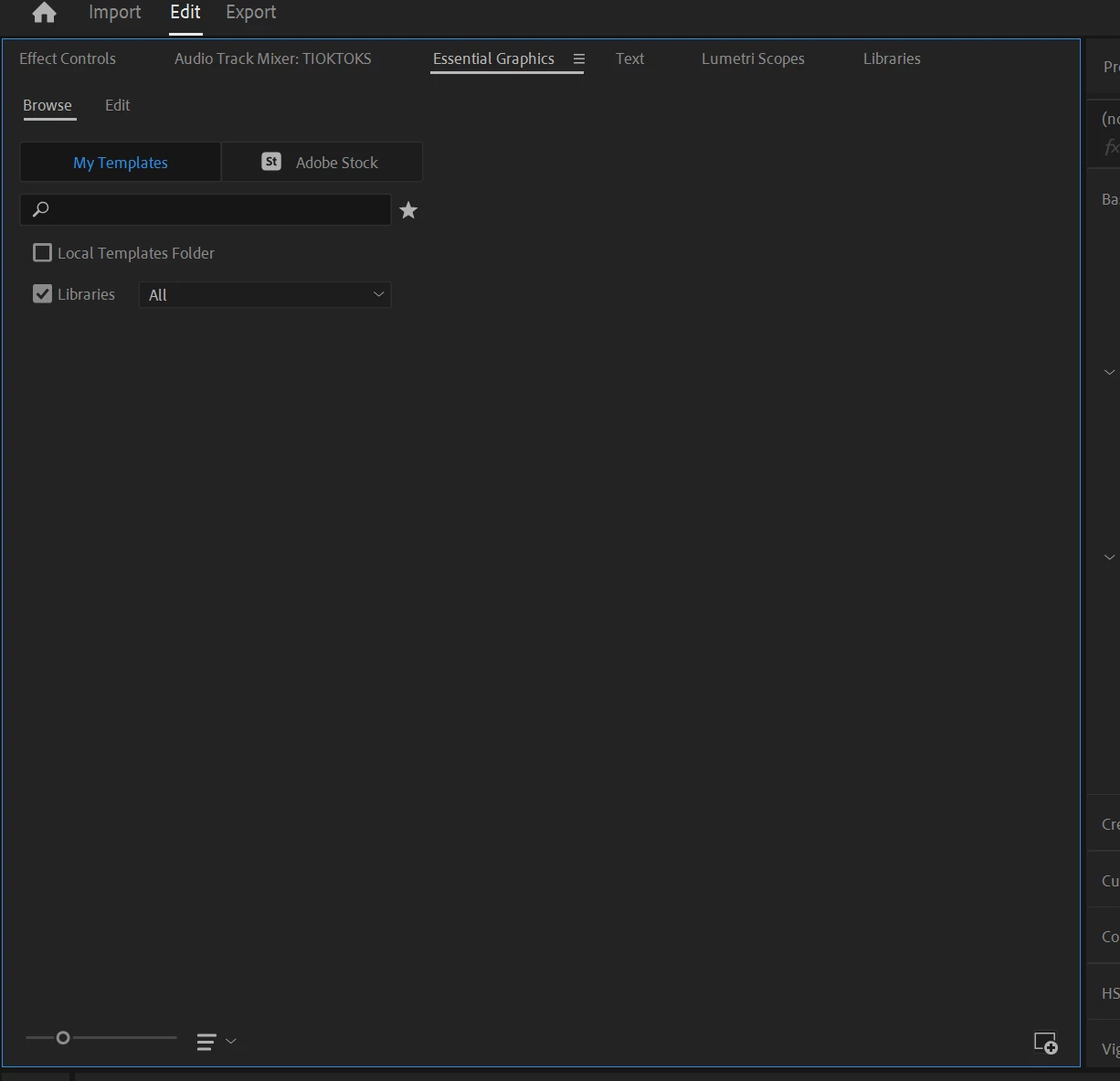
Yesterday I wanted to use one, but all the templates disappeared.

Now my EG browse panel looks like this:
 

I've searched online but I found no one having the same issue.

I can't even reinstall the presets because if I try to do it it says they are already installed.
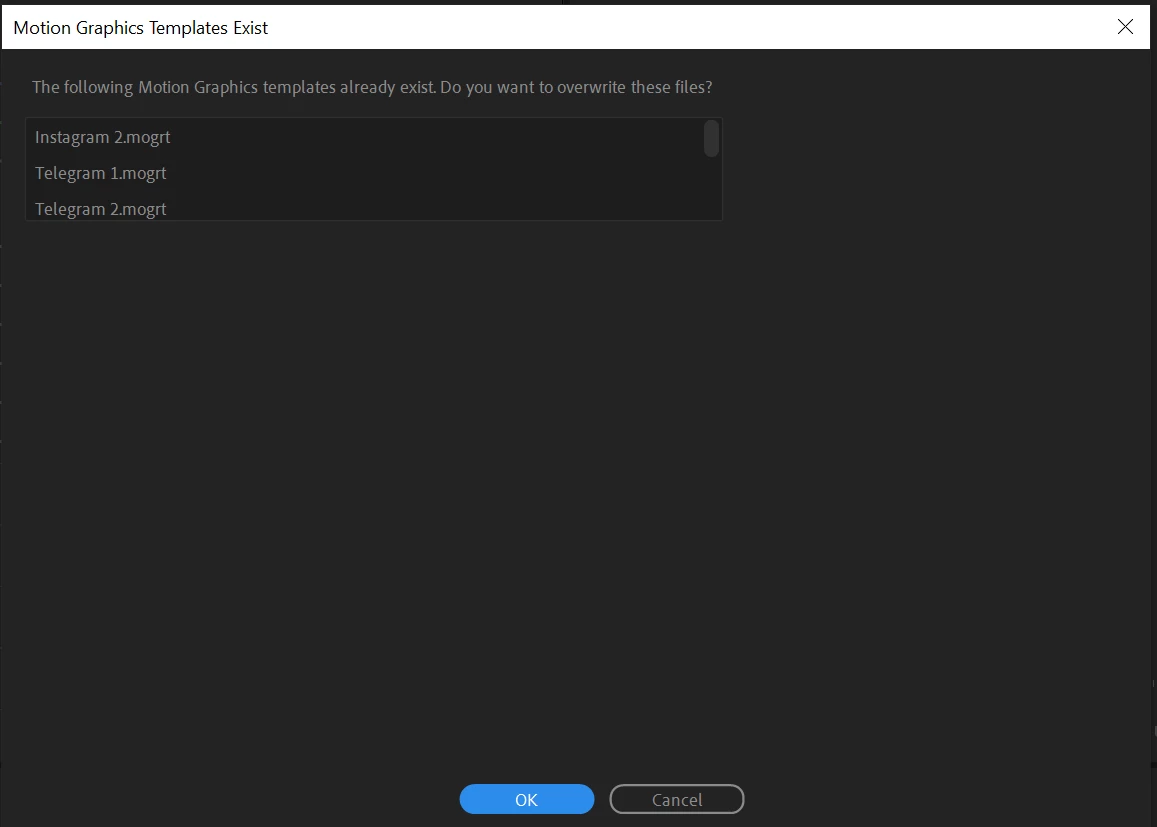
Even if I choose to overwrite mogrt files, it doesn't fix the issue. 

9 replies

Mystic_idea0D45
Known Participant
February 28, 2024

honestly, this is the worst response possible. Why even say anything at all? Just ignore the problem, it's the same as blaming WINDOWS???????? for a bad installation by your product?
Wow.

jstrawn
Community Manager
Community Manager
August 4, 2023

OK, good, so that can be a workaround while we figure out what's going on inthe EGP. You can add local mogrts to Libraries using the CC Desltop App if needed.

Participating Frequently
August 4, 2023

Yes, I can see them in both!
It may not solve the root of the problem, but using the library window in premiere works perfectly!

Thank you for the help 🙂

jstrawn
Community Manager
Community Manager
August 1, 2023

@Letizia5E17 I meant, can you see them in the Library if you look at the Library section of the CC Desktop App outside of Pr Pro, like you see in this image?

Or, for that matter, can you see them inside if Pr, in the Libraries panel?

Participating Frequently
August 1, 2023

Yes, they are in the folder. 
And they are not in the library as you can see in the images above

jstrawn
Community Manager
Community Manager
August 1, 2023

I don't fully understand the problem. Can you find the actual mogrt files on your system or not? On Windows, the default mogrts folder is in a location like this:
%UserProfile%\AppData\Roaming\Adobe\Common\Motion Graphics Templates

And did you have them in your CC Libraries as well? Can you find them in the Libraries browser in CC Desktop App?

Participating Frequently
August 1, 2023

I contacted Adobe support, and they discovered that the issue is linked  to my windows account, since using another account the issue is not present.

They suggested me to contact Windows support, but it is pretty expensive.

Any solution to the issue?
Adobe support resolution:

Thank you for the confirmation and as we both can see that the application is working fine in new user account. it shows that the issue was the result of the restricted permission from the Os manufacturer side. for this the best I would suggest you to please contact the Windows support once and ask them to merge both of your user accounts so that you will not face such issue.
After contacting the windows support please let them know that some of the features of Adobe applications are restricted from the OS manufacturer's end which is not allowing to use the Adobe application features completely and the restricted features are working fine in newly created user account.
By sharing this details you can ask them to merge both of your user accounts from windows support and once it will be done you would not face such issues with your original user account as well.

Participating Frequently
July 11, 2023

It didn't

Ann Bens
Community Expert
Community Expert
July 11, 2023

Sign out and in of your account. See if that will work.