
Participant
November 5, 2025

Export Issue: Premiere Pro creates M4V and AAC instead of MP4
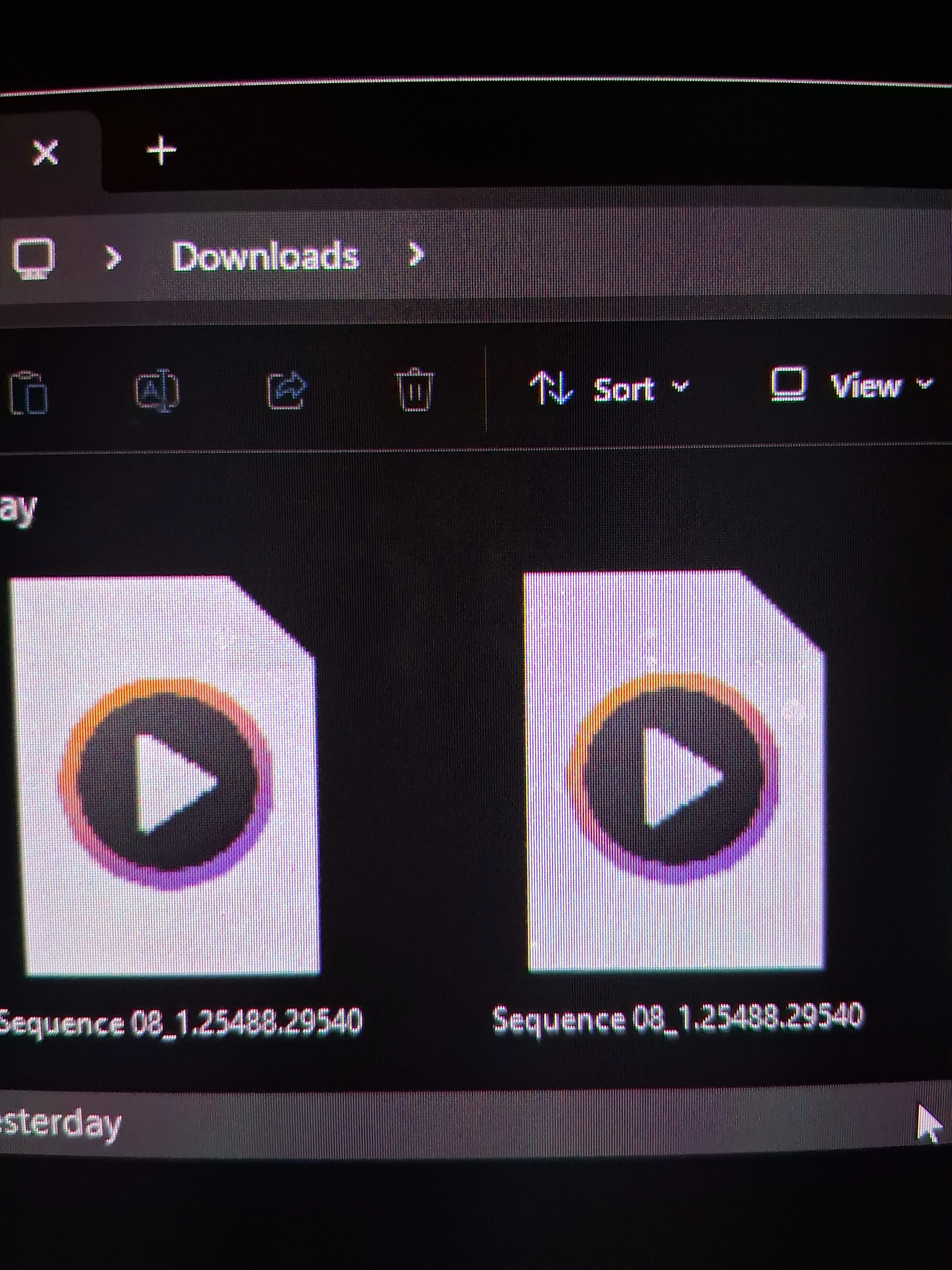
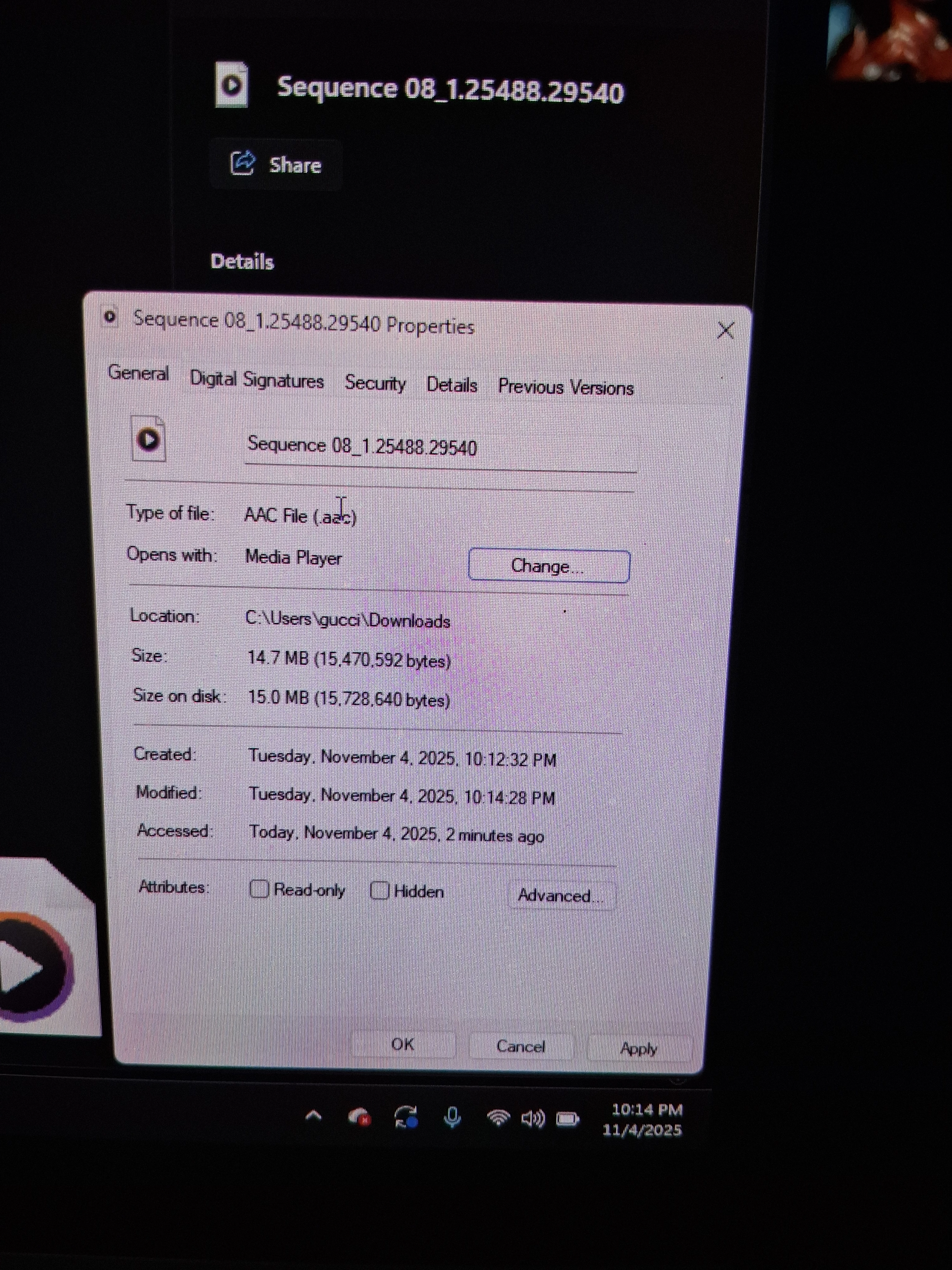
  • November 5, 2025
  • 4 replies
  • 123 views

Hey not sure if anyone else is experiencing this issue , when I export in Premiere Pro and encoder I get two separate files that save as AAC file and one being a M4V file. Instead of me getting one file with a MP4 file...I get these two that doesn't play anything. Probably 2 weeks ago I was exporting movies fine with files exporting as MP4 

4 replies

Community Manager
November 5, 2025

Hi @Jorell3200

Thank you for reporting a problem. We need a few more details to help like Premiere Pro version you are on and hardware information. Please see How to Report a Problem


Adding to the suggestions, what source media are you using and are you able to export with a different format, like ProRes? How is your disk space and have you tried exporting to a different location? 

Are you using any third-party plugins or effects? Something you could also try is to export smaller sections of your sequence to see if an .mp4 can be created that way, to narrow down if the encoding of the file is being potentially affected by a specific section of your sequence. 

Sorry for the frustration, 
Dani

Stan Jones
Community Expert
Community Expert
November 5, 2025

Also check your export settyings to see that you have not unchecked the multiplexer.


Stan


Ann Bens
Community Expert
Community Expert
November 5, 2025

Try trashing pref for Premiere and AME

R Neil Haugen
Legend
November 5, 2025

Those I believe are the components of the final file ... 

Everyone's mileage always varies ...