

"Export range" keeps changing to 'custom' (setting is no longer 'sticky')
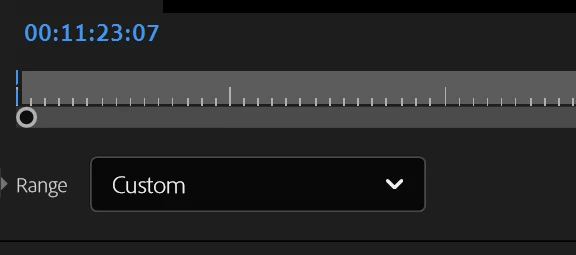
Every flippin’ time I export from my current project, the ‘Range’ automatically switches to ‘Custom’. It keeps exporting much more of the timeline than I want. Even when there’s nothing on the timeline beyond the last clip, it exports several minutes of black. I manually change the export range to ‘Work Area’, but after that single export it changes back to Custom.
This setting used to be sticky. Set it once within a project and it stays that way. Not anymore!!! I need this behaviour to stop. When I export, I only want it to export the Work Area. I need this setting to stay the way I set it!!!
Adobe Premiere Pro Version 25.6.4 (build 5), zero 3rd party plug-ins
Windows 11, Intel(R) Core(TM) Ultra 9 285K 3.70 GHz, 128 GB (127 GB usable), 64-bit operating system, NVIDEA GeForce RTX 4080 SUPER
The project I’m having trouble with is within a Production, if that matters.


 AdChoices