

Generating Static Transcript not working in Productions after Text-Based transcript is created
Summarize the problem you're seeing e.g. the program has crashed or won't import.
I have a timeline that is using a text-based editing transcript. However, trying to rename the speakers on the source clips is not staying. I tried opening the project with the source clip to see if that helped but changing the speaker name just reverts back to "speaker" so I am trying to create a static transcript on my timeline just to get it all working and it's not processing at all.
Steps describing how to encounter the bug.
- Turn on "Automatically transcribe clips" in settings so all imported clips get transcribed
- Edit a sequence using media from several projects in a project dedicated to timelines
- Create an edit-based transcript so all the source clips' text populates as the transcript for the edited sequence
- Go to the source clip to rename the speaker on one of the clips and notice it does not stick
- Go back to the edited sequence and try to generate a static transcript - it doesn't work
- Notice that trying to use "in and out" points to dictate where to transcribe the sequence, notice the option to transcribve disappears completely.
What should have happened?
Source clips should have been able to be saved with the new speaker names and the edited sequence should have overrided the text-based editing transcript and created a new transcript based on the clips in the timeline with a whole new analysis. Even copy/pasting the timeline to a new clean timeline with no transcript attached to it will not transcribe.
What actually happened?
Source clips speaker names revert back to "speaker" and the timeline does not even start to process the new static transcript
Do you have any third-party plug-ins or panels installed (even if they aren't being used when you encounter the bug)?
Several. Attached screen shots for reference: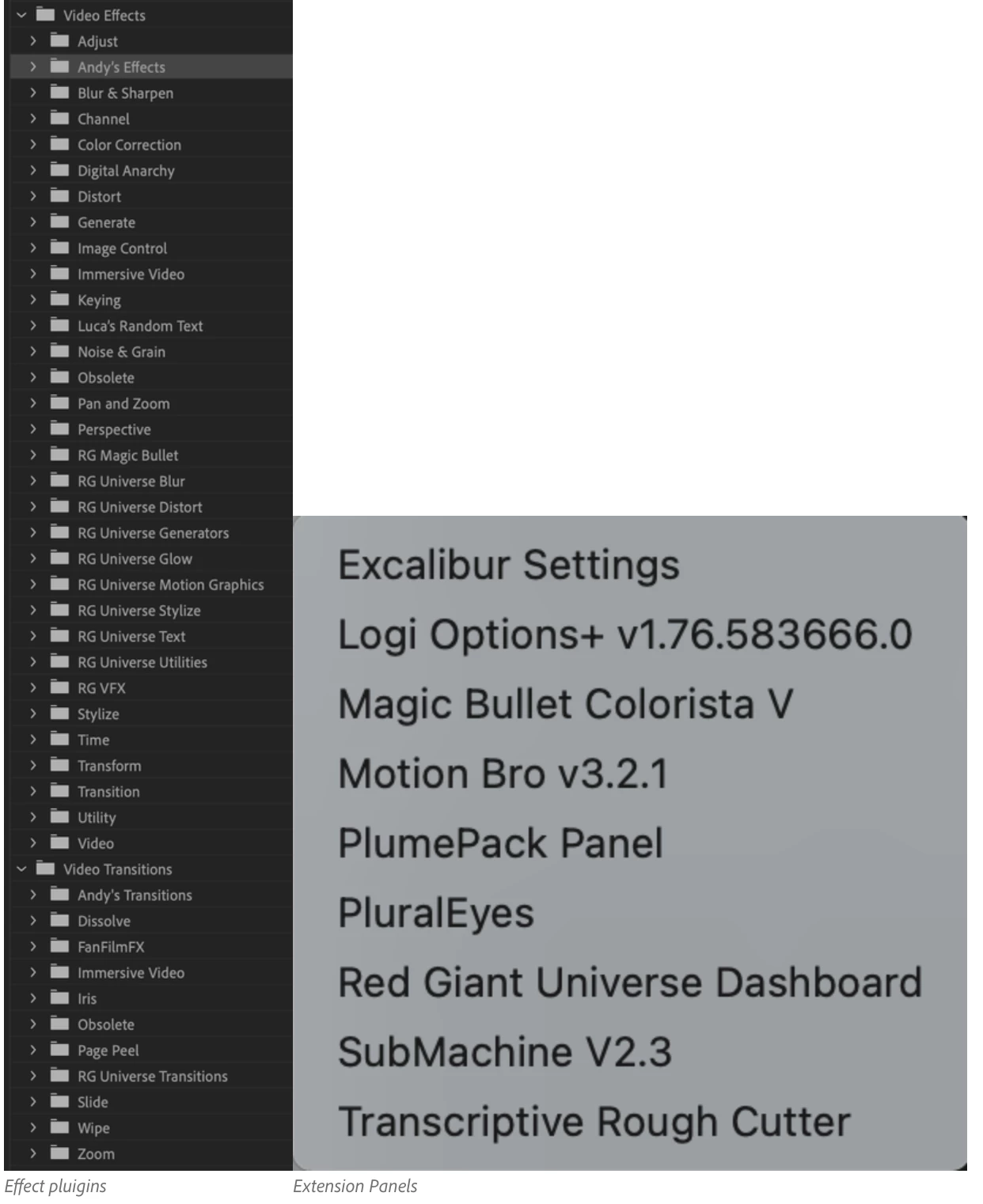
Please include your hardware specs and the exact name and version of your operating system.
Mac Studio Apple M2 Ultra
Memory: 192 GB
macOS: 14.5 (23F79)
Premiere Pro 24.5.0 (Build 57)


 AdChoices