

Acknowledged
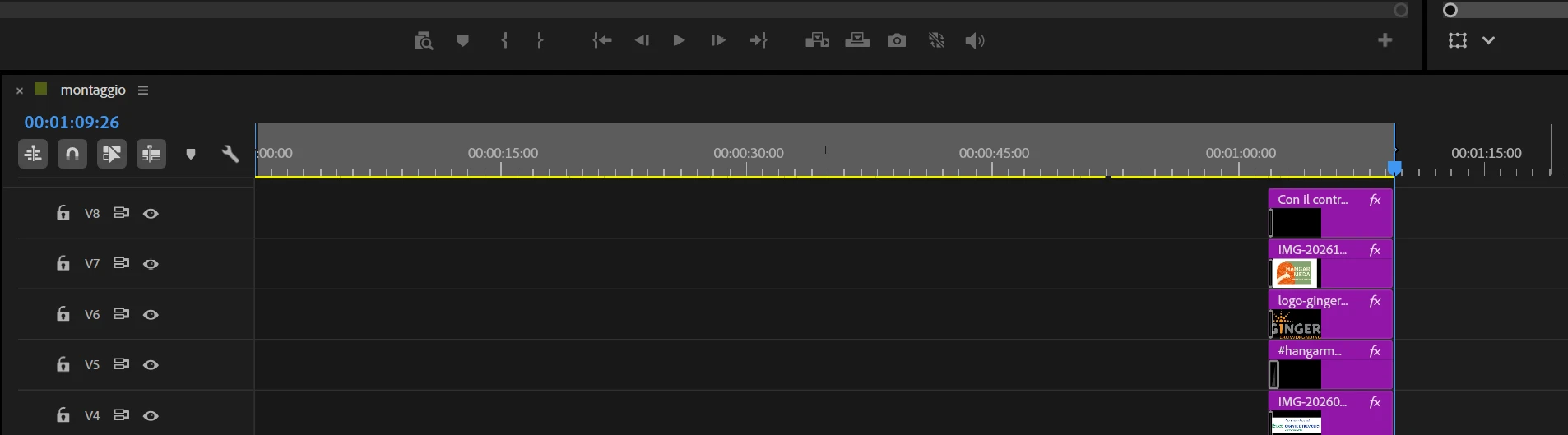
If I set in and outs markers on timeline, as soon as I switch to another workspace, the "range" of in and out changes.
Screenshot 1 is on my workspace1, screenshot 2 is on a different workspace.
After going back to workspace1, it stays like in the second screen.
Premiere v27.0.0
Windows 11

 AdChoices